

A temporary email can help you complete a TextNow sign-up if the app accepts the address and sends a verification message. Generate a disposable email address, enter it during registration, then open the verification email right away. Temporary domains are sometimes blocked, and a short-lived inbox is a poor choice for account recovery. If the email never arrives, switch to a mainstream email provider such as Gmail or Outlook and request verification again.
Looking for temp mail for TextNow because you want a free number without filling your real email address with spam? You are in the right place. This guide shows you how to use a temporary email for TextNow, complete TextNow email verification, and fix problems when the message does not show up.
You will get a clear sign-up process, simple steps, and honest limits. You will also learn when TextNow temp mail is a good idea, and when a permanent inbox is safer. The goal is simple: help you finish verification fast, protect privacy, and avoid common mistakes.
Can You Use Temp Mail for TextNow?
Yes, you can try temp mail for TextNow, but it does not work every time. Many people use a disposable email for TextNow so they can sign up for TextNow with email without sharing a personal inbox. That can help with spam protection and keep your real email address cleaner.
The honest answer to does TextNow accept temp mail is: sometimes yes, sometimes no. TextNow may block or not support non-mainstream and temporary email domains, and that can stop delivery of the verification message. If the address is accepted, TextNow can send a verification link or verification code to your temporary inbox. If the email domain is blocked, the message may never arrive.
Use a temporary email only for a low-risk, short-term account. If you need long-term access, password help, or a stable TextNow account recovery email, choose a permanent inbox instead. A short-lived inbox can expire, and then you may lose access to future messages from TextNow.
How to Use Temporary Email for TextNow Verification
This section is the action path. Follow the steps in order. Keep your temporary inbox open the whole time so you can complete TextNow email verification quickly.
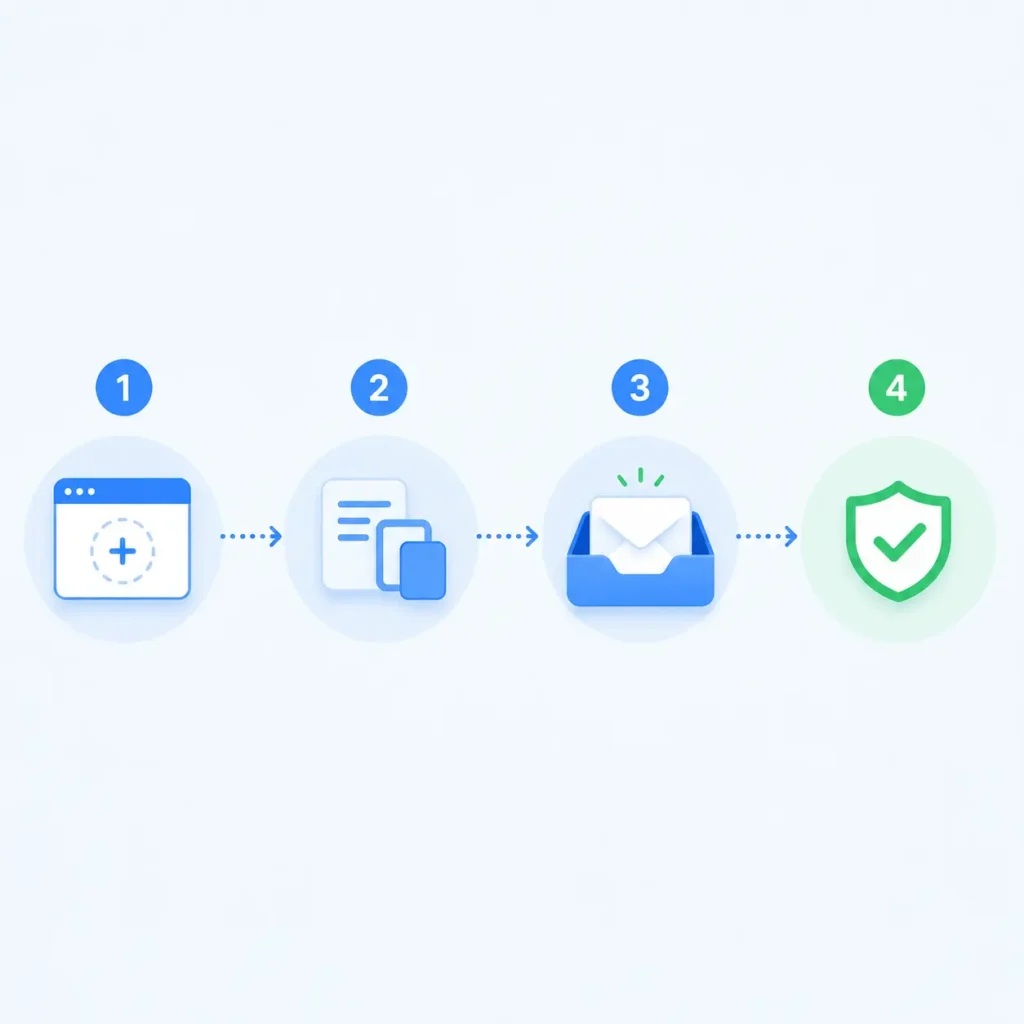
Generate a Disposable Email Address
First, open FreeMail AI and generate a free disposable email address. You do not need an account on FreeMail AI to start. The tool creates a temporary inbox right away.
Copy the address carefully. Leave the FreeMail AI tab open in your browser. Do not close it until verification is done. A temporary inbox is short-lived, so waiting too long can cause problems.
Tips before you move on:
- Copy the full address with no missing letters.
- Keep the page open for inbox refresh checks.
- Use a fresh address if your last attempt failed.
- Do not reuse old disposable addresses for a new try.
This step gives you a working TextNow temp mail option without sharing your personal email.
Enter the Address During TextNow Sign-Up
Next, open the TextNow app from the App Store or Google Play, or use the TextNow website. Start a normal account. Choose the path that lets you sign up for TextNow with email.
Paste your temporary email into the email field. Create a password you can remember. Finish the form and accept the TextNow Terms of Use as shown on screen.
Important checks:
- Make sure you pasted the correct disposable email address.
- Do not type it by hand if you can paste it.
- Stay on a stable internet connection.
- Complete only one normal sign-up process for yourself.
You are not done yet. The account still needs TextNow email verification before it is fully ready.
Open the Verification Email Right Away
Go back to your temporary inbox and wait a short time. Use inbox refresh if the page does not update on its own. Look for a message from TextNow with a verification link or verification code.
When the email arrives:
- Open it at once.
- Click the verification link, or enter the verification code in the TextNow app.
- Wait for confirmation that your account is verified.
- Then continue into the app and finish any on-screen steps.
Do this right away. Temporary inboxes can expire, and delayed clicks can fail. Also check the spam folder inside the temporary inbox if the message is not in the main list.
Switch If Verification Fails
If nothing arrives after a few minutes, do not keep guessing. First, resend the verification email once from TextNow. Wait a few minutes between requests. If it still fails, switch to a mainstream email provider such as Gmail or Outlook, then request verification again.
This is the smart fallback path. A permanent real email address is more likely to receive the message and works better later for account recovery. If you care about privacy but still need a stable inbox, you can also compare options like a Gmail alias versus a temporary email after you finish setup.
Why Is My TextNow Verification Email Not Arriving?
If your TextNow verification email not received problem will not go away, use this checklist. Most failures come from a few simple causes.
Quick Checks First
Start with the easy fixes:
- Refresh your temporary inbox again.
- Check the spam folder, junk folder, or promotions area.
- Confirm you pasted the exact email address into TextNow.
- Resend the verification email one time and wait a few minutes.
- Update the TextNow app from the App Store or Google Play.
- Restart the app and try again on a stable connection.
Verification messages often get filtered into spam or delayed by normal delivery issues. Users also report times when TextNow email verification feels stuck or resend options do not work as expected. So patience plus basic checks matters.
Domain and Provider Issues
If quick checks fail, look at the email domain. TextNow may block temporary or non-mainstream domains, which can lead to failed delivery. That means your temporary inbox may never get the message even when you did every step correctly.
What to do next:
- Stop using the blocked temporary address.
- Create or open a Gmail or Outlook account.
- Enter that real email address in TextNow.
- Request a new verification email.
- Open the message and complete verification.
This is the most reliable fix when does TextNow accept temp mail turns into a no for your chosen domain.
App, Account, and Policy Issues
Sometimes the problem is not the inbox. It can be the app version, network, or account status. Update TextNow, clear cache if needed, and try a normal connection without extra blockers that can interfere with pages.
Also remember that account limits are separate from email type. TextNow can limit accounts under its Terms of Use. In some cases, TextNow may also ask for identity verification through Persona. A temporary email does not remove those rules. If TextNow asks for identity checks or support steps, follow the TextNow Help Center path for your case.
If TextNow needs ownership checks later, a stable TextNow account recovery email becomes very important. A short-lived inbox may no longer exist when you need help.
When Should You Not Use Temp Mail for TextNow?
Temp mail is useful, but it is not the right tool for every TextNow account. Skip temporary email in these cases.
- You want a long-term number. If this TextNow number will be your main line for friends, work, or daily life, use a permanent real email address.
- You may need password reset later. Account recovery usually depends on the registered email. If the temporary inbox is gone, you may not get reset messages.
- You expect support or ownership checks. TextNow support and ownership steps can rely on the email used at registration. A permanent inbox makes that easier.
- You may face identity verification. When TextNow uses Persona for identity verification, a stable email setup is safer than a disposable one.
- Your temporary domain keeps failing. If delivery fails twice, stop forcing temp mail. Switch to a mainstream email provider and finish the sign-up process.
A simple rule: use a disposable email for low-risk, short tests. Use a permanent email for any account you care about keeping.
Temp Mail vs Permanent Email for TextNow

Use this table to choose quickly. Keep the decision practical.
| Situation | Better choice | Why |
| One-time low-risk sign-up | Temporary email | Fast spam protection and privacy |
| Main long-term TextNow number | Permanent email | Better for future access |
| Password reset needs | Permanent email | Supports account recovery |
| Support or ownership checks | Permanent email | Email may be part of verification |
| Domain keeps getting blocked | Permanent email | Higher chance of delivery |
| Quick privacy test only | Temporary email | Short-lived inbox is enough |
| Need stable TextNow account recovery email | Permanent email | Inbox will still exist later |
A temporary inbox is a short-lived tool. A permanent inbox from Gmail or Outlook is built for long use. Both can work for the first verification step, but they are not equal for the full life of an account.
If privacy is your main goal and you still want stability, a Gmail alias can sit between full temporary mail and your main personal address. That option is useful when TextNow rejects disposable domains.
Extra Tips for a Smooth Sign-Up Process
These small habits reduce failed attempts:
- Keep the temporary inbox tab open during the full sign-up process.
- Complete verification as soon as the email arrives.
- Avoid typos by pasting the disposable email address.
- Do not request the verification email too many times in a short window.
- Have a backup Gmail or Outlook ready if the first domain fails.
- Use one clear password manager note so you do not lose login details.
- Read on-screen TextNow messages carefully before retrying.
Also keep expectations realistic. FreeMail AI can give you a free temporary email for quick verification, but TextNow decides whether that email domain is accepted. Your job is to use a clean process and switch fast if delivery fails.
Common Mistakes to Avoid
Many people fail for simple reasons. Avoid these mistakes:
- Closing the temporary inbox before verification finishes.
- Waiting too long to click the verification link.
- Using the same failed disposable email domain over and over.
- Thinking temp mail can replace Terms of Use compliance.
- Creating an important long-term account with a short-lived inbox.
- Ignoring the spam folder when the message seems missing.
- Forgetting that account recovery needs a working email later.
Temporary email is a privacy tool, not a shield against account rules. If your account is limited, the fix is through TextNow support and policy steps, not through a new disposable address alone.
What Success Looks Like
A successful flow looks like this:
- You generate a disposable email address.
- You enter it during TextNow sign-up.
- You receive the verification email in your temporary inbox.
- You click the verification link or enter the verification code.
- TextNow confirms your account.
- You can use your number for calling and texting.
If step 3 fails, success still means finishing verification with a permanent email. The goal is a verified account, not forcing one type of inbox.
Generate Your Temporary Email for TextNow
If you understand the limits and still want a fast private option, you can start now. Open FreeMail AI, generate a free temporary email, and use it for a low-risk TextNow sign-up. Keep the inbox open, complete TextNow email verification right away, and switch to Gmail or Outlook if the message never arrives.
Ready to try it? Generate your free temporary email, paste it into TextNow, and finish verification in a few minutes. Use a permanent real email address anytime you need long-term access, account recovery, or stronger delivery reliability.
Final Takeaways
Temp mail for TextNow can be a smart privacy choice for a quick sign-up. It helps when you want spam protection and do not want to share your personal inbox. The best method is simple: create a temporary inbox, complete the sign-up process, refresh to receive the verification email, and verify it immediately.
At the same time, stay honest about limits. Temporary domains can be blocked. Short-lived inboxes are weak for recovery. Identity verification and Terms of Use rules still apply. When delivery fails, move to a mainstream email provider and finish the job.
That balance is what makes this approach work: act fast, verify early, and choose a permanent email when the account matters.