

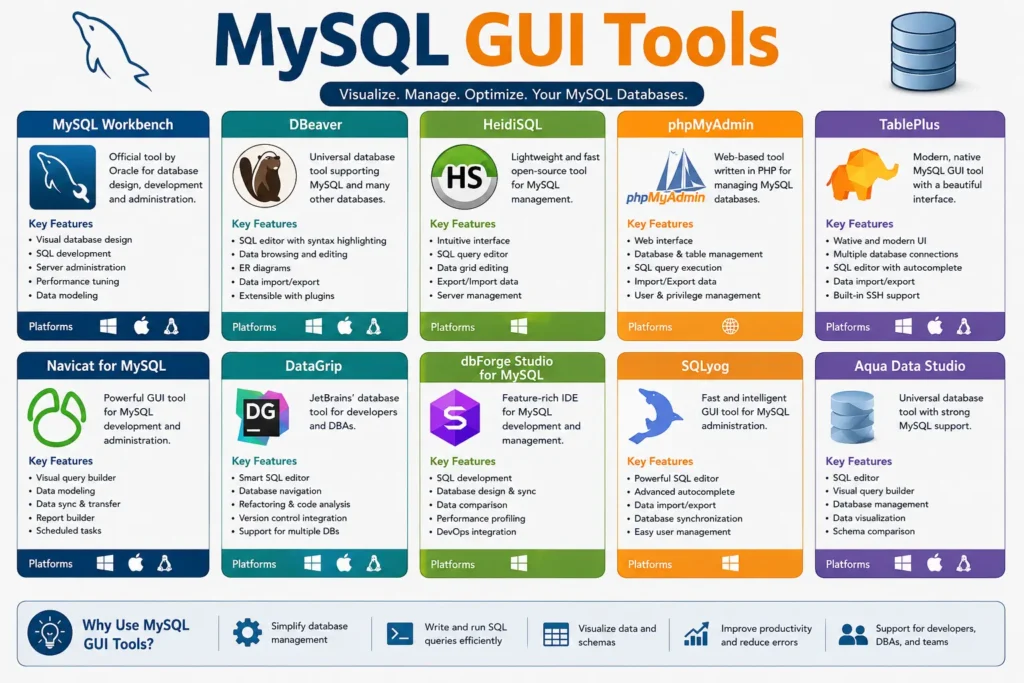
The best MySQL GUI tools in 2026 include MySQL Workbench (official and free), DBeaver (best free multi-database client), TablePlus (fastest native client), DataGrip (best SQL editor for professionals), Beekeeper Studio (best open-source pick), phpMyAdmin (best browser-based tool), HeidiSQL (best lightweight Windows tool), Sequel Ace (best free Mac tool), Navicat (best for enterprise teams), and DbForge Studio (best for SQL Server users switching to MySQL).
The right MySQL GUI client depends on your platform, budget, and daily workflow. Free options cover most common database management needs. Paid tools add speed, advanced SQL editing, and team collaboration features for professional developers.
MySQL Workbench is free and officially supported by Oracle. But many developers find it slow, and the interface feels outdated compared to newer tools. Picking the wrong MySQL GUI tool means wasted time every single day.
The good news is that plenty of strong options exist in 2026, and most of them are free. This guide covers the 10 best MySQL GUI tools available right now, including free and paid choices. You will find a comparison table, short reviews of each tool, a platform guide, and a clear recommendation for every type of user.
What Is a MySQL GUI Tool?
A MySQL GUI tool is a visual application that lets you manage MySQL databases without typing every command in a terminal. It gives you a graphical interface for writing SQL queries, browsing table data, editing records, and handling database administration tasks. Developers, database administrators, and data analysts all use these tools to work faster and with fewer errors.
The 10 Best MySQL GUI Tools in 2026 at a Glance
Before diving into each tool, here is a side-by-side comparison of all ten options. This table covers pricing, platform support, and the best use case for each MySQL database manager.
| Tool | Price | Platforms | Best For | Free Tier? |
| MySQL Workbench | Free | Win, Mac, Linux | Schema design, full MySQL admin | Yes, fully free |
| DBeaver | Free / $229 per year | Win, Mac, Linux | Multi-database teams, data migration | Yes, Community Edition |
| DataGrip | $199 per year | Win, Mac, Linux | Professional SQL developers | No (30-day trial) |
| TablePlus | Free / $89 one-time | Win, Mac, Linux | Speed, daily queries, clean UI | Yes, limited free tier |
| Beekeeper Studio | Free / $99 | Win, Mac, Linux | Privacy-focused, open-source teams | Yes, Community Edition |
| phpMyAdmin | Free | Browser only | Web hosting, browser-based access | Yes, fully free |
| HeidiSQL | Free | Windows only | Lightweight Windows tool | Yes, fully free |
| Sequel Ace | Free | Mac only | Native Mac users | Yes, fully free |
| Navicat | $179 per year and up | Win, Mac, Linux | Enterprise teams, full-featured needs | No (14-day trial) |
| DbForge Studio | Free lite / Paid | Win, Mac, Linux | SSMS-style MySQL experience | Yes, lite version |
Now here is a closer look at each tool.
1. MySQL Workbench: The Official Free MySQL GUI
MySQL Workbench is the official GUI tool for MySQL, built and maintained by Oracle. It is fully free and available on Windows, Mac, and Linux with no usage limits.
The SQL editor includes color syntax highlighting and auto-complete. The visual schema designer lets you build and edit database structures using an ER diagram view. The query execution plan viewer displays graphical explain plans that show exactly how MySQL processes your queries.
Key features include:
- Visual ER diagram editor for data modeling
- User and permission management tools
- Built-in database migration wizard
- Query execution plan visualization
- Import and export data in multiple formats
Who Should Use MySQL Workbench?
MySQL Workbench is the right choice for database architects, DBAs, and anyone who needs a fully free MySQL GUI with no limitations. It is also ideal if you need the official Oracle-supported toolset for database administration. The main tradeoff is speed. On large schemas, Workbench can feel slow. If fast daily query writing is your priority, a lighter tool may serve you better.
2. DBeaver: Best Free GUI for Multi-Database Teams
DBeaver is an open-source MySQL GUI client that goes far beyond MySQL alone. The Community Edition supports over 80 databases including PostgreSQL, SQLite, Oracle, and MongoDB. That makes it the most versatile free database management tool available in 2026.
The SQL editor includes context-aware auto-complete, syntax highlighting, and a solid query history panel. The data transfer wizard lets you move data between different database types with minimal setup. The Community Edition includes read-only ER diagram viewing.
DBeaver is built on the Eclipse platform. This means startup time is a little slower and memory usage is higher than lightweight native clients like TablePlus. For most users, this is a minor tradeoff compared to the depth of features available at no cost.
Best for: developers and teams who work with multiple database types, need strong data migration tools, and want a fully featured free SQL editor with broad cross-platform support.
3. TablePlus: The Fastest MySQL Database Client
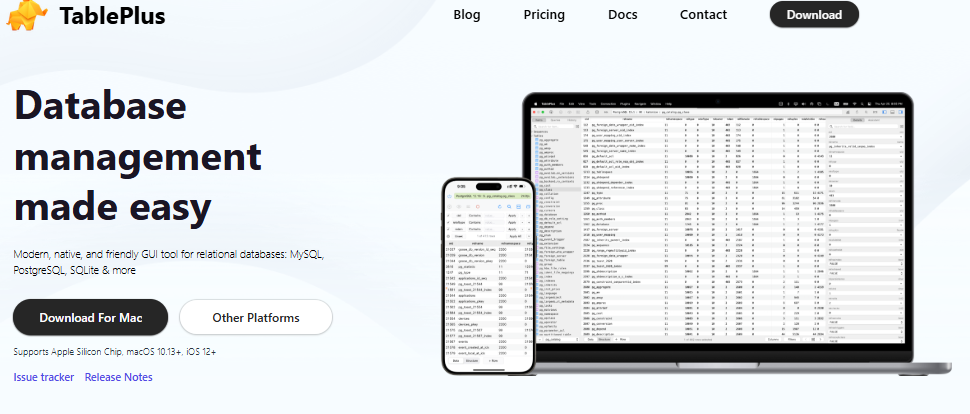
TablePlus is a native database client, not an Electron-based app. That single fact explains why it is the fastest MySQL GUI tool on this list. Connection windows open instantly. Queries run without lag. The interface responds like a native desktop application because it is one.
Core features include:
- Inline row editing with staged commits before saving
- Multi-tab support for multiple database connections
- SSH tunneling and SSL support
- Clean, modern UI that stays out of your way
- Available on Windows, Mac, and Linux
The free tier limits you to 2 open tabs and 2 active connections. For solo developers working on small projects, the free version is often enough. For teams or anyone managing multiple connections daily, the paid license is $89 as a one-time purchase.
Best for: developers who write SQL queries every day and want a fast, responsive MySQL GUI client without the sluggishness of heavier tools.
4. DataGrip: Best SQL Editor for Power Users
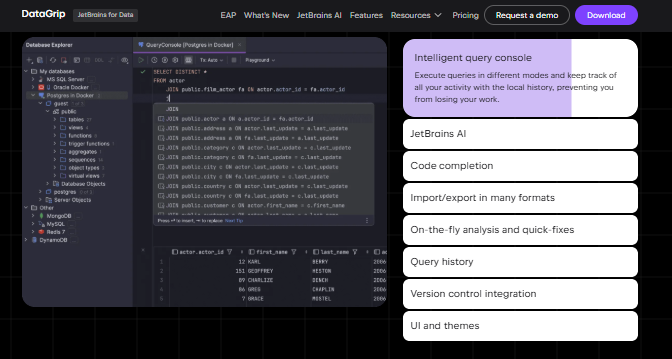
DataGrip is made by JetBrains, the company behind IntelliJ IDEA and PyCharm. It is not free, but it is the most advanced SQL editor available for MySQL database development.
The intelligent SQL completion goes beyond basic auto-complete. DataGrip understands your schema and suggests table names, column names, and function arguments in context. The on-the-fly error detection highlights issues before you run the query. The refactoring tools let you rename tables or columns across all related references at once. A local query history makes it easy to revisit past work.
DataGrip costs $199 per year for individual developers. A 30-day free trial is available.
Best for: professional developers who write complex MySQL queries daily, work in large codebases with many tables and relationships, and can justify the yearly cost with the time they save.
5. Beekeeper Studio: Open-Source Picks
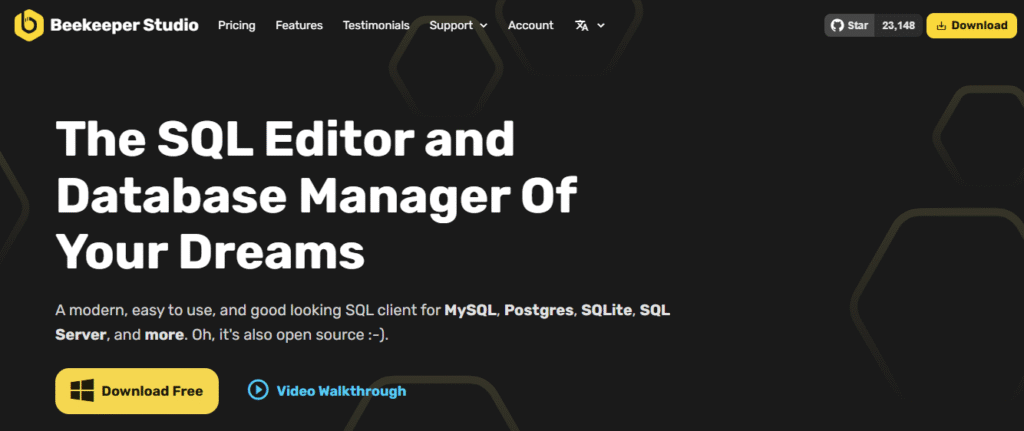
Beekeeper Studio is a modern, open-source MySQL GUI with a clean interface and a strong focus on privacy. Unlike many tools, it does not collect telemetry, and your connection credentials stay on your machine. The Community Edition is fully free and covers core MySQL management tasks including query writing, table editing, and data import and export.
Beekeeper Studio supports SSH tunneling, SSL connections, and saved queries. The interface is clean and beginner-friendly without sacrificing features. A paid version adds additional features for teams.
Best for: privacy-conscious developers and teams who want an open-source MySQL GUI with no data collection and a polished, modern user interface.
6. phpMyAdmin: Open-Source Picks
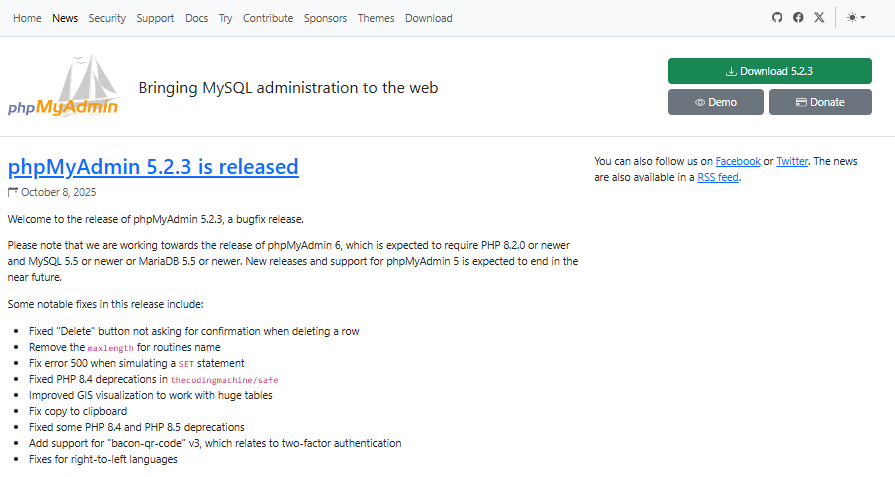
phpMyAdmin has been around since 1998 and remains one of the most widely used MySQL GUI tools in the world. It is browser-based, which means you access it through a web browser rather than installing a desktop application.
Most web hosting control panels including cPanel and Plesk come with phpMyAdmin pre-installed. This makes it the default MySQL GUI for millions of web developers who manage shared hosting accounts. It handles SQL query writing, table management, user administration, and data import and export entirely through the browser.
Best for: web hosting users, WordPress site owners, and anyone who needs quick browser-based access to a MySQL database without installing additional software.
7. HeidiSQL: Best Lightweight MySQL GUI for Windows
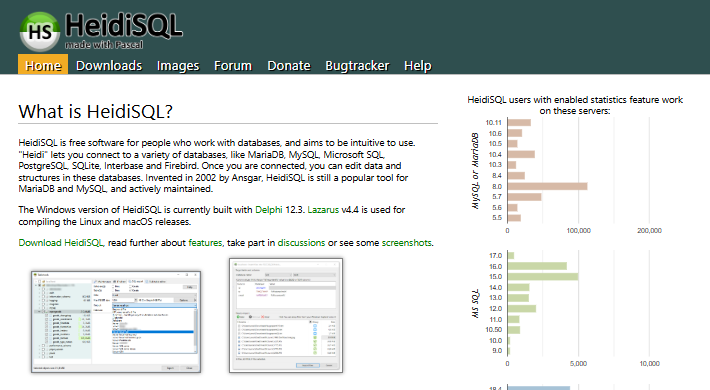
HeidiSQL is a free and open-source MySQL GUI built specifically for Windows users. It has been around for years and remains one of the most popular choices for Windows developers who want a fast, no-nonsense database management tool without installing anything heavy.
The interface is clean and loads quickly. HeidiSQL handles everyday MySQL tasks with ease including writing and running SQL queries, editing table data, managing user permissions, and importing or exporting data. It also supports SSH tunneling and SSL connections, which makes it useful for connecting to remote databases securely.
Core features include:
- Lightweight installation with a small memory footprint
- SQL editor with syntax highlighting and auto-complete
- Table and schema browser for quick navigation
- SSH tunnel and SSL connection support
- Batch query execution for running multiple statements at once
The only real limitation is that HeidiSQL runs on Windows only. If you work across Mac or Linux, you will need a different cross-platform tool. But for Windows-focused developers who want a fast and fully free MySQL database client, HeidiSQL is one of the best options available.
Best for: Windows developers who need a lightweight, fully free MySQL GUI for everyday database administration without the overhead of heavier tools.
8. Sequel Ace: Best Free MySQL GUI for Mac
Sequel Ace is a free, open-source MySQL GUI built exclusively for macOS. It is the modern successor to Sequel Pro, which was one of the most popular Mac database clients for many years. Sequel Ace picks up where Sequel Pro left off and adds ongoing maintenance, bug fixes, and compatibility with newer versions of macOS.
Because it is a native Mac application, Sequel Ace is fast and feels right at home on macOS. There is no Electron overhead, no sluggish startup, and no performance issues on large schemas. It connects to local and remote MySQL databases quickly and handles all core database management tasks cleanly.
Key features include:
- Native macOS app with fast, responsive performance
- Simple connection manager for local and remote databases
- Table browser, data editor, and SQL query console
- CSV and SQL import and export support
- Regular updates with active community maintenance
Sequel Ace does not support Windows or Linux. It is a Mac-only tool by design. But for Mac users who want the fastest and lightest free MySQL GUI available, Sequel Ace is the strongest choice in 2026.
Best for: Mac developers and database administrators who want a native, free, and actively maintained MySQL GUI client without installing a heavier cross-platform tool.
9. Navicat: Best Full-Featured MySQL GUI for Enterprise Teams
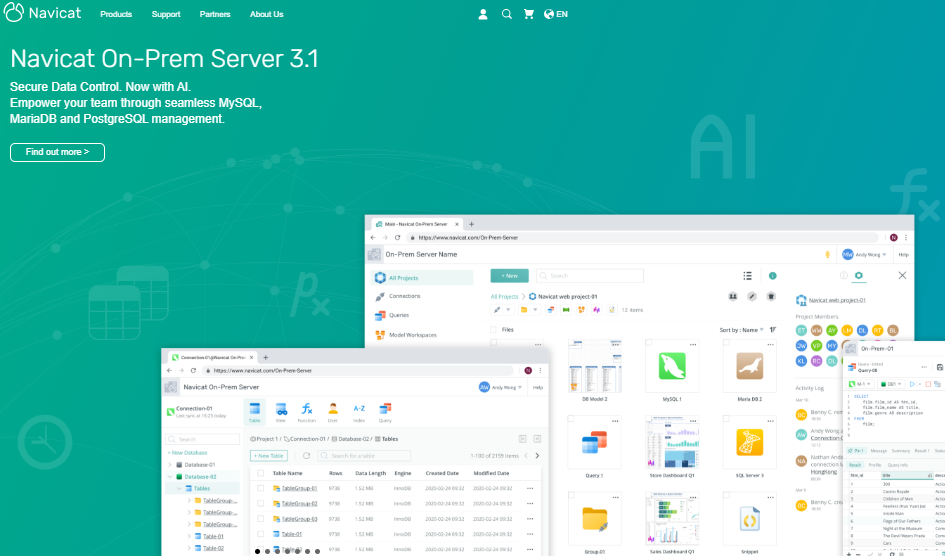
Navicat for MySQL is one of the most comprehensive commercial MySQL GUI tools available. It has been a go-to choice for professional database teams and enterprise environments for many years.
The feature set goes well beyond what free tools offer. Navicat includes a visual query builder that lets you construct SQL queries without writing raw code. The data synchronization tool lets you compare and sync data between two MySQL databases with a few clicks. The built-in scheduler automates repetitive tasks like backups and data imports. Team collaboration features let multiple users share connections and work on the same database environment.
Key features include:
- Visual query builder with drag and drop table joins
- Data synchronization and structure comparison tools
- Automated task scheduling for backups and imports
- SSH tunneling, SSL, and HTTP tunnel connection support
- Available on Windows, Mac, and Linux
Navicat starts at $179 per year for individuals. A 14-day free trial is available so you can test the full feature set before committing.
Best for: enterprise development teams, professional database administrators, and anyone who needs the most complete MySQL database manager with team collaboration tools and automated workflow features.
10. DbForge Studio: Best MySQL GUI for SQL Server Users
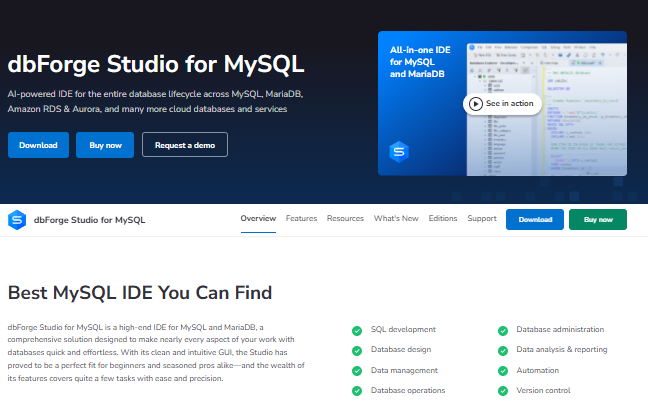
DbForge Studio for MySQL is made by Devart and is designed to give MySQL users the kind of experience that SQL Server developers are used to with Microsoft SSMS. It is the closest thing to a full IDE for MySQL database development.
The free lite version covers basic MySQL management tasks. The paid versions add advanced features including database design tools, schema comparison, data comparison, query profiling, and a powerful SQL formatter. DbForge Studio is available on Windows, Mac, and Linux.
Key features include:
- Advanced SQL editor with intelligent code completion
- Schema and data comparison tools
- Query profiler for performance analysis and tuning
- Database design and ER diagram editor
- Data import and export in multiple formats
Best for: developers and DBAs who are familiar with SQL Server tools and want a similar professional experience when working with MySQL databases.
Which MySQL GUI Tool Is Best for Your Platform?
Platform support matters when choosing a MySQL database manager. Not every tool runs on every operating system.
Best MySQL GUI for Mac: TablePlus and Sequel Ace are the top native options for Mac users. TablePlus is a native Mac app with fast performance and a clean interface. Sequel Ace is a free and open-source Mac-only tool and the modern successor to the popular Sequel Pro. Both handle MySQL connections well on macOS.
Best MySQL GUI for Windows: HeidiSQL is the best lightweight free option for Windows. It is fast, simple, and handles everyday MySQL management without the overhead of heavier tools. MySQL Workbench is also a strong Windows choice if you need schema design and full database administration features.
Best MySQL GUI for Linux: DBeaver and Beekeeper Studio are both fully supported on Linux and actively maintained. Cross-platform teams that work across Mac, Windows, and Linux should use DBeaver or TablePlus for a consistent experience on all three systems.
Which MySQL GUI Tool Is Right for You?
Choosing the right MySQL GUI client comes down to your role, your platform, and your budget. Here is a clear recommendation for every type of user.
- You are a beginner or student: Start with MySQL Workbench. It is free, fully featured, and officially supported by Oracle. You will learn the full MySQL toolset without any limitations.
- You manage multiple databases beyond MySQL: Use DBeaver Community Edition. It supports over 80 databases at no cost and covers nearly every use case a developer needs.
- You write SQL queries every day and want speed: Use TablePlus. The native client performance is noticeably faster than Electron-based alternatives. The $89 one-time license is easy to justify.
- You write complex queries and need the best SQL editor: Use DataGrip. The intelligent code completion and refactoring tools save hours each week for professional developers.
- You care about open-source and data privacy: Use Beekeeper Studio Community Edition. No telemetry, no tracking, and fully open-source.
- You manage a web hosting account or WordPress site: Use phpMyAdmin. It is already installed on your hosting and covers everything you need in the browser.
- You are on Windows and want the lightest free option: Use HeidiSQL. It is fast, simple, and does not slow your machine down.
- You are on a Mac and want the lightest option: Use Sequel Ace. It is free, native, and purpose-built for macOS.
- You need enterprise features and team collaboration: Use Navicat. It is the most full-featured commercial MySQL GUI client for professional database teams.
- You are coming from a SQL Server background: Use DbForge Studio. It gives you the SSMS-style experience you are used to, built for MySQL.
Best Free MySQL GUI Tools
DBeaver, MySQL Workbench, Beekeeper Studio, phpMyAdmin, HeidiSQL, and Sequel Ace all offer free tiers with no time limits. TablePlus and DbForge Studio have limited free tiers. DataGrip and Navicat offer free trials only.
Best Paid MySQL GUI Tools
TablePlus at $89 one-time offers the best value for daily developers. DataGrip at $199 per year is the strongest SQL editor for professionals. Navicat at $179 per year and up covers the most enterprise-level database administration needs.
Final Thoughts
The MySQL GUI tools landscape in 2026 is stronger than it has ever been. Free options like DBeaver, MySQL Workbench, and Beekeeper Studio give you professional-grade database management at no cost. Fast native clients like TablePlus and Sequel Ace have raised the bar for what daily database work feels like. And purpose-built SQL editors like DataGrip have made complex query writing significantly more efficient.
There is no single best MySQL GUI for everyone. The right database client depends on your platform, your workflow, and the features you actually use every day. Start with a free tool that matches your platform and upgrade only when you hit a real limitation.
Once your MySQL database is running and your application is live, the next step is testing it properly. Developers who build apps with sign-up forms and email workflows need a fast way to create test accounts without using real email addresses. A free temporary email generator lets you spin up test inboxes in seconds, keeping your real inbox clean and your testing workflow fast. Try freemail.ai for instant, no-signup disposable email addresses whenever you need them.