

The Business Model Canvas (BMC) is a one-page strategic tool that maps how a business creates, delivers, and captures value. It is built around nine building blocks: Customer Segments, Value Propositions, Channels, Customer Relationships, Revenue Streams, Key Resources, Key Activities, Key Partnerships, and Cost Structure. It replaces long business plans with a simple, visual framework used by startups and large companies alike.
Most entrepreneurs spend weeks writing a detailed business plan before testing a single idea. Then they realize the market wants something completely different. The Business Model Canvas (BMC) solves that problem. It lets you sketch your entire business strategy on one page in a few hours, not weeks.
This guide explains exactly what the BMC is, breaks down all nine building blocks in plain language, and shows you how to fill one out step by step. You will also see real-world examples so the whole thing clicks right away.
What Is the Business Model Canvas (BMC)?
The Business Model Canvas is a one-page strategic planning tool. It gives you a clear, visual snapshot of how your business works. Instead of a 40-page document, everything fits into a single grid with nine boxes.
Each box covers a different part of your business. Together, they tell the full story of how you create value for customers and how you earn money doing it. The BMC is used for business model design, testing new ideas, and understanding how existing businesses operate.
Think of it like a map of your business. Before you start building anything, you draw the map first.
Who Created the Business Model Canvas and Why?
Alexander Osterwalder and Yves Pigneur created the Business Model Canvas and published it in their 2010 book Business Model Generation. They designed it because traditional business plans were too slow and too rigid for the fast-moving world of startups and innovation.
The goal was simple: give any entrepreneur or team a shared visual language for business model design. The tool took off quickly. Today, over 1,300 large corporations use the BMC for strategic planning, and it is taught at business schools worldwide. Strategyzer, the official platform behind the canvas, makes the original template available as a free download.
What Are the 9 Building Blocks of the BMC?
The BMC is built around nine connected building blocks. Each one covers a core part of how a business runs. Changing one block almost always affects the others, which is what makes this tool so powerful for strategic thinking.
Below is a full walkthrough of all nine blocks. Each explanation uses a fictional SaaS startup called TaskFlow, a project management tool for small business owners, to keep things consistent and concrete.
1. Customer Segments
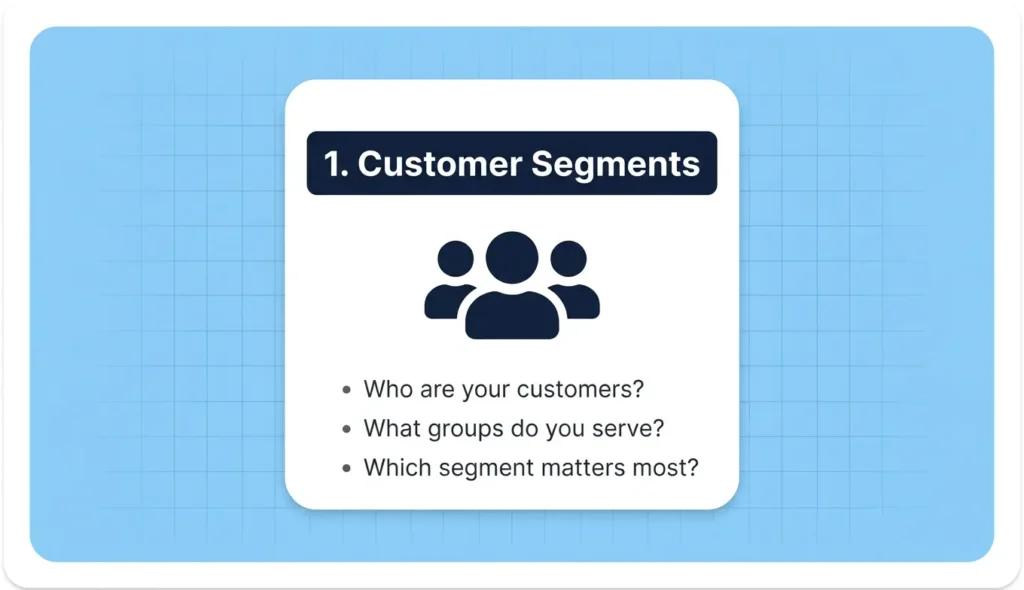
Customer segments are the specific groups of people or organizations your business serves. You need to know exactly who your customer is before you can design anything else.
TaskFlow targets small business owners with teams of 2 to 20 people who feel overwhelmed by too many tools and scattered tasks.
Ask yourself: Who are we really building this for? Are there multiple groups? Which group matters most?
2. Value Propositions
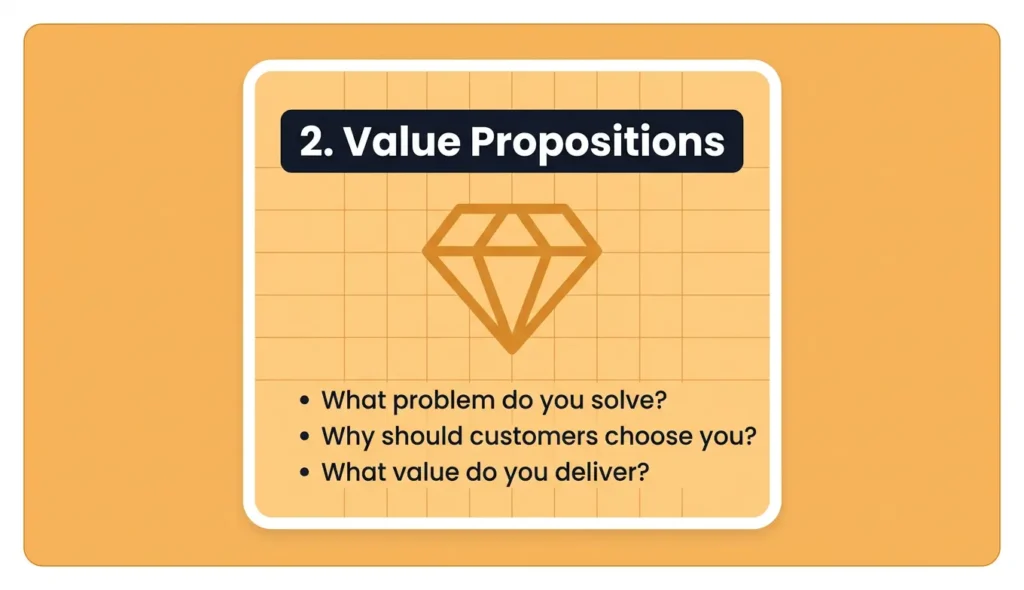
Your value proposition is the core reason a customer chooses you over anyone else. It answers the question: what problem do you solve, and why does your solution matter ?
The value proposition is often called the most important block on the entire canvas. Everything else on the canvas supports it.
TaskFlow’s value proposition: one simple dashboard that replaces five different tools, saves 5 hours per week, and costs less than a team lunch.
This block can be quantitative (faster, cheaper, more efficient) or qualitative (better design, easier to use, less stressful).
3. Channels
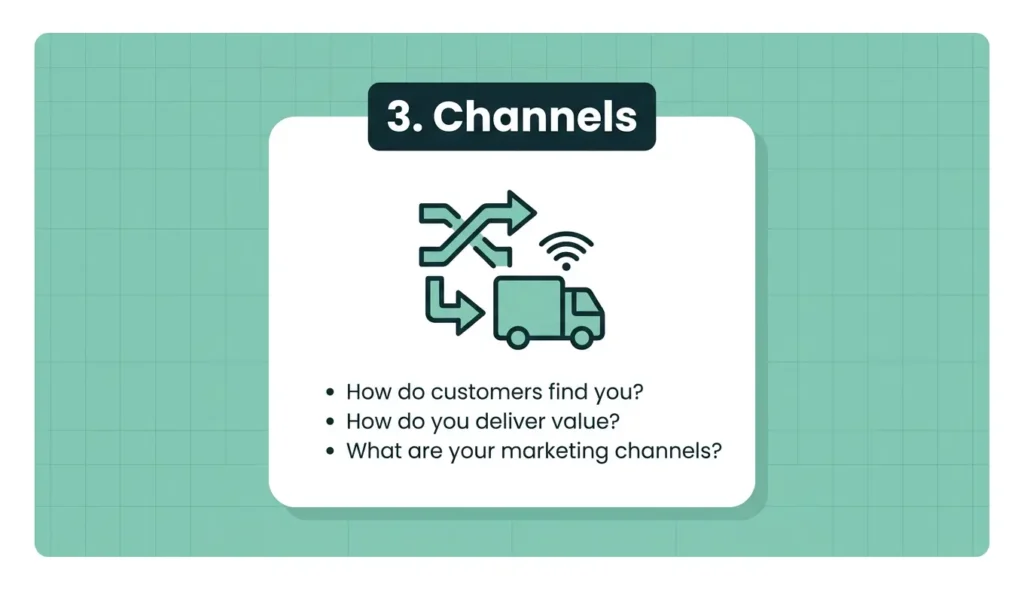
Channels are how you reach your customer segments and deliver your value proposition to them. This includes marketing channels, sales channels, and delivery channels.
TaskFlow reaches customers through Google ads, a free trial on the website, and a referral program where existing users invite their team members.
Think about where your customers already spend their time online. That is usually where your channels should be.
4. Customer Relationships
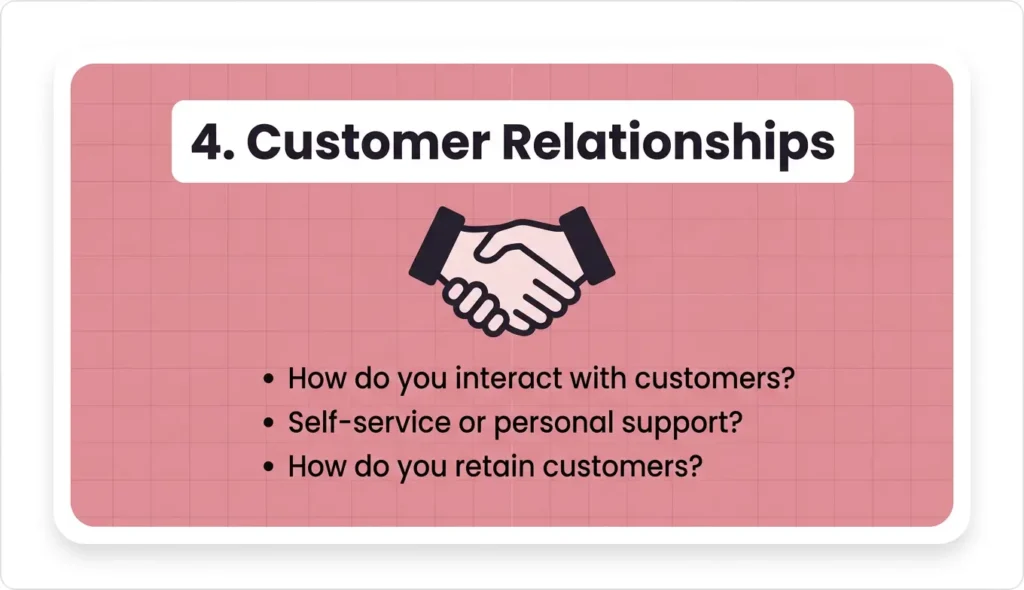
This block describes the type of relationship you build with each customer segment. Some businesses offer personal support. Others are fully automated. Most fall somewhere in between.
TaskFlow uses self-service onboarding (no human needed to get started), automated email help guides, and a live chat option for paying customers.
The key question here is: how do customers expect to be treated, and can your business afford that model?
5. Revenue Streams
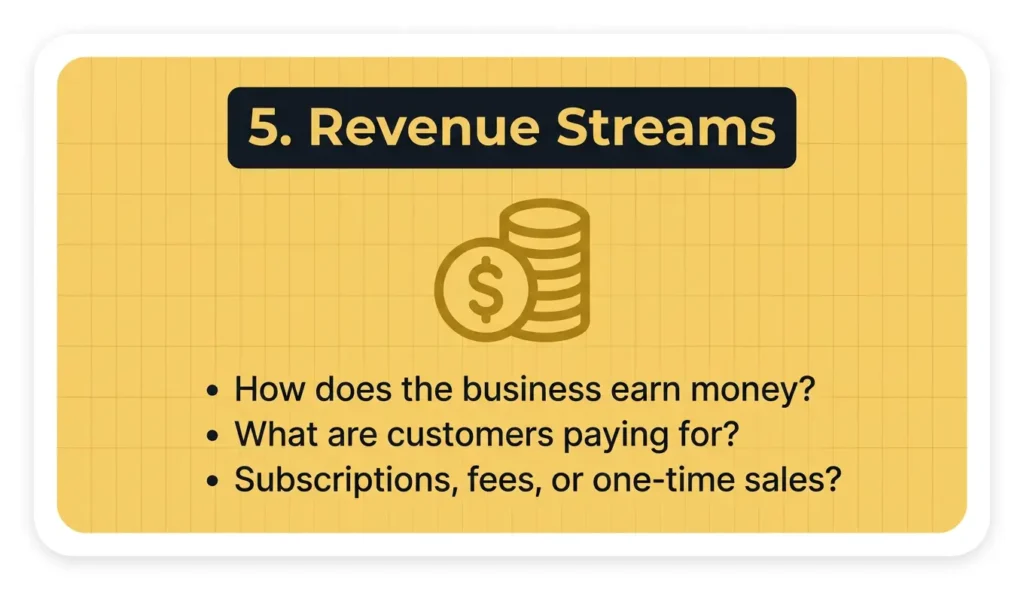
Revenue streams describe how your business earns money from each customer segment. It is not just about selling a product. This block covers pricing models, payment methods, and what customers are actually paying for.
TaskFlow earns through a monthly subscription: a free plan with limited features, a Pro plan at $12 per month, and a Team plan at $29 per month.
Common revenue stream types include subscription fees, licensing, transaction fees, advertising, and one-time sales.
6. Key Resources
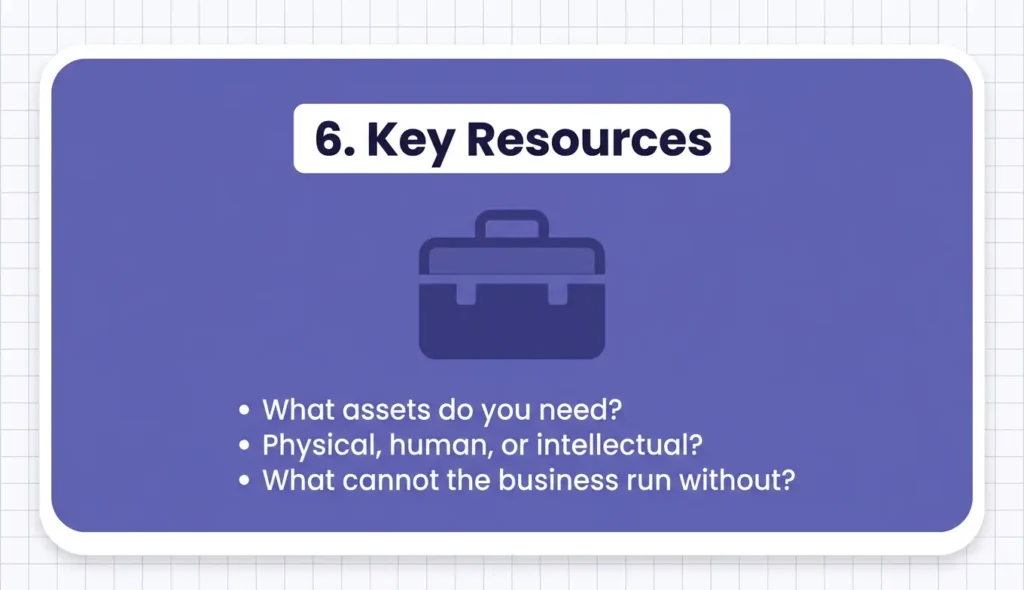
Key resources are the most important assets your business needs to deliver its value proposition. Without these, the model breaks down.
Resources can be physical (servers, offices), intellectual (software, patents, brand), human (engineers, sales team), or financial (funding, credit lines).
TaskFlow’s key resources are its software codebase, a small engineering team, and its customer data that improves the product over time.
7. Key Activities
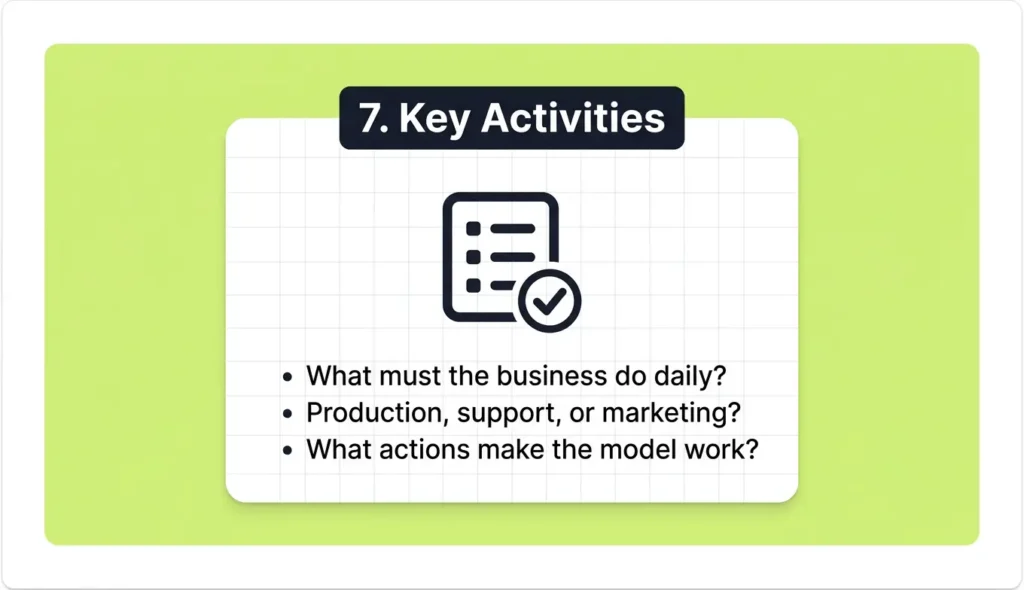
Key activities are the most critical things your business must do to make the whole model work. These are the actions, not the assets.
For a SaaS product like TaskFlow, the key activities are software development, customer support, and content marketing to drive free trial sign-ups.
There are three main categories of key activities: production, problem-solving, and platform or network management. Most digital businesses fall into the problem-solving or platform category.
8. Key Partnerships
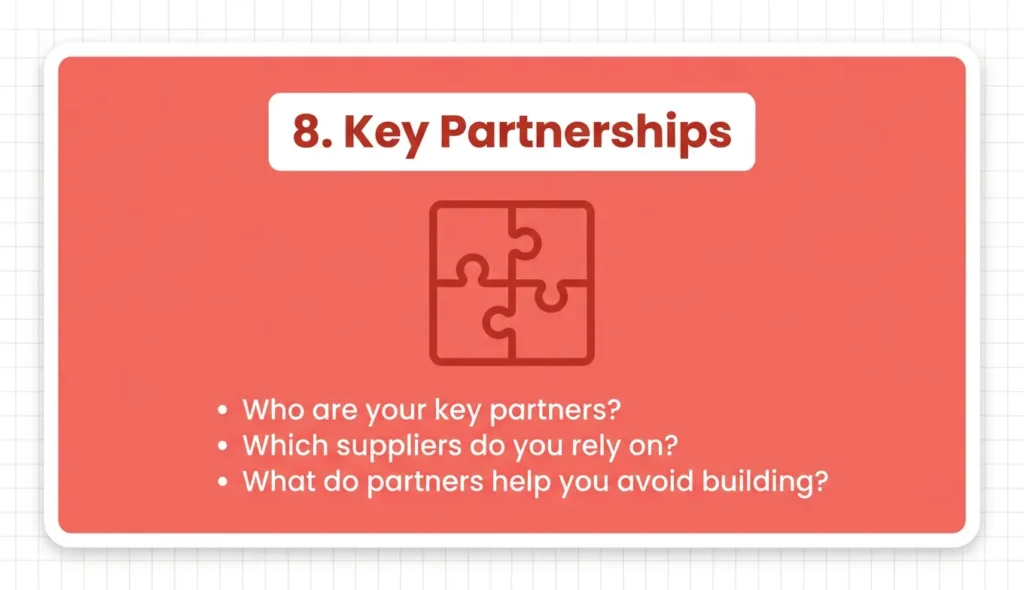
Key partnerships are the network of suppliers, vendors, and collaborators that help you deliver your value proposition without building everything yourself.
TaskFlow partners with payment processor Stripe, cloud infrastructure provider AWS, and an affiliate network of productivity bloggers who promote the product.
Partnerships exist to reduce risk, share costs, acquire key resources, and reach customers you could not access alone.
9. Cost Structure
The cost structure maps out all the major costs of running your business model. Once you fill in the left side of the canvas (resources, activities, partnerships), the costs become much clearer.
Businesses tend to have either a cost-driven structure (focused on minimizing every expense) or a value-driven structure (focused on delivering a premium experience regardless of cost).
TaskFlow’s biggest costs are cloud hosting, engineering salaries, and paid advertising.
BMC Quick Reference: All 9 Blocks at a Glance
| Block | Core Question | TaskFlow Example |
| Customer Segments | Who are we serving? | Small business owners, 2 to 20 person teams |
| Value Propositions | Why us? | One dashboard, 5 hours saved per week |
| Channels | How do we reach them? | Google ads, free trial, referral program |
| Customer Relationships | How do we support them? | Self-service, automated emails, live chat |
| Revenue Streams | How do we earn? | Free, Pro ($12/mo), Team ($29/mo) |
| Key Resources | What do we need? | Codebase, engineering team, customer data |
| Key Activities | What must we do? | Dev, support, content marketing |
| Key Partnerships | Who helps us? | Stripe, AWS, affiliate bloggers |
| Cost Structure | What do we spend? | Hosting, salaries, ads |
How Do You Fill Out a Business Model Canvas? (Step by Step)
Filling out the BMC takes most people between one and three hours for a first draft. Start from the right side of the canvas and move left. This order keeps your customer at the center of every decision.
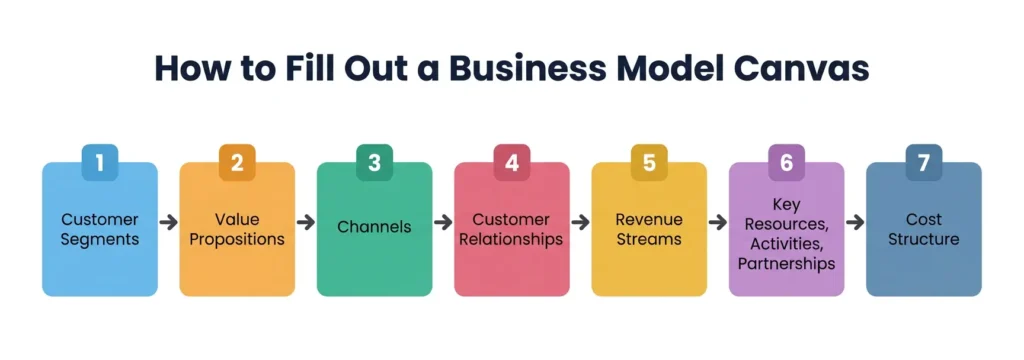
Step 1: Define your Customer Segments first.
Write down exactly who you are serving. Be as specific as possible. Avoid vague labels like “everyone” or “small businesses.” Name the industry, the role, the situation.
Step 2: Write your Value Propositions next.
What does this customer group need? What pain do you solve? What gain do you create? Write one or two clear statements before moving on.
Step 3: Map your Channels.
How will customers find you, try you, buy from you, and receive what they paid for? List each step of that journey.
Step 4: Decide on Customer Relationships.
Will you offer live support, a self-service portal, or a peer community? What level of relationship do customers in this segment expect ?
Step 5: Identify your Revenue Streams.
How will each customer segment pay? What is the pricing model? What are they truly willing to pay for?
Step 6: Fill in Key Resources, Key Activities, and Key Partnerships together.
These three blocks define your operational engine. They are tightly connected, so work through them as a group rather than one at a time.
Step 7: Estimate your Cost Structure.
Look at everything on the left side of your canvas. List your largest fixed costs and your main variable costs.
One important tip: do not treat the BMC as a finished document. It is a hypothesis. Fill it in, share it with your team, test your assumptions, and update it as you learn more about your market.
Business Model Canvas Examples (Real Companies)
Seeing the BMC applied to well-known companies makes every block much easier to understand. Here are two quick examples.
Google (Search + Ads)
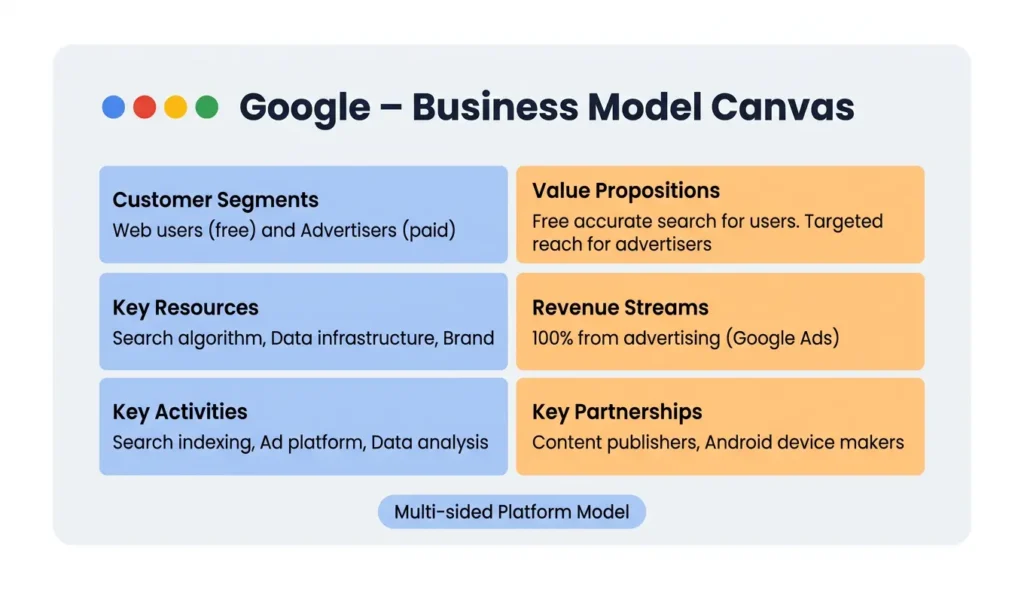
Google’s customer segments are actually two separate groups: users who search the web for free, and advertisers who pay to reach those users. This is a classic multi-sided platform model. The value proposition for users is fast, free, and accurate search. The value proposition for advertisers is highly targeted access to billions of users. Revenue comes entirely from advertising. Key resources include Google’s search algorithm and its massive data infrastructure.
Airbnb
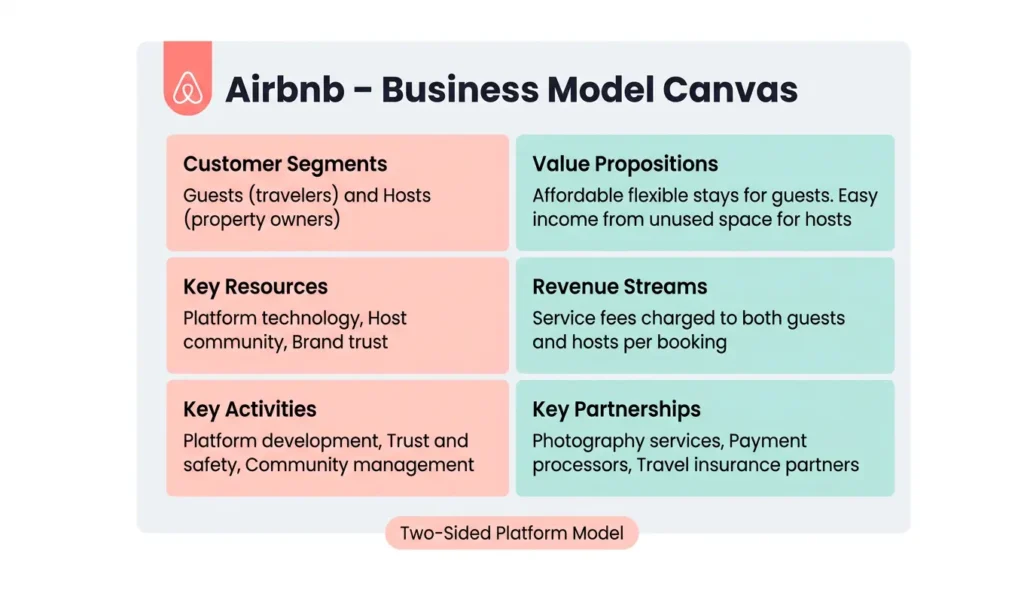
Airbnb’s two customer segments are guests looking for accommodation and hosts with space to rent. The value proposition for guests is flexible, affordable, local accommodation. For hosts, it is a simple way to earn money from unused space. Channels include the Airbnb app and website. Revenue streams come from service fees charged to both guests and hosts on each booking. Key activities include trust and safety systems, platform development, and community management.
Both examples show how the nine building blocks connect into one readable story. That is the real power of the one-page business model framework.
Business Model Canvas vs. Business Plan: What Is the Difference?
Many first-time founders think a BMC and a business plan are the same thing. They are not.
| Feature | Business Model Canvas | Business Plan |
| Length | One page | 20 to 50 pages |
| Purpose | Visualize core logic quickly | Detailed strategy and financials |
| Time to complete | 1 to 3 hours | Days or weeks |
| Best used for | Testing ideas, team alignment | Investor pitches, bank loans |
| Update frequency | Regularly as you learn | Rarely once written |
| Focus | Value creation and delivery | Market analysis, projections |
The BMC is a hypothesis tool. A business plan is a detailed documentation tool. Most modern startups use the BMC to test assumptions first and only write a full business plan when a lender or investor specifically asks for one.
Is the Business Model Canvas Still Relevant in 2025 and 2026?
Yes, and its relevance is actually growing. The original one-page framework remains unchanged and still works just as well as it did when Osterwalder and Pigneur first introduced it. What has changed is how people build and use it.
In 2025 and 2026, AI-powered canvas generators can produce a first draft of your BMC in seconds based on a short description of your idea. Collaborative tools like Miro and Notion now offer real-time BMC templates where entire remote teams can fill in the canvas together. According to recent research, small business AI adoption grew from 6.3% to 8.8% in just six months during 2024 to 2025, and digital strategic planning tools are a major part of that shift.
One honest limitation worth noting: the BMC does not capture competitive dynamics or external market threats very well. It focuses entirely on your own business model. For a complete strategic picture, the BMC works best alongside a SWOT analysis or Porter’s Five Forces framework.
What Are the Limitations of the Business Model Canvas?
The BMC is a powerful tool, but it is not a complete solution on its own. Knowing its weaknesses makes you a smarter user of the framework.
- It ignores competition. The canvas focuses entirely on your own model and does not help you compare yourself to rivals or define your long-term competitive advantage.
- It skips financial depth. Revenue streams and cost structure are covered only at a high level. There are no cash flow projections, break-even calculations, or funding requirements inside the canvas.
- It can oversimplify complex businesses. Large organizations with multiple products or business units often need a separate canvas for each one rather than trying to fit everything onto a single page.
- It does not address external threats. Market disruptions, regulatory changes, and economic shifts are invisible on the BMC. Other strategic frameworks are needed to address those risks.
- It is easy to fill in poorly. Many first-time users write vague, generic answers in each block. The canvas is only as useful as the quality of thinking behind it.
Use the BMC as a starting point for entrepreneurial strategy and business model innovation, not as your only strategic tool.
Start Building Without the Inbox Clutter
Ready to explore BMC tools and templates on platforms like Miro, Strategyzer, or Notion? Most of them ask for an email address to sign up. Keep your real inbox free from marketing emails and spam by using a disposable email address from freemail.ai before committing to any platform. It is free, instant, and requires no registration.
Frequently Asked Questions About the Business Model Canvas
Can two businesses in the same industry have completely different BMCs?
Yes, absolutely. Two coffee shops on the same street can have very different business models. One might focus on a premium in-store experience with high-margin specialty drinks (value-driven cost structure), while another runs a low-cost, high-volume drive-through model (cost-driven structure). The BMC captures these differences clearly, which also makes it a useful tool for analyzing how competitors operate.
How often should you update your Business Model Canvas?
Most business advisors recommend reviewing your BMC every quarter, especially for early-stage businesses. Your assumptions will change as you talk to more customers and gather real data from the market. Updating the canvas regularly keeps your whole team aligned on how the business is actually working versus how you originally imagined it would.
Do investors accept a BMC instead of a full business plan?
Most professional investors still expect a detailed financial model or business plan for larger funding rounds. However, the BMC is widely accepted for early-stage pitches, accelerator applications, and initial conversations. Many investors actually prefer seeing a BMC first because it shows you clearly understand the core logic of your business before diving into numbers.
Can a solo freelancer or one-person business use the Business Model Canvas?
Yes, the BMC works very well for solo businesses. Many freelancers and consultants use it to get clear on their positioning, ideal clients, and pricing model. For a one-person operation, filling out the canvas alone takes under an hour and often reveals gaps or assumptions you had not consciously thought about before starting out.
What is the best free tool for creating a Business Model Canvas online?
Several free tools work well for building a digital BMC. Miro and Canva both offer free templates you can fill in directly in your browser. Strategyzer also provides a free downloadable PDF of the original template. If you want to collaborate with a remote team in real time, Miro is the most popular choice because multiple people can edit the same canvas at the same time.