

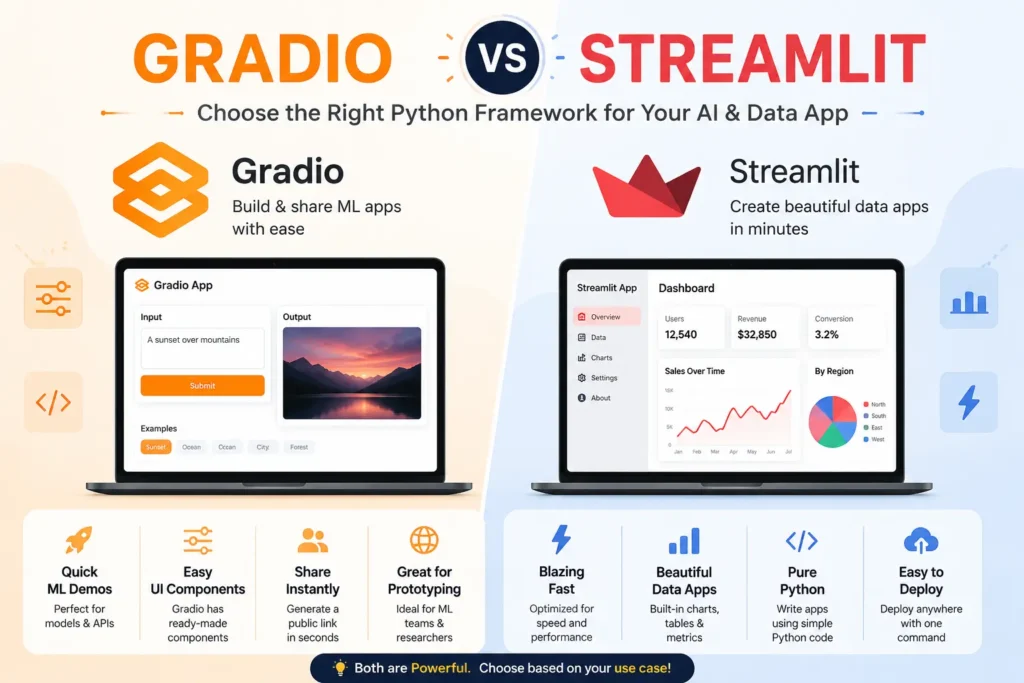
If you are building an app with Python and cannot decide between Gradio and Streamlit, you are not alone. Both tools let you build web interfaces without needing to learn HTML, CSS, or JavaScript. They both save time. They both work well with Python. But they are built for different jobs, and picking the wrong one can slow down your whole project.
This guide breaks down the real differences between Gradio and Streamlit in simple terms. By the end, you will know exactly which tool fits your project, whether that is a quick machine learning demo or a full data dashboard.
Gradio and Streamlit are both open source Python libraries used to build interactive web interfaces. Gradio is best for quickly building demo interfaces for machine learning models. Streamlit is best for building fuller data apps and dashboards. Your choice depends on whether you need a fast model demo or a more complete, customizable app.
What Is Gradio?
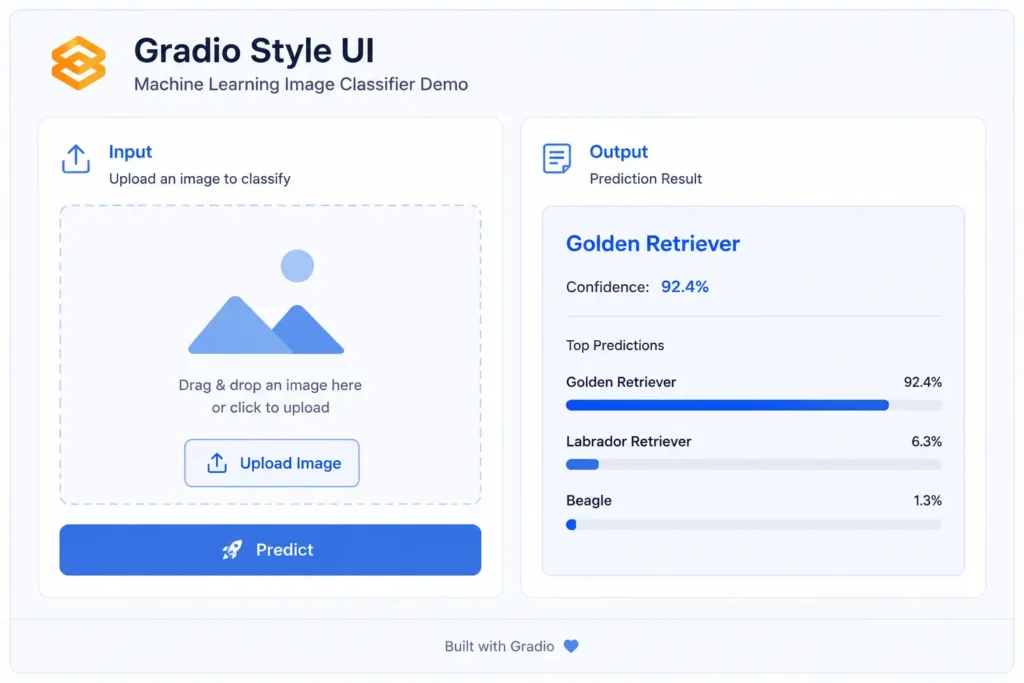
Gradio is a Python library that helps developers build shareable web interfaces for machine learning models using very little code. It was created to solve one simple problem: getting a model in front of real users fast, without writing a full web application from scratch.
Gradio works by letting you define your inputs and outputs, and then it builds the interface for you automatically. You do not need to worry about buttons, layout, or design. This makes Gradio one of the easiest tools for developers who want to test an idea quickly.
For example, a developer training a new image classifier can use Gradio to build a working demo in just a few lines of code. Users can then upload an image and see the model’s prediction right away. This kind of fast feedback loop is why Gradio has become so popular in the machine learning community, especially for chatbot interfaces and large language model, or LLM, projects.
If you want a deeper look at the other tool in this comparison, read what Streamlit is to understand how it differs from Gradio right from the basics.
Gradio is especially popular for demos, chatbots, and quick model testing because it focuses on speed over customization. It trades some design flexibility for a much shorter path from idea to working app.
What Is Streamlit?
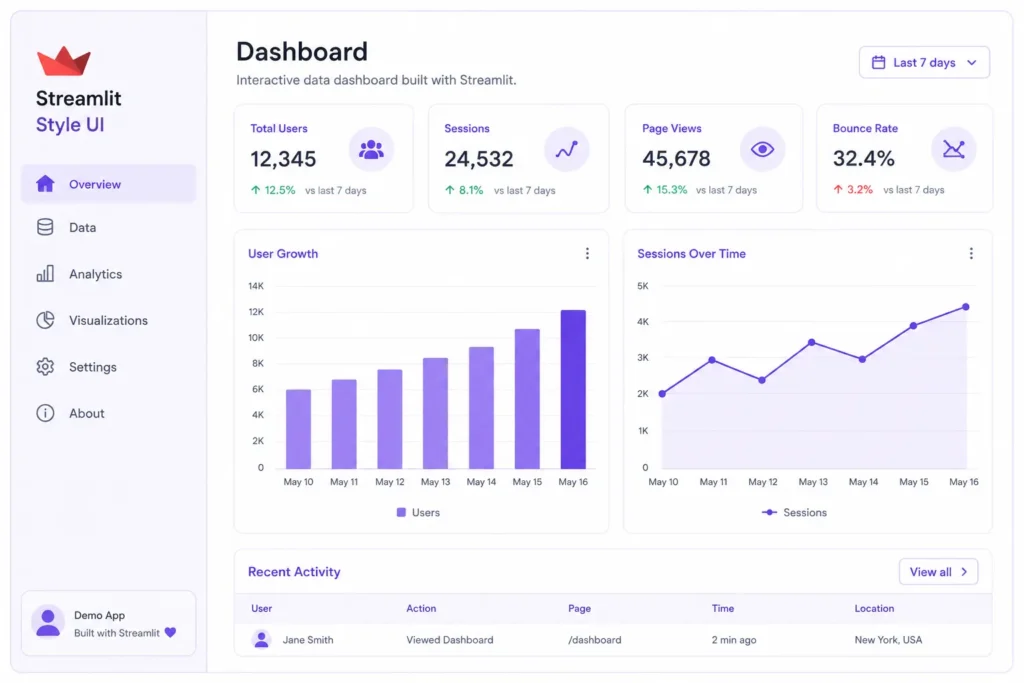
Streamlit is a Python framework built for creating interactive data apps and dashboards. Unlike Gradio, it was designed with data teams in mind, meaning people who need to build tools like sales dashboards, reporting apps, or internal business tools.
Streamlit gives you more control over layout and design. You can add charts, tables, filters, sliders, and multiple pages, all without writing a single line of HTML or CSS. This makes it a strong pick for anyone who needs more than a simple demo screen.
For example, a data analyst could use Streamlit to build a dashboard that shows live sales numbers, charts, and filters that update as users interact with them. A small business owner might use Streamlit to build a simple internal tool that tracks inventory or customer data without hiring a web developer.
Streamlit’s flexibility comes with a small tradeoff. It takes a bit more time to learn than Gradio, since it gives you more building blocks to work with. But that extra effort often pays off for larger, more permanent projects.
Gradio vs Streamlit: Key Differences at a Glance
Before picking a tool, it helps to see both side by side. The table below breaks down how Gradio and Streamlit compare across the areas that matter most to most developers and data teams.
| Feature | Gradio | Streamlit |
| Best for | Machine learning model interface | Data dashboard and internal tools |
| Ease of use | Very easy, less code needed | Moderate, more setup required |
| UI flexibility | Limited layout options | High layout and design control |
| Deployment | Hugging Face Spaces | Streamlit Community Cloud |
| Community size | Growing, especially in AI apps | Large and well established |
| Learning curve | Short | Longer |
| Ideal user | ML engineers, AI hobbyists | Data analysts, internal tool builders |
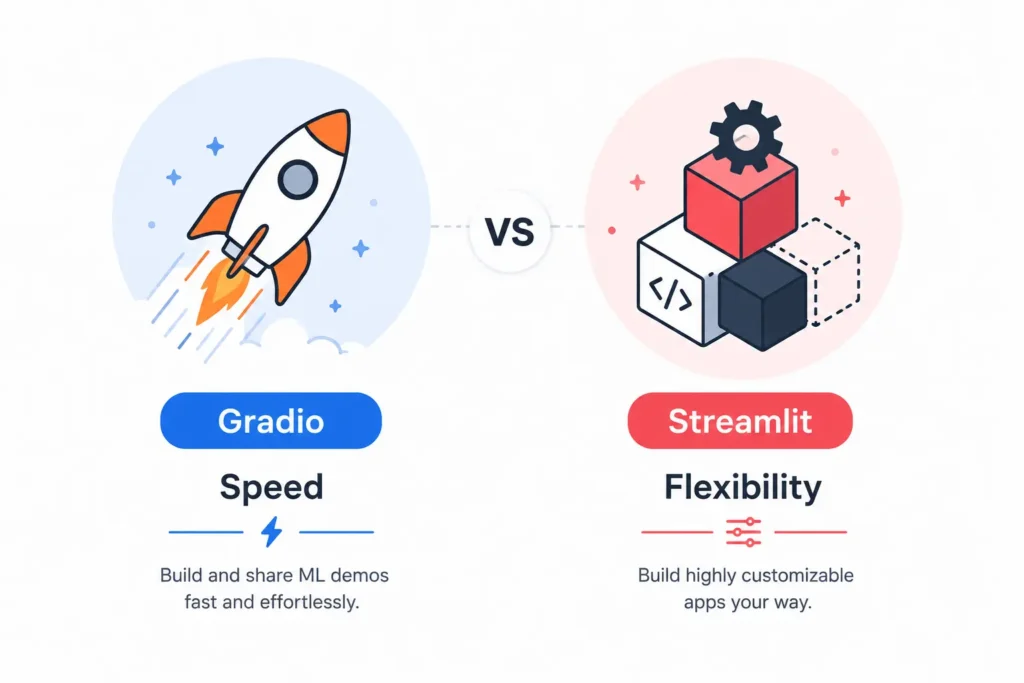
This table shows a simple pattern. Gradio wins on speed and simplicity. Streamlit wins on flexibility and long term structure. Neither tool is wrong. They are just built for different goals.
Which Is Easier to Learn?
Gradio generally has a gentler learning curve because it needs less code to launch a working interface, which makes it faster for beginners to build their first demo. Streamlit gives you more layout control and customization, but that flexibility comes with a steeper setup process and more choices to make along the way.
If you are new to Python or new to building web interfaces, Gradio lets you see results in minutes. You simply define your inputs and outputs, and Gradio builds the interface around them. There is very little guesswork involved, which is part of why so many beginners choose it as their first tool.
Streamlit takes a bit more time to learn because it gives you more building blocks. You can choose from columns, tabs, sidebars, and many other layout options. This means more power, but also more decisions. Someone completely new to coding might find Gradio friendlier at first, while someone comfortable with Python may enjoy the extra control that Streamlit offers.
Either way, both tools are considered beginner friendly compared to building a website from scratch using traditional web development tools.
Which One Should You Use for Machine Learning Demos?
Gradio is the stronger choice for machine learning demos and chatbot interfaces because it was built specifically for wrapping a model in a simple, shareable interface. If your main goal is fast testing and sharing, Gradio is usually the better fit for the job.
Chatbots and LLM Apps
Gradio has become a popular choice for building chatbot interfaces and testing large language model apps. Many developers use Gradio together with Hugging Face Spaces to share their AI models with others for free. This combination makes it easy to test an idea, collect feedback, and improve the model quickly, all without building a full application from the ground up.
This is one reason Gradio shows up so often in AI research communities. Researchers want to share their models fast, get feedback from other developers, and move on to the next idea. Gradio removes the extra steps that would normally slow this process down.
Which One Should You Use for Data Dashboards?
Streamlit is better suited for data dashboards and larger apps because it supports richer layout tools, saved session data, and more detailed customization than Gradio offers. If you need to build something closer to a full application, Streamlit gives you more room to grow over time.
Many teams choose Streamlit for internal tools, like dashboards that track company metrics or apps that let non technical teammates explore data on their own. This is a job Gradio was not built to handle as well, since Gradio focuses mainly on single model interfaces rather than multi page apps.
Streamlit also supports session state, which means your app can remember information as a user clicks through different pages or filters. This feature is especially useful for dashboards where users need to explore data in different ways without losing their place.
Gradio vs Streamlit: Deployment and Hosting

Once your app is built, you need a place to host it so others can use it. Both tools offer free and simple ways to do this, which is one reason they are both so popular among developers on a budget.
- Gradio apps are commonly hosted on Hugging Face Spaces, which offers free hosting and easy sharing through a public link.
- Streamlit apps are usually hosted on Streamlit Community Cloud, which also offers a free tier and connects directly to your code repository for easy updates.
Both hosting options are beginner friendly, but Hugging Face Spaces is especially popular among machine learning developers since it is built around sharing models and demos with the wider AI community. Streamlit Community Cloud, on the other hand, feels more natural for data teams who are already used to working with code repositories and version control.
Community Support and Documentation
Streamlit has a larger and more established community, with years of tutorials, forum answers, and third party guides already available online. This makes it easier to find help if you run into a problem or need an example to follow.
Gradio’s community is smaller, but it is growing quickly, especially as more developers build tools for AI and LLM apps. Since Gradio is often used alongside popular machine learning projects, its documentation and examples are improving fast, and new resources appear online almost every month.
If you get stuck while using either tool, both have active communities on forums like Reddit, where real developers share tips, workarounds, and honest opinions about which tool works best for different situations.
Which Should You Choose?
After comparing both tools closely, the decision usually comes down to what you are building and how much flexibility you need.
- Choose Gradio if you are building a quick demo, chatbot, or interface for a machine learning model and want something working in minutes.
- Choose Streamlit if you are building a data dashboard, internal tool, or app that needs more design control and structure.
Neither tool is better in every situation. Gradio wins when speed matters most and you want the shortest path from code to working demo. Streamlit wins when flexibility and structure matter most and you plan to build something more permanent.
If you are still unsure, think about your end goal first. Are you testing an idea quickly, or building a tool your team will use for months or years? That single question usually points you to the right answer.
Final Thoughts
Gradio and Streamlit are both excellent Python tools, but they were built to solve different problems. If you only remember one thing from this guide, remember this: Gradio is for fast model demos, and Streamlit is for fuller data apps and dashboards.
Before you start building, take a moment to think about your end goal. Are you a machine learning engineer who wants to share a model demo with the world? Gradio will get you there faster. Are you a data analyst or small team building an internal tool that needs to grow over time? Streamlit gives you the flexibility to do that well.
Both tools are free to start, both work great with Python, and both remove the need to learn traditional web development. The best way to know which one fits you is to try building something small with each and see which workflow feels more natural.
If you want to explore more options beyond these two, check out other Streamlit alternatives to see how different tools compare for your specific project needs and find the best fit for your next build.