

Streamlit is a great tool for building simple Python apps fast. It lets you turn a Python script into a working web app in minutes, without writing any HTML, CSS, or JavaScript. That is a big reason why so many data scientists and developers reach for it first.
But as your project grows, you might start running into limits. Maybe you need more control over layout and design. Maybe your app needs to remember more information as users click around and explore different pages. Or maybe you are ready to launch something bigger than a quick internal demo, something built to handle real users at a larger scale.
If any of that sounds familiar, you are probably looking for a Streamlit alternative. The good news is that Python has a growing number of strong options, each built to solve a slightly different problem. This guide walks through the best alternatives, what each one is good at, and how to pick the right one for your specific project.
Streamlit alternatives include tools like Gradio, Dash, Panel, Reflex, Taipy, and Chainlit, and each one is built for a different job. Some are best for machine learning demos, others for production dashboards, and others for full applications. The right pick depends on what you are building and which Streamlit limitation you have run into.
Why Look for a Streamlit Alternative?
Developers usually look for a Streamlit alternative for one of three main reasons. Understanding which reason applies to you is the first step toward picking the right replacement tool.
The first reason is limited styling control. Streamlit is fast to build with, but it does not give you much freedom over how your app looks. The layout options are fairly fixed, and customizing the design beyond the basics can feel restrictive once your app grows past a simple prototype.
The second reason is state management. As apps grow more complex, keeping track of information across pages and user actions can get tricky in Streamlit. Streamlit was originally built for simple, linear apps that run from top to bottom, so more advanced apps with multiple pages or complex user flows sometimes need a framework with better built-in state handling.
The third reason is production scale. Streamlit works great for small internal tools, quick demos, and personal projects, but some teams need something built specifically for larger, production-level apps that will be used by many people at once, need faster performance, or require tighter security controls.
Here are the most common triggers that send developers looking for a Python app builder beyond Streamlit:
- Needing more design and layout flexibility for a polished user experience
- Managing complex app state across multiple pages or user sessions
- Scaling an app for production instead of just internal or personal use
- Wanting built-in support for specific use cases like chat interfaces or simulations
If any of these sound like your situation, one of the tools below is likely a better fit for where your project is headed next. But before comparing alternatives, it helps to have a clear picture of what Streamlit is and what it does well, so you know exactly what you are replacing.
7 Best Streamlit Alternatives at a Glance
Before diving into each tool in detail, here is a quick side by side look at how the top streamlit alternatives compare. This table shows what each tool is best for, so you can jump straight to the section that matches your project needs.
| Tool | Best For | Ease of Use | Key Strength |
| Gradio | Machine learning demos | Very easy | Fast, shareable ML interfaces |
| Dash | Production data apps | Moderate | Strong callback architecture |
| Panel | Flexible data visualization | Moderate | Works with niche plotting libraries |
| Reflex | Full-stack Python apps | Moderate | No JavaScript required |
| Taipy | Simulation dashboards | Moderate | Built-in orchestration tools |
| Chainlit | Chat and AI agent interfaces | Easy | Built for conversational UIs |
| marimo | Complex data analysis | Moderate | Better fit for real data workflows |
Each tool solves a slightly different problem, so the best streamlit alternative for you depends entirely on what you are building and which limitation you have run into with your current setup. Keep this table handy as you read through the details below.
1. Gradio: Best for Machine Learning Demos
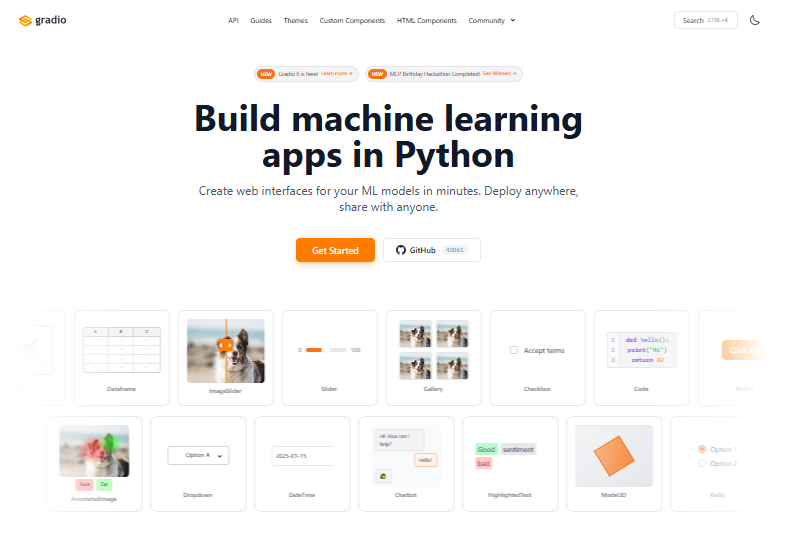
Gradio is the closest alternative to Streamlit on this list, and many developers consider it a natural next step if Streamlit does not quite fit their needs. It is a Python library built specifically for turning machine learning models into simple, shareable web interfaces. Instead of writing a full app from scratch, you can wrap your model in a working demo using just a few lines of code.
This makes Gradio a favorite among developers building AI demos, chatbots, and quick model tests. Gradio also connects easily with Hugging Face Spaces, a popular hosting platform where developers can share their models with the wider AI community for free. This combination makes it simple to build something, test it with real users, and improve it quickly based on feedback.
If your main goal is showing off a machine learning model rather than building a full data app, Gradio is usually the fastest path there. It trades some design flexibility for speed, which is exactly the tradeoff many machine learning projects need. For a deeper look at how the two tools stack up feature by feature, check out this full Gradio vs Streamlit comparison, which breaks down the differences in more detail.
2. Dash: Best for Production Data Apps
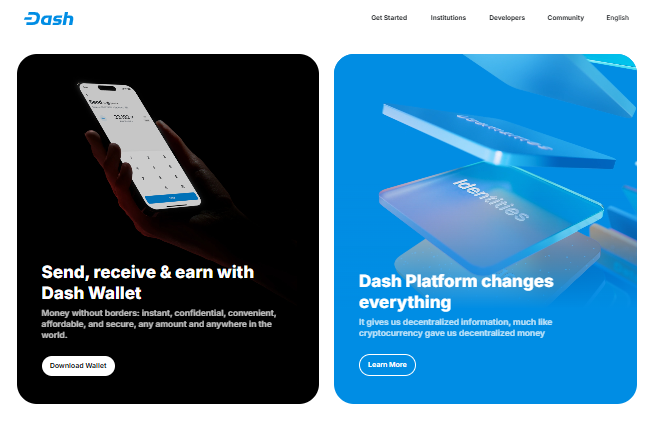
Dash, built by Plotly, is one of the most trusted tools for teams building production-grade dashboards. Unlike Streamlit, Dash uses an explicit callback architecture, which gives developers more control over how different parts of an app interact with each other. This extra structure takes a bit more time to learn, but it pays off for larger, more complex apps.
Dash also supports background jobs, which is useful for apps that need to run longer processes, like data updates or calculations, without freezing the interface for the user. This makes Dash a strong choice for teams moving beyond internal prototypes into apps that need to hold up under real-world, everyday use by many people at once.
Because Dash was built with production environments in mind from the start, it tends to perform better under heavier traffic and more complex data operations than Streamlit. To see exactly how it stacks up against Streamlit across different features, take a look at this Dash vs Streamlit comparison for a closer breakdown.
3. Panel: Best for Flexible Visualization
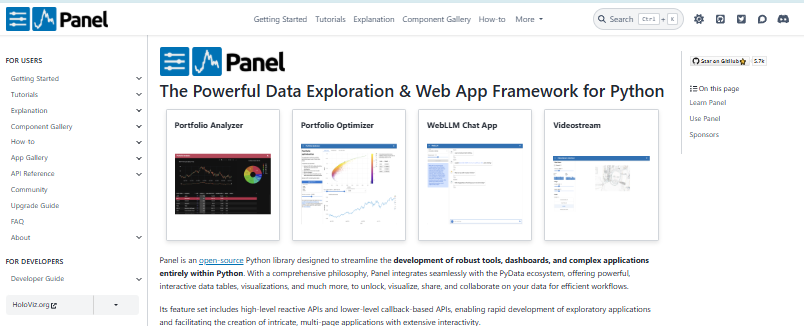
Panel is a strong pick for developers and data scientists who need more control over how their charts and visualizations look and behave. It works well with a wide range of niche plotting libraries, giving you more freedom than Streamlit typically allows when it comes to custom, detailed visual output.
If your project relies heavily on custom or specialized data visualizations, perhaps for scientific research, financial modeling, or engineering data, Panel gives you room to build exactly what you need without fighting the framework’s built-in limits. It is especially popular among teams already working inside tools like Jupyter notebooks, since Panel integrates smoothly with that kind of workflow.
Panel may take a little more setup time compared to Streamlit, but for visualization-heavy projects, that extra flexibility often makes the switch worthwhile.
4. Reflex: Best for Full-Stack Python Apps
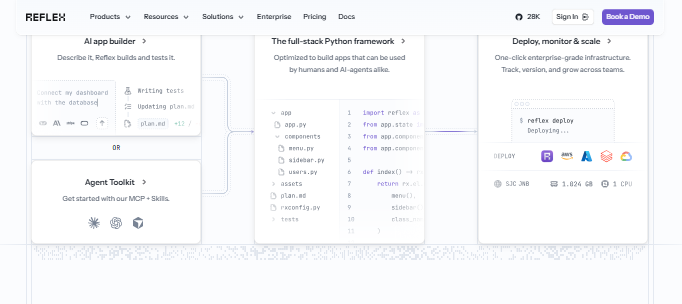
Reflex is best for developers who want to build full-stack web applications entirely in Python, without writing any JavaScript or React code. This makes it a strong choice for teams that need more than a simple dashboard or demo, and want to build a complete, standalone application instead.
Because Reflex handles both the front end and back end in one Python codebase, it appeals to developers who want the power of a full web app without learning a second programming language just for the interface. This is a big advantage for teams that are strong in Python but do not have dedicated front-end developers on staff.
Reflex has become a popular choice in 2026 among developers looking to build more ambitious projects than Streamlit was originally designed to support, especially apps that need custom routing, multiple pages, and more traditional web app behavior.
5. Taipy: Best for Simulation Dashboards
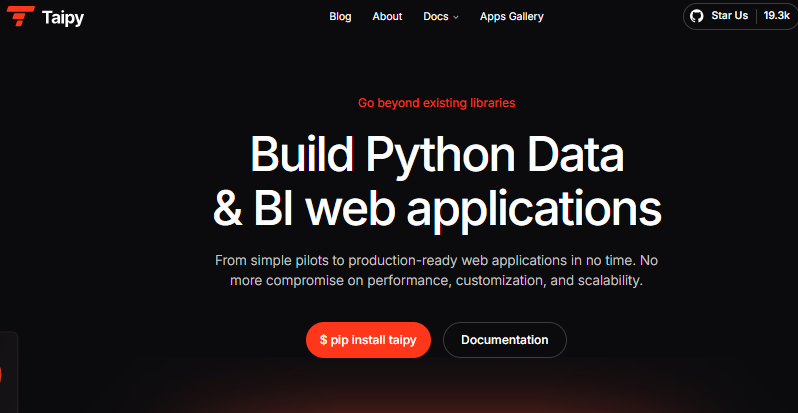
Taipy is built for developers who need to create simulation dashboards with built-in tools for managing complex workflows. It comes with orchestration features that help you run multi-step processes, like data pipelines or scenario testing, directly inside your app.
This makes Taipy a strong pick for teams working in fields like engineering, finance, or scientific research, where users often need to test different scenarios and see results update in real time. If your project involves running simulations or comparing multiple outcomes side by side, Taipy offers built-in support that Streamlit does not provide out of the box.
6. Chainlit: Best for Chat and AI Agent Interfaces
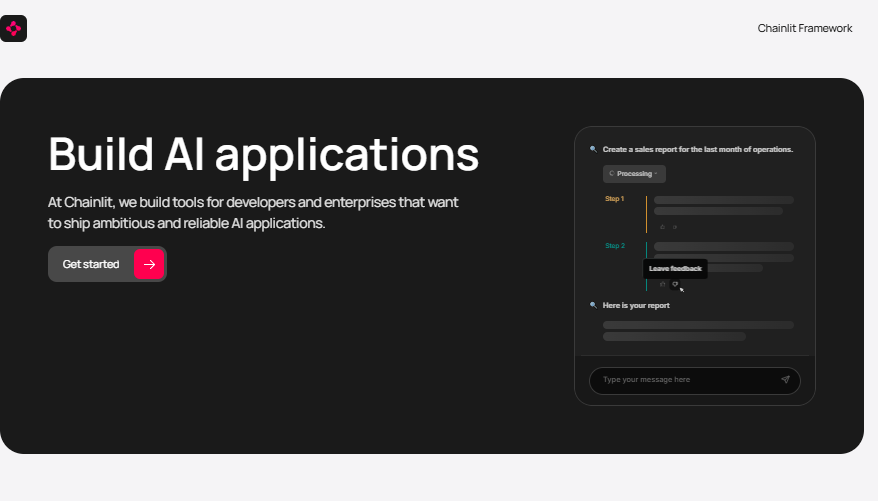
Chainlit is designed specifically for building chat-based interfaces and AI agent tools. Unlike general-purpose app builders, it comes with conversational features already built in, so you do not have to construct a chat interface from scratch.
This makes Chainlit a natural choice for developers building chatbots, AI assistants, or any tool where the main way users interact with your app is through a conversation. If your project centers around messaging or an AI agent responding to user input, Chainlit handles much of that structure for you automatically.
7. Marimo: Best for Complex Data Analysis
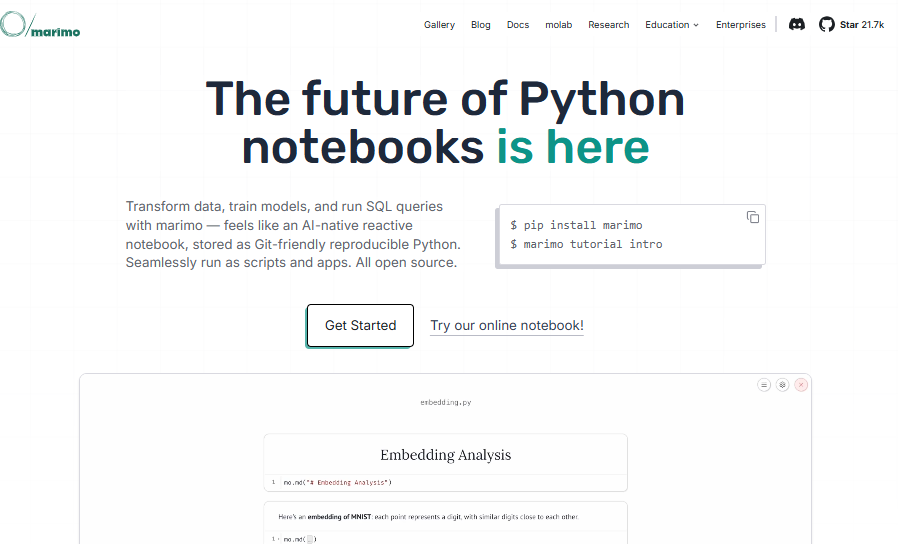
Marimo is a newer tool that works well for developers handling complex data analysis and real data workflows. While Streamlit is built for simple, linear apps that run in one direction, marimo is designed to handle messier, more exploratory data work where you might jump back and forth between steps.
This makes marimo a good fit for data scientists who spend most of their time analyzing data rather than building a polished front-end, since it focuses on flexibility for real, non-linear analysis work.
Shiny for Python: Best for Reactive, Structured Apps
Shiny for Python is a strong pick for developers who want more structure than Streamlit offers without jumping to a heavier framework. Instead of rerunning the entire script every time a user changes something, Shiny only re-renders the specific parts of the app affected by that change, which makes it scale better as your app grows more complex.
Shiny also gives you more control over the look and feel of your app since it supports custom CSS classes, something Streamlit limits by design. This makes Shiny for Python a good fit for teams that started with the original R version of Shiny, or anyone who wants a more formal, reactive way to manage data-driven dashboards without hand-managing state.
NiceGUI: Best for Desktop-Style Web Apps
NiceGUI is a Python library built specifically as an alternative to Streamlit, designed for developers who want application-style interfaces like forms, admin panels, and monitoring tools rather than simple data dashboards. Like Shiny, it avoids rerunning the whole script on every interaction, giving you more control over events and app state.
NiceGUI takes a bit more setup time than Streamlit, and its documentation is less developed with fewer tutorials and live examples. But for developers who need a more flexible, desktop-like feel in their web app, and are willing to trade some simplicity for that control, NiceGUI is one of the fastest-growing options in this category.
Voila: Best for Turning Notebooks Into Apps
Voila is a different kind of alternative from the rest of this list. Instead of being a new framework to learn, Voila is a tool that turns an existing Jupyter notebook into a shareable web app with almost no rewriting required.
This makes Voila the right choice specifically when your notebook is already the finished product, and all you need is a clean way to present it to others without adding a full app-building step to your workflow. It can run as a standalone app or as a Jupyter server extension, making it especially convenient for data scientists and researchers who live inside notebooks daily.
Which Streamlit Alternative Should You Choose?
The right Streamlit alternative depends on your specific goal, and the good news is that most developers can find their answer quickly once they know what to look for. Here is a simple breakdown by use case to help you decide without needing to test every tool yourself.
By Use Case:
- Choose Gradio if you are building a machine learning demo, chatbot interface, or want to share an AI model quickly with others
- Choose Dash if you need a production-ready dashboard with more structure, control, and the ability to handle heavier traffic
- Choose Panel if your project depends on advanced or niche data visualization and you already work inside notebook environments
- Choose Reflex if you want to build a full-stack Python app without touching JavaScript or hiring a separate front-end developer
- Choose Taipy if you need simulation dashboards with built-in orchestration tools for managing complex workflows
- Choose Chainlit if you are building a chat-based interface or an AI agent tool that needs conversational features out of the box
None of these tools are better than Streamlit in every situation. They are simply built for different jobs, and matching the tool to your actual project goal is the fastest way to avoid wasted time and unnecessary rework later on. Many experienced developers even use more than one of these tools across different projects, picking whichever fits the task at hand.
Final Thoughts
Streamlit is still a great starting point for many Python projects, and it remains one of the fastest ways to turn an idea into a working app. But it is not the only option, and it is not always the right one for every stage of a project. If you have hit a wall with styling, state management, or production scaling, one of the alternatives covered here is likely a better fit for where your project is headed next.
Before switching tools, take a moment to think about your end goal. Are you building a quick machine learning demo to share with others? A production dashboard your whole team will rely on every day? Or a full application you plan to grow and maintain over time? That single question will point you toward the right choice faster than trying every tool one by one.
It also helps to remember that switching tools does not have to mean starting completely from scratch. Many of these alternatives share similar Python-based logic, which means the coding skills you already have will transfer more smoothly than you might expect.
If you want to dig deeper into how the top contender stacks up against Streamlit directly, read the full Gradio vs Streamlit comparison next to see exactly which one wins for your specific use case.