

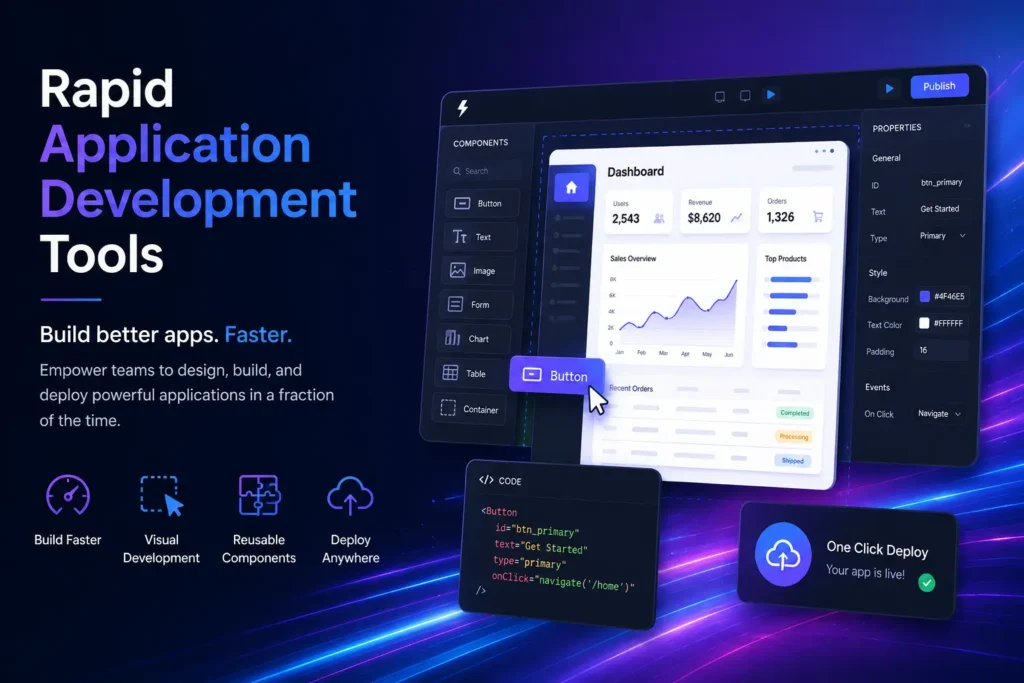
Rapid application development tools help teams build, test, and deploy applications much faster than traditional coding. The best tools in 2026 fall into four categories: AI-native prompt-to-app builders, low-code visual platforms, open-source self-hosted tools, and developer AI coding assistants. Choosing the right one depends on your team’s technical skill, project type, governance needs, and budget. This guide compares 10 leading tools with real pricing, honest pros and cons, and a clear selection framework.
Building an app used to take months. Today, it can take days or even hours. The global rapid application development market is expected to reach $40.92 billion by 2031, growing at a 24% annual rate. That growth is fueled by a wave of new rapid application development tools that let developers and business teams move at a pace that was impossible just a few years ago.
This guide profiles the 10 best RAD tools in 2026 across all major categories. You will find real pricing, key strengths, honest limitations, and a step-by-step framework to pick the right platform for your project.
What Are Rapid Application Development Tools?
Rapid application development tools are platforms that replace slow, manual coding with faster methods like drag-and-drop builders, reusable components, AI-generated code, and automated workflows. Instead of writing every line from scratch, teams use these tools to build apps through visual builders, natural language prompts, or AI-assisted code editors.
RAD tools fall into four main categories in 2026. First, AI-native prompt-to-app generators let you describe an app in plain English and get a working version back. Second, low-code visual platforms use drag-and-drop interfaces to build apps without deep coding knowledge. Third, open-source self-hosted tools give developers full control with no vendor lock-in. Fourth, developer AI coding assistants speed up traditional coding inside an IDE environment.
These tools all serve the same goal: faster software development lifecycle (SDLC) with less manual effort.
How Did We Evaluate These 10 Tools?
Every tool in this guide was evaluated against six criteria. These criteria reflect what real development teams care about most when choosing a rapid application development platform.
- Speed to first value: How quickly can a new user build something useful?
- Pricing transparency: Are free plans genuinely useful, or are they locked behind paywalls?
- AI capabilities: Does the platform use AI in a meaningful way to accelerate app development?
- Governance and security: Does it support RBAC, SSO, and audit logs for enterprise teams?
- Deployment flexibility: Can it be self-hosted, cloud-deployed, or both?
- Connector depth: How many databases, REST APIs, and third-party services does it connect to natively?
Which Are the 10 Best Rapid Application Development Tools in 2026?
Here is a quick comparison of all 10 tools before diving into individual profiles.
| Tool | Best For | Free Plan? | Starting Price | Key Strength |
| Lovable | AI prototyping, startups | No | $25/month | Natural language to full-stack app |
| GitHub Spark | Developers with Copilot | No | $39/month (Copilot Pro+) | GitHub ecosystem integration |
| Superblocks | Enterprise internal tools | Yes (limited) | Custom pricing | Governance plus AI code generation |
| Retool | Internal tools and dashboards | Yes (5 users) | $10/user/month | Large connector library |
| Microsoft Power Apps | Microsoft ecosystem teams | Yes (limited) | $20/user/month | 300+ native connectors |
| OutSystems | Large enterprise apps | No | Custom pricing | Enterprise-grade visual IDE |
| Mendix | Enterprise collaboration | No | Custom pricing | Multi-team development workflows |
| Budibase | Open-source self-hosted apps | Yes (self-host) | $50/creator + $5/user/month | True open-source freedom |
| n8n | Workflow and process automation | Yes (community) | $24/month | 400+ native integrations |
| Cursor | Developer AI coding assistant | Yes (limited) | $20/month Pro | Deep code reasoning and debugging |
For a parallel look at developer tooling in a different stack, see our guide to Redis GUI tools for more examples of how specialized developer tools speed up daily workflows.
What Are the Best AI-Native RAD Tools for Building Apps from Prompts?
AI-native RAD tools let you describe an app in plain text and receive a working prototype in minutes. In 2026, the leading platforms in this category are Lovable, GitHub Spark, and Superblocks. They suit teams that want to move from idea to working app without spending days on setup or configuration.
1. Is Lovable the Fastest Path from Idea to App?
Yes, Lovable is one of the fastest app prototyping tools available in 2026. You type a natural language description of the app you want, and Lovable generates a full-stack working application using React on the frontend and Supabase on the backend. No drag-and-drop required. No visual builder menus to navigate.
Lovable is especially popular with startup founders and solo builders who need a working MVP fast. The platform handles routing, authentication, database schema, and basic UI automatically.
Pricing: Starts at $25/month. No free plan.
Pros: Extremely fast to first value, good UI output quality, automatic Supabase backend.
Cons: Limited customization for complex apps, no self-hosting option, proprietary DSL creates some vendor lock-in risk.
Best for: Startup MVPs, product demos, rapid prototyping.
2. Is GitHub Spark Worth It for Developers Already Using Copilot?
GitHub Spark is a strong choice for developers already inside the GitHub ecosystem. It is included with GitHub Copilot Pro Plus at $39/month, so teams already paying for Copilot get access without an additional subscription.
Spark generates small web applications from natural language prompts. It is designed for personal productivity tools and lightweight internal utilities rather than production-grade enterprise systems.
Pricing: Included with Copilot Pro Plus at $39/month.
Pros: No extra cost for Copilot Pro Plus subscribers, GitHub-native workflow, easy deployment.
Cons: Best for small tools only, limited enterprise governance features, requires Copilot Pro Plus subscription.
Best for: Individual developers, personal productivity apps, GitHub-first teams.
3. Does Superblocks Work Well for Enterprise Internal Tool Development?
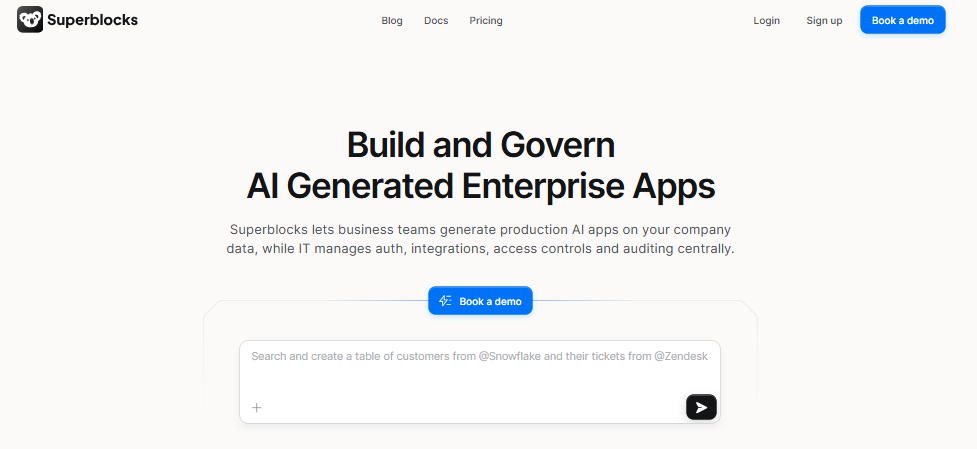
Superblocks is one of the most capable enterprise-grade rapid application development platforms in 2026. It offers three development modes: a visual editor for business users, an AI code generation assistant called Clark, and a full code editor for developers. This means teams of mixed technical ability can collaborate on the same project.
Superblocks also includes enterprise security features like RBAC, SSO, and audit logs, which most AI-native competitors lack.
Pricing: Custom pricing. A limited free tier is available.
Pros: Enterprise governance, three development modalities, strong API and database connector support.
Cons: Pricing is not publicly listed for paid plans, steeper learning curve than simpler tools.
Best for: Enterprise teams building secure internal tools with mixed developer and non-developer contributors.
Are Low-Code Visual Platforms Still Worth Using in 2026?
Yes. Low-code visual platforms remain highly relevant in 2026, especially for enterprise teams and non-technical users. Platforms like Retool, Microsoft Power Apps, OutSystems, and Mendix offer mature governance features, deep connector libraries, and proven enterprise deployments that newer AI-native tools cannot yet match for complex or regulated environments.
4. Is Retool the Best Choice for Building Internal Tools and Dashboards?
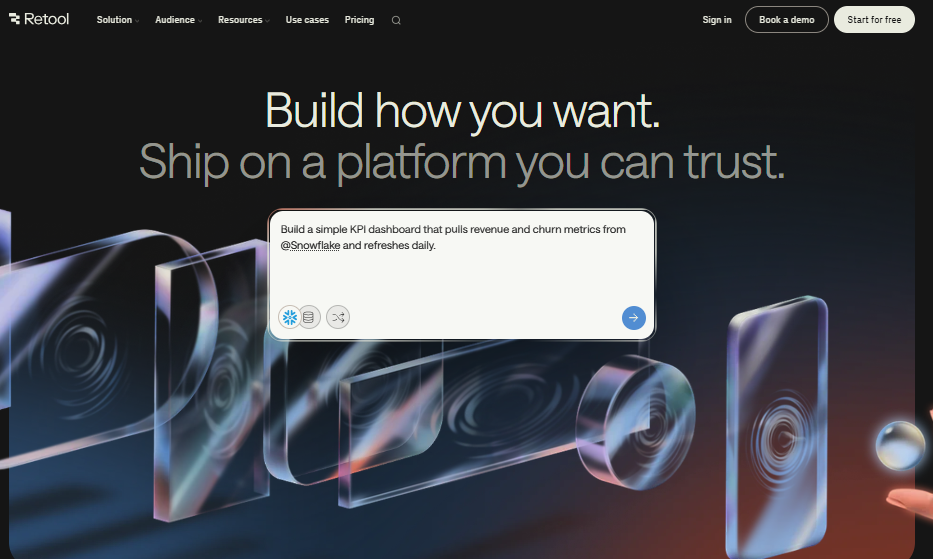
Retool is the most widely used internal tool builder among developers. It connects to almost any database or API and lets you drag and drop UI components to build admin panels, dashboards, and internal workflows.
Retool offers a free plan for up to five users, making it accessible for small teams. The connector library includes PostgreSQL, MySQL, MongoDB, REST APIs, GraphQL, Supabase, and dozens of SaaS platforms.
Pricing: Free up to 5 users. Paid plans start at $10/user/month.
Pros: Enormous connector library, strong developer community, reliable free tier.
Cons: Pricing scales up quickly for larger teams, interface can feel dated compared to AI-native tools.
Best for: Developers building internal tools, admin panels, and dashboards.
5. Does Microsoft Power Apps Fit Well Outside the Microsoft Ecosystem?
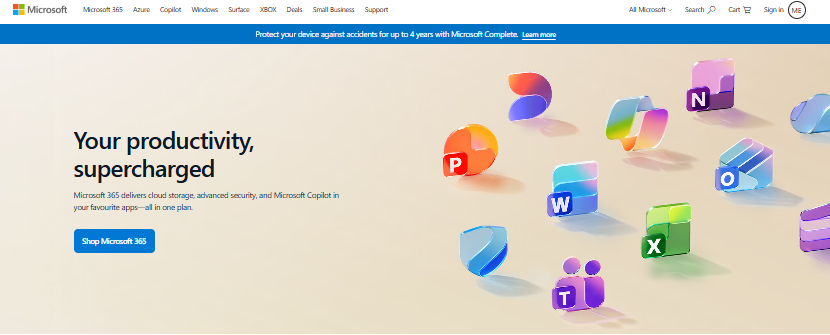
Power Apps is the right choice for teams already using Microsoft 365, Azure, or Dynamics. It connects natively to over 300 services and integrates deeply with SharePoint, Teams, and Dataverse. Citizen developers with no coding background can build working apps using its drag-and-drop interface.
Outside the Microsoft stack, however, Power Apps becomes harder to justify. Vendor lock-in is a real risk here. The proprietary Power Fx formula language ties your logic tightly to the platform.
Pricing: Limited free plan. Paid plans start at $20/user/month.
Pros: 300+ native connectors, no-code friendly, deep Microsoft ecosystem integration.
Cons: Vendor lock-in risk, proprietary language, limited utility outside Microsoft environments.
Best for: Microsoft 365 teams, business users in regulated industries using Azure infrastructure.
6. Are OutSystems and Mendix Still Relevant for Enterprise App Development?
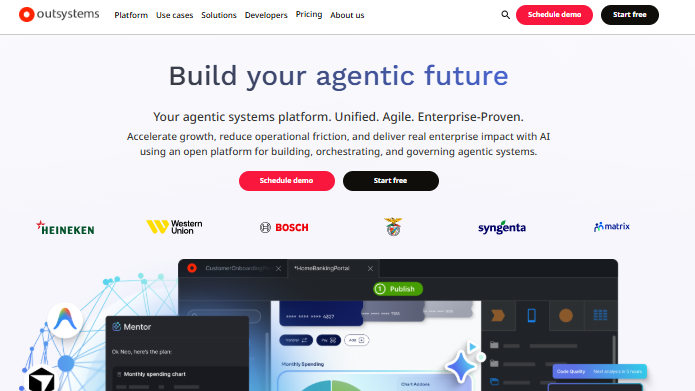
OutSystems and Mendix remain the gold standard for enterprise-grade rapid application development software. Both platforms offer full-stack visual IDEs, enterprise security controls, and the ability to build production-grade customer-facing applications at scale.
These are not beginner tools. They require trained developers and significant licensing investment. But for large organizations building regulated, mission-critical applications, they offer a level of governance and capability that simpler platforms cannot match.
Pricing:
OutSystems uses a complex pricing model based on users, application objects (AOs), and deployment environments. The OutSystems Developer Cloud (ODC) starts at approximately $36,300/year for enterprise deployments. Custom quotes apply for larger or multi-environment contracts. There is no meaningful free tier for production use.
| Plan | Price | Notes |
| Developer Cloud (ODC) Entry | ~$36,300/year | Base enterprise contract |
| Standard Enterprise | Custom quote | Based on AOs and user count |
| Free / Trial | Limited sandbox only | Not suitable for production |
Pros:
- Extremely strong performance and auto-scaling via Kubernetes
- Advanced DevOps, deployment automation, and lifecycle management
- Designed specifically for complex, transactional, mission-critical apps
- Large marketplace with 200+ out-of-the-box integrations
- Strong track record in regulated industries (banking, healthcare, insurance)
Cons:
- Pricing is unpredictable and can escalate with growth in users or application objects
- Proprietary architecture creates significant vendor lock-in risk
- Fragmented architecture between older Studio Pro and newer ODC environments
- Limited embedded AI assistance compared to newer 2026 competitors
- Requires trained OutSystems developers, which limits hiring flexibility
Best for: Large enterprises building complex, production-grade systems with strict governance requirements.
What Are the Best Open-Source RAD Tools for Self-Hosted Deployments?
Budibase and n8n are the top open-source rapid application development options in 2026. Both offer free self-hosted community editions. They are ideal for teams that want full data ownership, no vendor lock-in, and the ability to deploy on their own infrastructure using Docker or Kubernetes.
7. Is Budibase a Good Free Alternative to Retool?
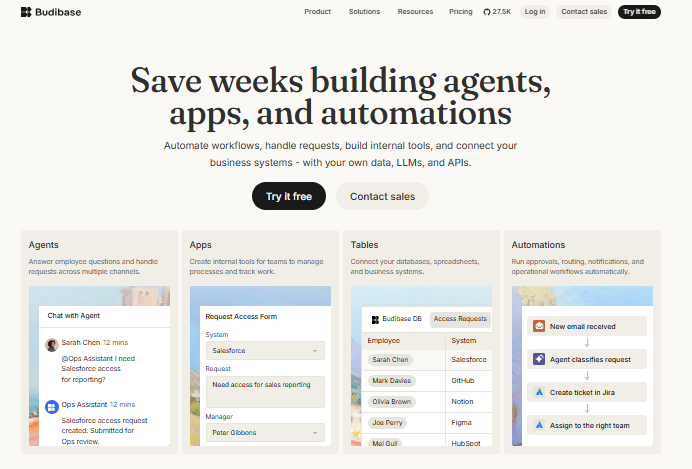
Budibase is one of the most capable open-source app builders available. You can self-host it entirely free using Docker or Kubernetes, with full access to its visual builder, database connectors, and automation workflows. For teams that cannot send data to third-party cloud platforms, this is a significant advantage.
Budibase supports PostgreSQL, MySQL, REST APIs, S3, and dozens of other data sources. It also includes basic RBAC, making it suitable for small-to-mid enterprise deployments.
Pricing: Free to self-host (community edition). Cloud plans start at $50/creator plus $5/user/month.
Pros: True open-source, full self-hosting, no vendor lock-in, growing connector library.
Cons: Fewer pre-built templates than Retool, cloud pricing is higher than competitors per seat.
Best for: Teams requiring self-hosting, developers in regulated industries, privacy-focused organizations.
8. Is n8n the Best Open-Source Workflow Automation Tool?
n8n leads the open-source workflow automation and app integration category. With over 400 native integrations, it connects apps, databases, and APIs through a visual canvas-style workflow builder. Teams use it to automate repetitive processes, sync data between systems, and build lightweight internal apps on top of automated workflows.
Unlike pure visual app builders, n8n is workflow-first. It excels at multi-step automation pipelines rather than full-application construction.
Pricing: Free community self-hosted edition. Cloud plans start at $24/month.
Pros: 400+ native integrations, open-source, excellent for complex automation, strong community.
Cons: Not ideal for building full user-facing apps, steeper learning curve for non-developers.
Best for: DevOps teams, automation engineers, teams building integration-heavy workflows.
What Are the Best RAD Tools for Developers Who Still Write Code?
Cursor and Claude Code are the leading developer-first rapid application development tools in 2026. They do not eliminate coding; instead, they use AI to dramatically accelerate it. Both tools understand large codebases, generate contextually accurate code suggestions, and help developers debug and refactor at speeds that were not possible with older AI coding assistants.
9. Is Cursor the Best AI Code Editor for Developer Productivity?
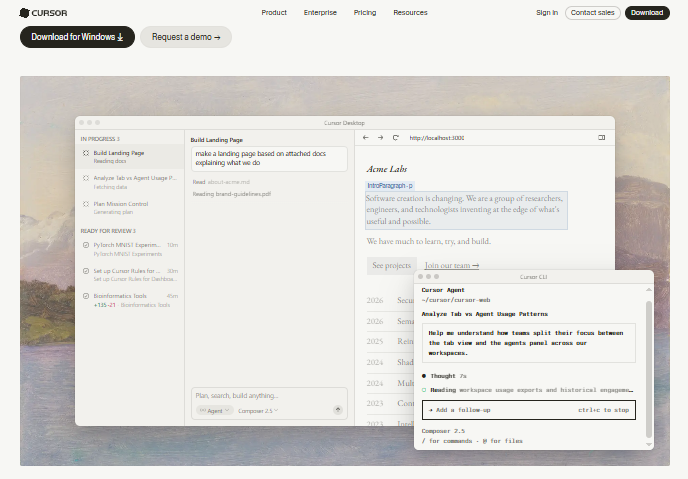
Cursor is a VS Code-based AI coding assistant that has become one of the most popular developer productivity tools in 2026. It goes beyond simple autocomplete. Cursor reads your entire codebase, understands context across multiple files, and generates accurate multi-file edits from natural language instructions.
It supports popular languages including Python, JavaScript, TypeScript, Go, and Rust. Developers use it to build new features, refactor existing code, and debug complex errors significantly faster than in standard IDEs.
Pricing: Free limited plan. Pro plan at $20/month.
Pros: Deep codebase understanding, multi-file edits, excellent debugging, VS Code extensions compatible.
Cons: Requires coding knowledge, AI suggestions can occasionally be inaccurate on unfamiliar codebases.
Best for: Developers who want AI-accelerated coding without abandoning their existing workflow.
10. Does Claude Code Work Well for Developers Handling Large Codebases?
Claude Code is a terminal-native AI coding agent built on Anthropic’s Claude model. It runs directly in your terminal and reasons over large, complex codebases with impressive accuracy. Unlike Cursor, which operates inside an IDE, Claude Code is fully terminal-first, making it a strong fit for backend developers and engineers who prefer CLI-based workflows.
Pricing: Included with Claude Pro at $17/month.
Pros: Strong reasoning on large codebases, terminal-native, excellent for refactoring and architecture decisions.
Cons: No visual interface, requires developer comfort with terminal workflows.
Best for: Experienced developers, backend engineers, teams managing complex legacy codebases.
11. Is Airtable Considered a Rapid Application Development Tool?
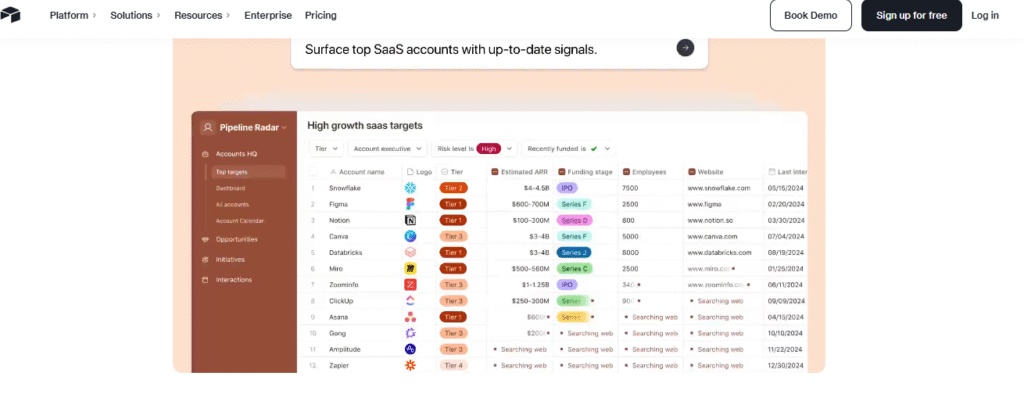
Yes, Airtable qualifies as a RAD tool for data-driven workflows. Its AI Omni assistant and Field Agents enable business teams to build apps, automate workflows, and manage structured data without writing code. However, it works best for internal, data-centric applications rather than customer-facing or enterprise-grade systems.
Airtable gives non-technical teams a spreadsheet-like interface that scales into a full no-code app builder. The AI features in 2026 allow users to generate automations, summarize data, and build custom views using natural language commands.
Pricing: Free plan includes 500 AI credits per editor per month. Paid plans start at $20/user/month.
Pros: Extremely accessible for non-developers, AI-powered features, strong template library.
Cons: Not suitable for complex enterprise apps, limited governance features, data volume limitations on lower plans.
Best for: Business teams managing structured data, project tracking, simple internal app workflows.
How Do You Choose the Right Rapid Application Development Platform for Your Project?
The right rapid application development platform depends on four factors: your team’s technical skill level, the type of app you are building, your governance and security requirements, and your budget. Matching tools to these four factors eliminates most guesswork and prevents costly platform switches later.
Use the selection framework below to narrow your options quickly.
What Is the Best RAD Tool for Startups and Solo Builders?
If you are a solo founder, freelancer, or small startup team, speed and low cost matter most. You need to get to a working prototype fast with minimal setup.
- Best choice: Lovable for AI-generated full-stack apps, or Budibase (free self-hosted) for data-driven tools
- Runner-up: GitHub Spark if you are already paying for Copilot Pro Plus
- Avoid: OutSystems, Mendix (overkill for small teams, enterprise pricing)
The application development software market is growing from $511.55 billion in 2025 to $665.58 billion in 2026, and a significant portion of that growth is coming from startups adopting low-code and AI-native platforms to compete with larger teams.
What Is the Best RAD Tool for Enterprise Teams?
Enterprise teams have different priorities. Governance, security, and scalability come before raw speed. Your tool must support RBAC, SSO, and audit logging, and ideally integrate with your existing identity provider.
- Best for enterprise internal tools: Superblocks or Retool
- Best for large-scale enterprise apps: OutSystems or Mendix
- Best for Microsoft environments: Power Apps
- Best for open-source governance: Budibase (self-hosted)
Enterprise teams should also watch for vendor lock-in. Platforms that use proprietary DSLs (Power Apps’ Power Fx, OutSystems’ own language) create migration risk if you ever need to switch.
What Are the Best Free or Open-Source RAD Options?
Free and open-source rapid application development tools have matured significantly. You no longer need to compromise on capability to avoid a paid subscription.
- Best free open-source app builder: Budibase (self-hosted community edition)
- Best free workflow automation: n8n (self-hosted community edition)
- Best free developer AI tool: Cursor (limited free plan)
- Best free internal tool builder: Retool (free for up to 5 users)
Teams in healthcare, finance, or any regulated vertical can self-host Budibase or n8n to keep all data on their own infrastructure. The healthcare segment alone is growing at a 40.3% CAGR through 2030.
What Is Rapid Application Development? A Quick Methodology Note
Rapid application development is a software development model first formalized by James Martin in 1991. It was designed as an alternative to the slow, rigid waterfall methodology. RAD prioritizes fast prototyping, frequent user feedback, and iterative delivery over detailed upfront planning.
The RAD lifecycle has four core phases. Requirements planning gathers high-level scope without heavy documentation. User design creates interactive prototypes and collects feedback quickly. Rapid construction builds the working application using reusable components and pre-built modules. Cutover moves the tested app into production with user training and final QA.
Today, RAD methodology is closely aligned with agile development principles, and the tools covered in this guide operationalize both.
Final Thoughts: Build Faster, Test Smarter
Rapid application development tools have changed what a small team can build in a short amount of time. Whether you are a startup founder testing a product idea, a developer automating internal workflows, or an enterprise IT team modernizing legacy systems, there is a RAD platform built for your situation.
The key is matching the tool to your actual needs rather than picking the most popular name on a list. AI-native tools like Lovable and GitHub Spark win on raw speed. Retool and Superblocks win on connector depth and developer control. Budibase and n8n win for teams that need open-source freedom and self-hosting. OutSystems and Mendix win when enterprise governance is non-negotiable.
When you do start building with any of these platforms, one of the first things you will test is your app’s user registration and email verification flow. That means creating multiple test accounts, which clutters your real inbox fast. FreeMail.ai lets you generate instant disposable test email addresses with no registration required, so you can test every sign-up scenario without the mess. Try FreeMail.ai’s free temp email generator and keep your QA workflow clean from day one.