

A lesson plan maker is a free online tool that helps teachers build full lesson plans with objectives, activities, and assessments in under a minute. The best free options in 2026 include AI-powered generators that work without any sign-up. Choose based on your subject, grade level, export needs, and whether you need standards alignment. This guide ranks the top tools so you can pick one and start planning right away.
Creating one lesson plan by hand can take up to three hours. Multiply that by five days a week, and planning starts eating into the time you should spend actually teaching. That is where a free lesson plan maker changes everything. Instead of starting from a blank page every morning, you type in your subject, grade level, and topic. The tool does the rest. This guide tests and ranks the best free lesson plan makers available in 2026, so you can find the right one for your classroom and get started today.
What Is a Lesson Plan Maker?
A lesson plan maker is an online tool that helps teachers create structured lesson plans quickly. Most modern tools use AI to generate learning objectives, classroom activities, materials lists, and assessment strategies automatically. Instead of using a basic lesson plan template and filling it in by hand, you simply answer a few prompts and the tool builds a complete plan for you.
Teachers at every level use these tools, from elementary school educators to high school department heads. Homeschool parents rely on them too. The best tools support K-12 lesson planning across all subjects, including STEM, humanities, physical education, and special education.
Why AI Lesson Plan Makers Changed Everything in 2026
Before AI tools existed, most teachers relied on a static lesson plan template saved in Google Docs or a printed lesson planner. The problem was not the format. The problem was the time. Writing a plan that covers learning objectives, timing, student activities, materials, and differentiated instruction used to take hours.
AI tools now handle all of that in under 60 seconds. You input your topic and grade level, and the generator produces a fully structured plan with activities, assessments, and differentiation strategies. That is the reason MagicSchool AI alone grew to more than three million users in a short time.
Here is what AI-powered lesson planning does better than manual templates:
- Generates complete plans with Bloom’s Taxonomy-aligned learning outcomes
- Aligns content automatically to Common Core State Standards or custom curriculum frameworks
- Includes differentiated instruction suggestions for different learner levels
- Produces multiple activity options so teachers can choose what fits their classroom
The 7 Best Free Lesson Plan Makers for Teachers (2026)
These tools were evaluated based on free tier access, AI generation quality, export options, no-login availability, and curriculum alignment.
1. MagicSchool AI
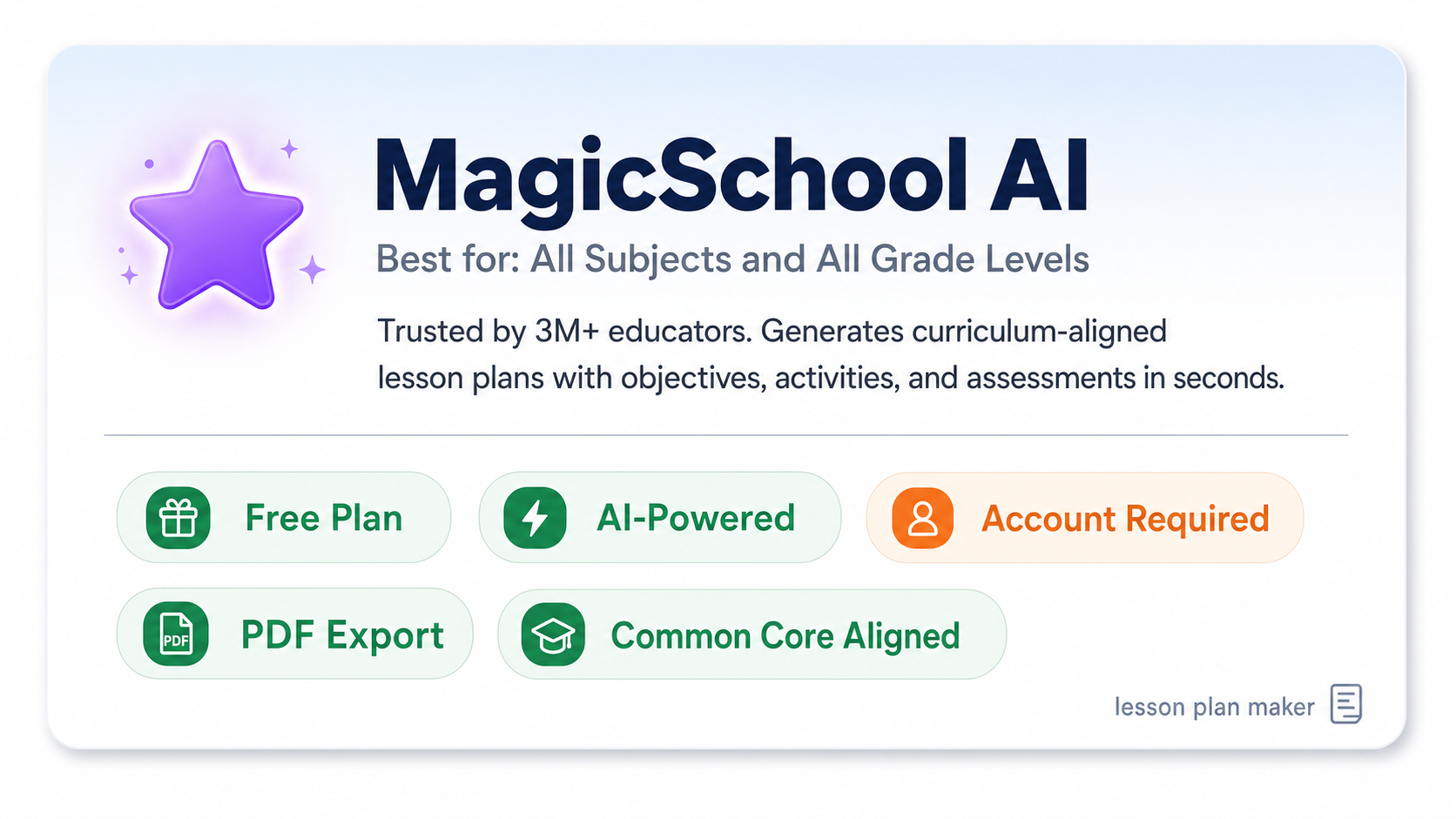
Best for: All subjects, all grade levels
MagicSchool AI is one of the most trusted educator tools in 2026. It generates complete, curriculum-aligned lesson plans from a simple prompt. Teachers enter a subject, grade, and learning goal, and the tool produces a full plan with objectives, activities, and assessment ideas. The free tier includes unlimited AI generations, which is rare among competing tools.
- Free plan: Yes
- AI-powered: Yes
- No sign-up required: No (account needed)
- PDF export: Yes
- Standards aligned: Yes, including Common Core
2. Canva for Education
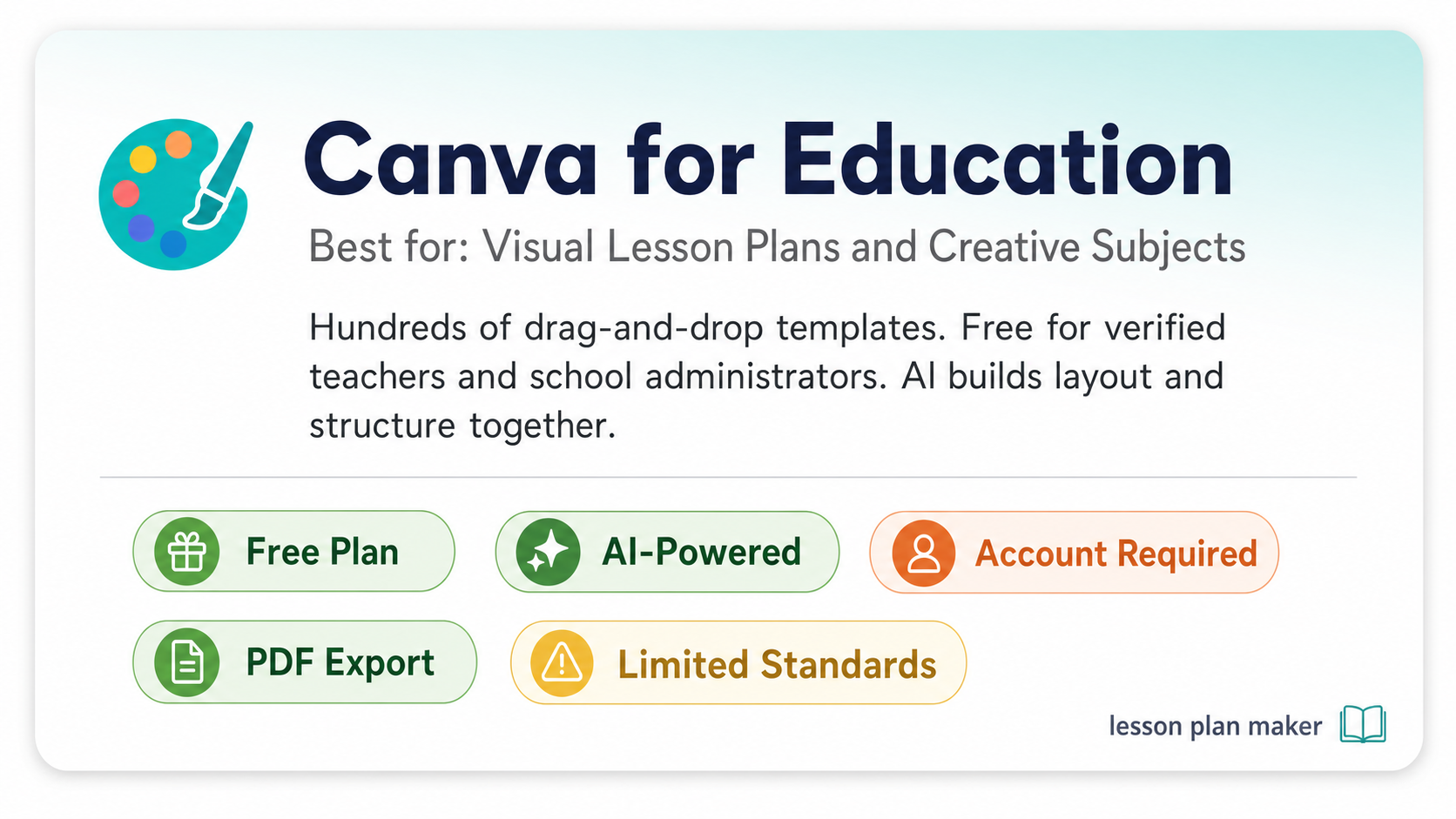
Best for: Visual lesson plans and creative subjects
Canva’s free lesson plan maker gives teachers access to hundreds of drag-and-drop templates. It is especially popular for subjects where visual presentation matters, like art, social studies, or language arts. Canva for Education is completely free for verified teachers and school administrators. The AI lesson plan generator inside Canva creates both the structure and the visual layout at the same time.
- Free plan: Yes (verified educators)
- AI-powered: Yes
- No sign-up required: No
- PDF export: Yes
- Standards aligned: Limited
3. EasyClass AI
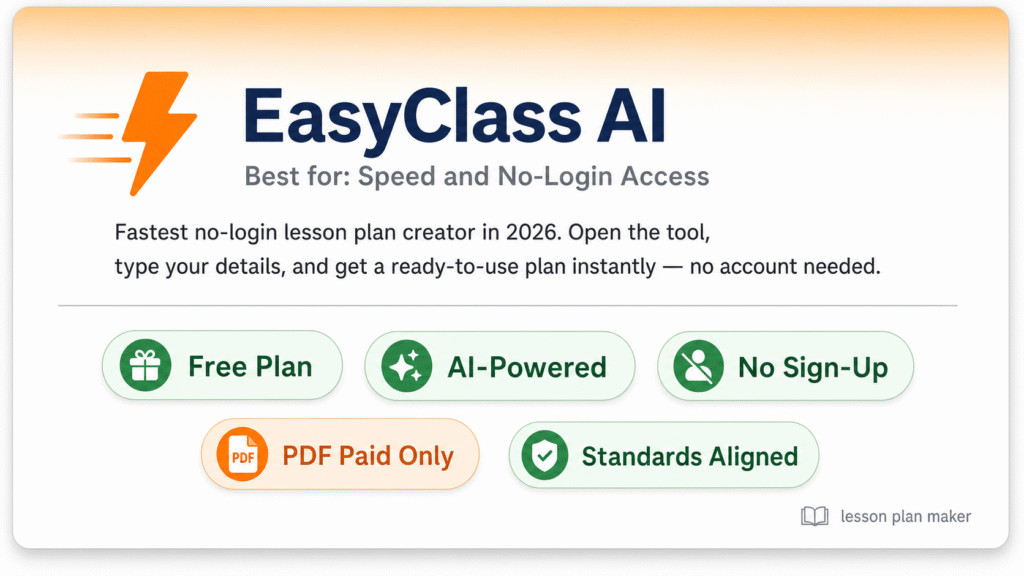
Best for: Speed and no-login access
EasyClass is the fastest no-login lesson plan creator available in 2026. Teachers do not need to create an account. You open the tool, type in your details, and get a ready-to-use plan immediately. It supports standards alignment and works across all grade levels. The free plan has some export limits, but for quick daily planning, it is difficult to beat.
- Free plan: Yes
- AI-powered: Yes
- No sign-up required: Yes
- PDF export: Paid plan only
- Standards aligned: Yes
4. GradeWithAI
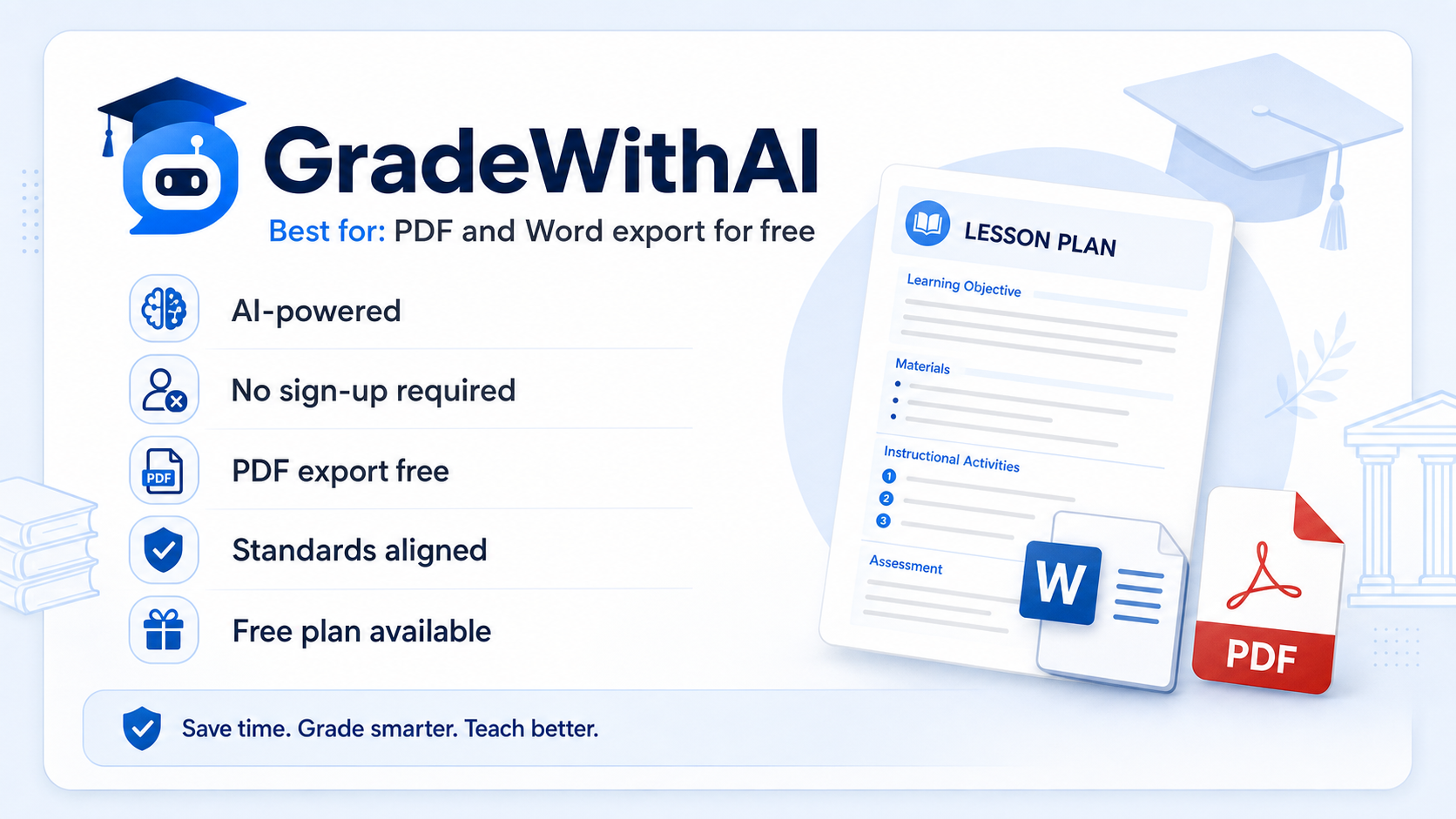
Best for: PDF and Word export for free
GradeWithAI offers one of the few free lesson plan makers that lets you export your plan as a PDF or Word document without paying. It is a strong choice for teachers who submit lesson plans to department heads or administrators in a specific format. No sign-up is required. The AI generation covers objectives, classroom activities, materials, and assessment strategies.
- Free plan: Yes
- AI-powered: Yes
- No sign-up required: Yes
- PDF export: Yes, free
- Standards aligned: Yes
5. Flint K12
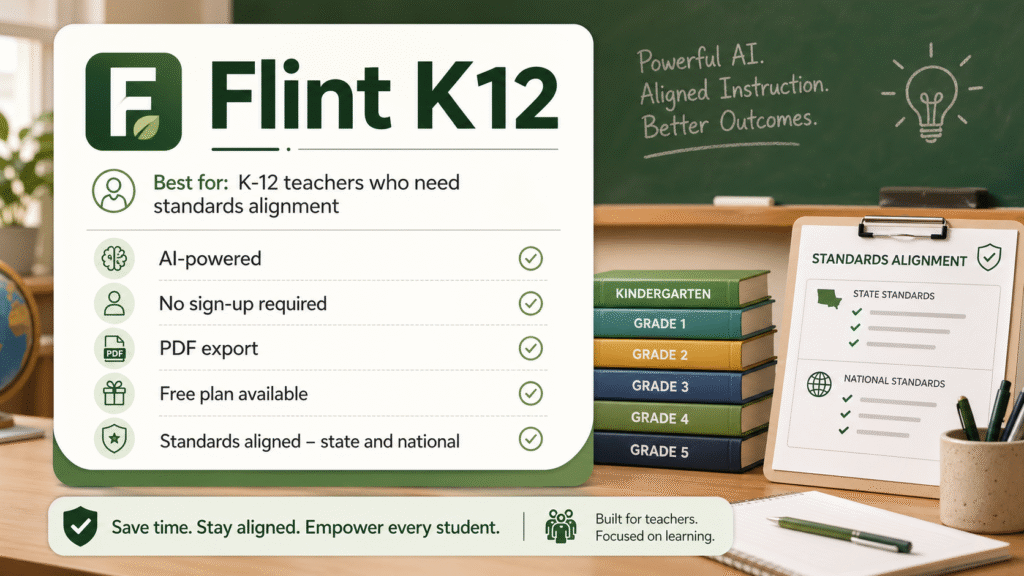
Best for: K-12 teachers who need standards alignment
Flint K12 was built specifically for K-12 classrooms. It generates lesson plans in minutes by combining your topic, grade level, and teaching objectives. What makes it stand out is the depth of standards alignment. Teachers can tie each plan directly to state or national standards before downloading. No account is needed to generate a basic plan.
- Free plan: Yes
- AI-powered: Yes
- No sign-up required: Yes
- PDF export: Yes
- Standards aligned: Yes, state and national
6. QuillBot AI Lesson Plan Generator
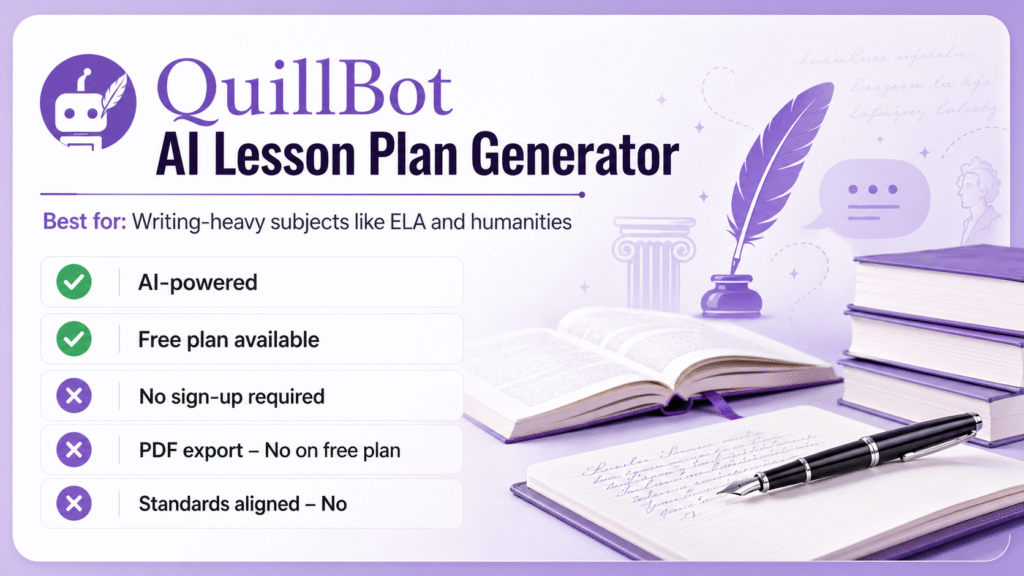
Best for: Writing-heavy subjects like ELA and humanities
QuillBot is well known as a writing tool, and its AI lesson plan generator brings that strength into classroom planning. Teachers describe their subject, grade level, and learning goals, and QuillBot produces a structured outline with objectives, discussion activities, reading materials, and assessments. It is especially strong for English Language Arts, history, and social sciences.
- Free plan: Yes
- AI-powered: Yes
- No sign-up required: No
- PDF export: No (free plan)
- Standards aligned: No
7. Lesson Planner (lessonplanner.org)
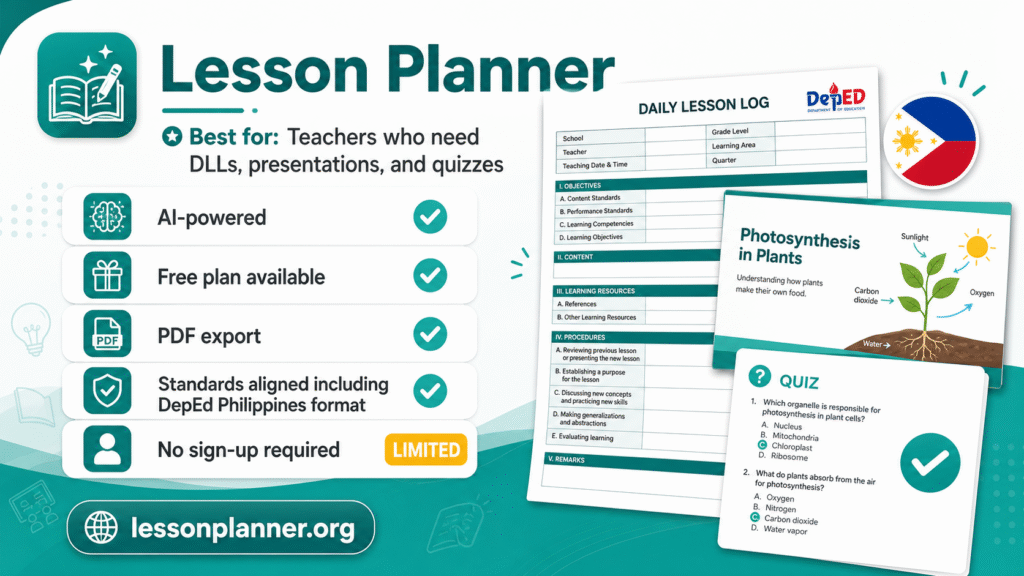
Best for: Teachers who also need DLLs, presentations, and quizzes
Lesson Planner is an AI-powered platform that goes beyond standard lesson plans. It creates Daily Lesson Logs (DLLs), presentations, quizzes, and full curriculum-aligned plans in seconds. It is also a strong choice for lesson planner ph users, since it supports the DepEd DLL format used by teachers in the Philippines. The platform is built to save time on classroom preparation from start to finish.
- Free plan: Yes
- AI-powered: Yes
- No sign-up required: Limited
- PDF export: Yes
- Standards aligned: Yes, including DepEd Philippines format
Lesson Plan Maker Tool Comparison
Use this table to compare tools at a glance before deciding which one fits your classroom best.
| Tool | Free Plan | AI-Powered | No Sign-Up | PDF Export | Standards Aligned | Best For |
| MagicSchool AI | Yes | Yes | No | Yes | Yes | All subjects |
| Canva for Education | Yes | Yes | No | Yes | Limited | Visual plans |
| EasyClass | Yes | Yes | Yes | Paid only | Yes | Speed |
| GradeWithAI | Yes | Yes | Yes | Yes (free) | Yes | Export needs |
| Flint K12 | Yes | Yes | Yes | Yes | Yes (state + national) | Standards alignment |
| QuillBot AI | Yes | Yes | No | No | No | ELA and writing |
| Lesson Planner | Yes | Yes | Limited | Yes | Yes (DepEd PH + more) | DLLs and PH teachers |
How Do You Pick the Right Lesson Plan Maker?
The best lesson plan maker for you depends on four things: whether you need AI generation, whether you need a free PDF or Word export, whether you want to avoid creating a new account, and whether your lessons must align with specific curriculum standards.
Use this quick decision guide:
- Need no sign-up? Go with EasyClass, GradeWithAI, or Flint K12
- Need free PDF export? Choose GradeWithAI or Flint K12
- Teaching ELA or writing? QuillBot AI fits your workflow best
- Want visual templates? Canva for Education is the strongest option
- Teaching in the Philippines and need DLL format? Lesson Planner supports DepEd formatting for Filipino educators
- Want unlimited free AI generations? MagicSchool AI offers the most generous free tier
Most free tools cover the basics. The small differences in export formats, sign-up requirements, and standards alignment are what separate them for specific teacher needs.
Can You Make a Lesson Plan Online Without Creating an Account?
Yes. Several free lesson plan creators work without any login. EasyClass, GradeWithAI, and Flint K12 all generate complete plans without requiring you to sign up. You simply visit the tool, enter your subject, grade, and topic, and click generate. The plan is ready in under 60 seconds.
This matters for teachers who already manage too many platforms and do not want another username and password to remember. The no-sign-up tools are also useful when a substitute teacher needs a quick plan on short notice.
What a Good Lesson Plan Should Include
Whether you build your plan manually or use an AI lesson plan creator, every solid plan covers the same core parts. Knowing these parts also helps you spot when a tool is giving you a weak or incomplete output.
A strong lesson plan should include:
- Learning objectives that tell students what they will know or be able to do by the end of class
- Instructional activities that match the subject and grade level
- A timing breakdown showing how many minutes each activity will take
- Materials list covering everything teachers and students need
- Assessment strategies to check if students understood the lesson
- Differentiated instruction notes for students who need more support or more challenge
AI tools like MagicSchool AI, Flint K12, and Brisk Teaching generate all six parts automatically based on the information you provide.
Lesson Planner PH: Best Tools for Filipino Teachers
Filipino teachers have unique needs. The Department of Education (DepEd) requires a Daily Lesson Log (DLL) format that differs from the standard lesson plan structure used in the United States or the United Kingdom. Finding a free online lesson planner that supports this format used to be difficult.
Lesson Planner (lessonplanner.org) is the strongest AI-powered option for lesson planner PH needs. It generates DLLs, lesson plans, and presentations that follow DepEd standards. Filipino teachers can create curriculum-aligned plans in seconds without reformatting everything manually. PlanbookEdu and Planboard also support flexible formats that can be adapted to DepEd requirements.
For teachers in the Philippines who need a fast, free, AI-powered daily lesson log creator, Lesson Planner is the top recommendation in 2026.
Free vs. Paid Lesson Plan Makers: What Do You Actually Get for Free?
Most teachers do not need to pay for a lesson plan tool. The free tiers on today’s best platforms are strong enough for daily classroom planning. However, some features are locked behind paid plans.
What you typically get for free:
- AI-generated lesson plans with objectives and activities
- Standards alignment options
- Unlimited or generous generation limits
- Basic editing and sharing tools
What often requires a paid plan:
- PDF or Word export (on some platforms)
- Team collaboration features for department-wide planning
- Advanced differentiation settings
- Priority AI generation speed
GradeWithAI and Flint K12 stand out because they offer free PDF export, which most other tools reserve for paying subscribers.
FAQ
Do AI lesson plan generators really save time, or do they still need a lot of editing?
Most AI-generated plans need only minor adjustments. Tools like MagicSchool AI and Flint K12 produce structured, classroom-ready plans that teachers typically edit for 5 to 10 minutes rather than building from scratch. The more specific your input, the less editing you will need afterward.
Can a lesson plan maker help with special education classrooms?
Yes. Most AI tools include differentiated instruction fields where you can note IEP requirements, learning levels, or specific student needs. MagicSchool AI and Brisk Teaching both have built-in differentiation options designed for inclusive classrooms.
Is it safe to use a free online lesson plan tool without losing my work?
Tools like PlanbookEdu and Planboard save your plans to the cloud automatically, so you will not lose your work. For no-login tools like EasyClass, always copy or download your plan immediately since those tools do not save sessions.
Can I use these tools to build a full unit plan, not just a single lesson?
Yes. Several tools go beyond single lessons. Common Curriculum and Lesson Planner both support full unit planning with multiple lessons organized into one sequence. Flint K12 also lets you build in-depth unit outlines in addition to quick daily plans.
Are there lesson plan makers that work in languages other than English?
Yes. Brisk Teaching generates lesson plans in multiple languages, making it a strong option for bilingual classrooms or international schools. Lesson Planner also supports multilingual content creation for educators outside the United States.
Building great lessons starts with a plan that actually works. A good free lesson plan maker removes the hours of setup so you can focus on your students. Whether you need a quick no-login tool, a DepEd-compatible DLL generator for lesson planner PH needs, or a full AI lesson plan creator with PDF export, the right free option is already out there waiting for you. Start with the comparison table above and pick the tool that fits your classroom, your subject, and your schedule.