

An online converter lets you change files from one format to another right in your browser. No software download is needed. The best free options in 2026 include AhaConvert, CloudConvert, Zamzar, FreeConvert, and Convertio. Each tool works best for different file types and sizes. For sensitive files, always choose a tool that processes files locally or deletes uploads quickly.
Introduction
You need to convert a file right now. You do not want to install new software. You do not want to create an account. You just want it done.
That is exactly what a good online converter does. It works instantly in your browser with no download and no sign-up needed.
But not all converter tools are equal. Some have small file size limits. Some upload your files to remote servers and keep them longer than they should. Choosing the wrong tool can slow you down or put your files at risk.
This guide compares the best free online converters available in 2026. You will find the right tool based on your file type, file size, and privacy needs.
What Can You Do With an Online Converter?
Online converters handle many different types of file transformations. Here are the five main categories:
- Document conversion – Change Word files to PDF, PDF to Word, or Excel to CSV
- Image conversion – Easily switch between JPG to PNG, WEBP, GIF, and other image formats
- Video conversion – Convert MP4, AVI, MOV, MKV, and other video formats
- Audio conversion – Change MP3, WAV, AAC, FLAC, and similar audio files
- Unit and currency conversion – Convert measurements, temperatures, weights, and live currency values
Most people use online converters for document and image tasks. Video and audio conversion takes more processing power, so those tools vary more in speed and quality.
Why Use an Online Converter Instead of Desktop Software?
Desktop software can do a lot. But for most everyday conversions, an online converter is simply faster and easier. Here is why millions of people prefer browser-based tools:
No installation required. You open a website, upload your file, and get your result. There is nothing to download, update, or uninstall.
Works on any device. Online converters run in any browser on any device. Whether you are using a Windows laptop, a Mac, or a phone, the same tool works the same way.
Free for most basic tasks. The majority of online converters offer a generous free tier. For occasional use, you will never need to pay.
No account needed. Most tools let you convert files without creating a username or password. You upload, convert, and leave. Just like how freemail.ai works for disposable email, the best converter tools are built for instant use with zero friction.
This “use it and go” approach is exactly what people want when they need a quick digital conversion job done.
The 7 Best Free Online Converters in 2026
Here is a full comparison of the top tools available right now. Each one has been evaluated on formats supported, free file limit, privacy handling, and best use case.
| Tool | Best For | Free File Limit | Formats | Privacy Model |
| AhaConvert | All-purpose use | Unlimited (basic) | 300+ | 256-bit SSL |
| CloudConvert | Developers and pros | 25 conversions/day | 200+ | Server-side, secure |
| Zamzar | Simple conversions | 50MB per file | 1,200+ | Server-side |
| FreeConvert | Large files | 1GB | 200+ | Server-side |
| Convertio | Quick one-off jobs | 100MB | 300+ | Server-side |
| SmallPDF | PDF tasks only | 2 tasks per hour | PDF suite | Server-side |
| Online-Convert | Advanced settings | 100MB | 200+ | Server-side |
Now let us look at each one more closely.
1. AhaConvert
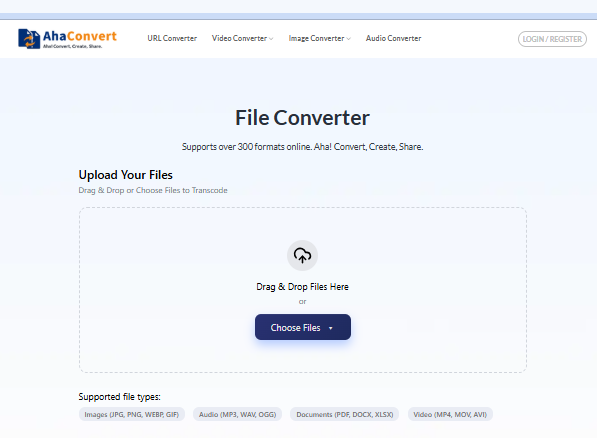
AhaConvert is the top-rated general-purpose converter in 2026. It supports over 300 formats including video, audio, images, and documents. It uses 256-bit SSL encryption and processes files quickly. Best of all, it does not require an account for basic use. If you only bookmark one converter, make it this one.
Best for: Anyone who converts different file types regularly
Free limit: Unlimited on basic conversions
Weakness: Fewer advanced output settings than CloudConvert
2. CloudConvert
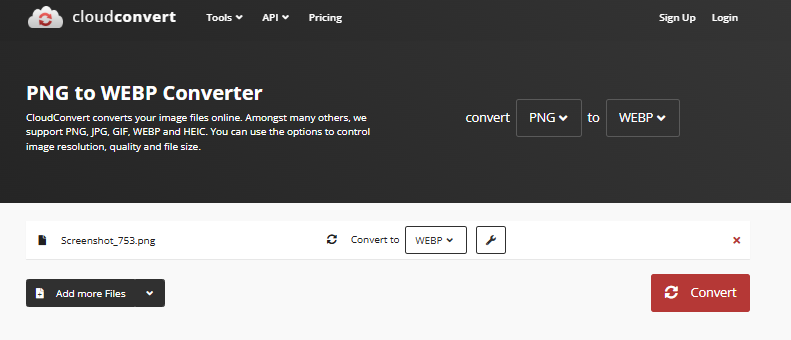
CloudConvert has been a trusted tool for professionals for years. It supports over 200 formats across documents, images, audio, video, and even CAD files. The interface is clean, and output quality is consistently high. It also offers a developer API for building conversions into apps or workflows.
Best for: Professionals, developers, and users with cloud storage (Google Drive, Dropbox)
Free limit: 25 conversions per day
Weakness: Daily conversion cap can feel limiting
3. Zamzar
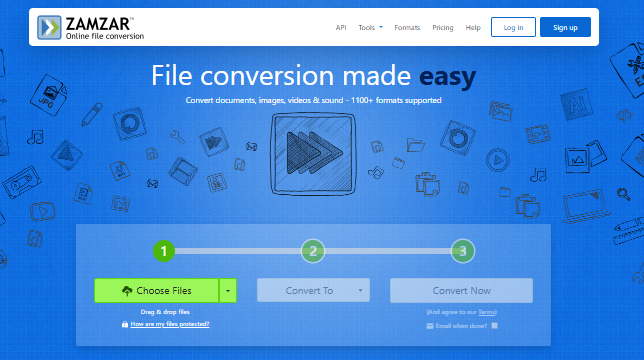
Zamzar is one of the oldest and most reliable online converters available, operating since 2006. It supports over 1,200 format combinations, which is the widest range on this list. The interface is simple: upload, pick a format, convert. No learning curve at all.
Best for: Users who need a familiar, no-fuss tool for documents, images, and audio
Free limit: 50MB per file
Weakness: Free file size limit is lower than competitors
4. FreeConvert
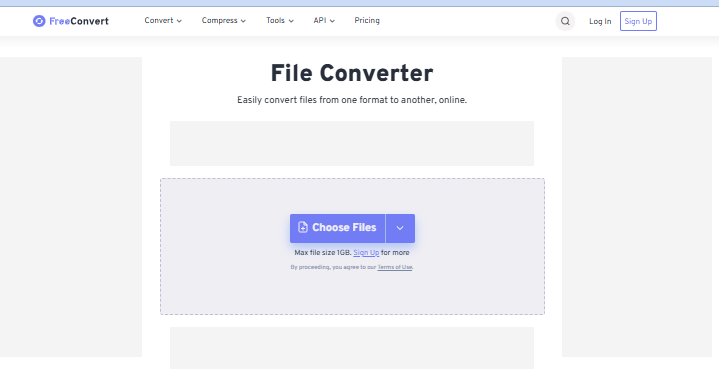
FreeConvert stands out because it allows files up to 1GB on its free plan. That makes it the best choice for larger video or audio files. It handles images, audio, video, and documents, and includes useful output settings like page range selection and format tweaks.
Best for: Large file conversion without paying
Free limit: 1GB per file
Weakness: Interface is slightly less polished than Convertio
5. Convertio
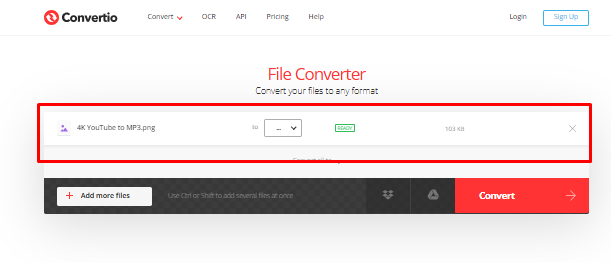
Convertio offers a clean drag-and-drop experience with support for 300+ formats. It is entirely cloud-based, so no installation is ever needed. It works well on mobile and desktop equally. The free tier allows files up to 100MB.
Best for: Quick one-off conversions without clutter
Free limit: 100MB per file
Weakness: Free tier limits can interrupt heavy daily use
6. SmallPDF
SmallPDF is built specifically for PDF tasks. It can convert PDF to Word, Excel, PowerPoint, and images. It also compresses, merges, and splits PDFs. If you work with PDF files often, SmallPDF is faster and more focused than general-purpose converters.
Best for: Anyone who works primarily with PDF files
Free limit: 2 tasks per hour (free plan)
Weakness: Limited to the PDF format ecosystem only
7. Online-Convert
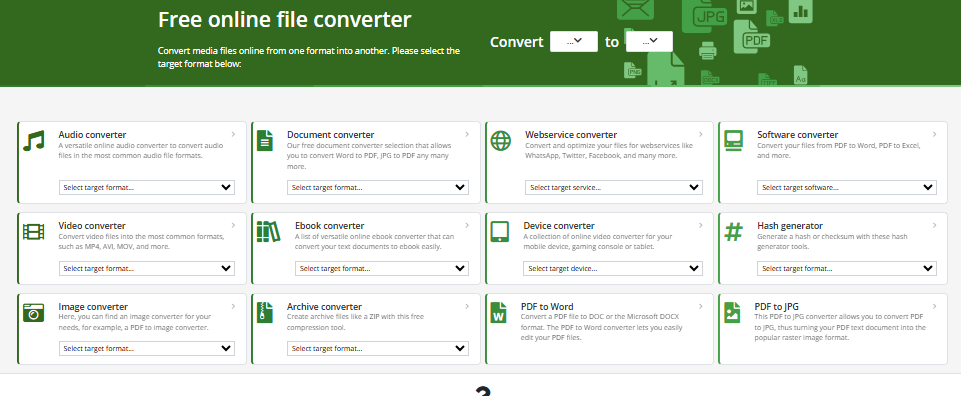
Online-Convert is organized by conversion type: image converter, video converter, audio converter, document converter, and more. Each category has its own advanced settings. You can resize images during conversion or change audio sample rates. It gives you more control than most free tools.
Best for: Technical users who need precise output settings
Free limit: 100MB per file
Weakness: More complex interface, not beginner-friendly
Are Online Converters Safe to Use?
Most online converters upload your files to remote servers. That works fine for non-sensitive files like a recipe document or a vacation photo. But if the file contains personal information, bank data, or private business documents, you need to be more careful.
What to look for:
- Data deletion policy: Does the tool delete your file after conversion? Most reputable tools delete files within 1 to 24 hours.
- Encryption: Look for tools that use HTTPS and SSL encryption during upload and download.
- Client-side processing: A small number of tools convert files entirely inside your browser. Your file never leaves your device. This is the safest option for sensitive documents.
- Privacy policy: Check whether the tool shares data with third parties. Some free tools monetize your usage data.
A Reddit discussion in early 2026 highlighted that many popular converter sites set hundreds of tracking cookies during a single session. Some tools also retained uploaded files much longer than advertised.
Under GDPR Article 5, any service processing files from EU users must handle that data with “appropriate technical security measures.” Always verify a tool’s data handling before uploading anything private.
Quick tip: For truly sensitive files, use a tool with local browser-based processing, or use desktop software that never connects to the internet.
How to Choose the Right Online Converter for Your Needs
Not sure which tool to pick? Answer these four questions:
- What file type are you converting? Choose a specialist tool (like SmallPDF for PDFs) if your task is specific. For general files, use Convertio or AhaConvert.
- How large is your file? If your file is over 100MB, use FreeConvert. It handles files up to 1GB for free.
- Is the file sensitive? If yes, look for a tool that deletes files quickly or processes them locally. Avoid uploading medical, legal, or financial documents to unknown converters.
- Do you need this regularly? For daily use, consider a paid plan on CloudConvert or Zamzar. For occasional conversions, any free tier works fine.
If you are converting media files like audio or video, you might also find it helpful to check this guide on YTMP3 and online media converters for more specific options. Video and audio conversion has unique requirements around codec support and quality settings that general tools do not always handle well.
What Is the Difference Between a File Converter and a Format Changer?
People often use these terms interchangeably, and that is fine for everyday use. But there is a small difference worth knowing.
A file converter changes a file from one format to another. For example, it turns a PNG image into a JPG image.
A format changer may also re-encode the content inside the file. This can affect quality. For example, converting a high-quality video from MP4 to AVI might reduce the resolution or audio quality depending on the settings used.
For most users, the distinction does not matter much. Just know that when you convert video or audio files, output quality can vary between tools. Check the settings before you convert.
The Bottom Line
The best online converter for you depends on what you are converting, how big your file is, and how sensitive the content is. For most everyday jobs, AhaConvert and Convertio cover 95% of use cases completely free.
If privacy matters to you, pay attention to how each tool handles your uploaded files. Check the data deletion policy before you upload anything personal.
And if you like tools that just work with no accounts, no downloads, and no hassle, you will enjoy temp gmail for the same reason. It gives you a disposable email address instantly, with zero sign-up required, just like the best online converters work today.
Frequently Asked Questions
What is the best free online converter?
AhaConvert is the top overall pick in 2026 for general file conversion thanks to its wide format support, fast processing, and no sign-up requirement. Convertio and FreeConvert are strong alternatives for document and large-file conversions respectively. The right choice depends on your file type and size.
Is it safe to use an online converter?
It depends on the tool and the file. Most converters upload files to their servers temporarily. For non-sensitive files, reputable tools like CloudConvert and Zamzar are safe. For private or confidential files, use a converter with fast file deletion or local browser-based processing to keep your data secure.
Which online converter has no file size limit?
FreeConvert allows files up to 1GB on the free plan, which is the highest among major free tools. AhaConvert also offers generous free limits on basic conversions. For files over 1GB, desktop software like HandBrake for video may be a better option.
Can I convert files online without creating an account?
Yes. Most top converters including Convertio, Zamzar, FreeConvert, and AhaConvert work without registration. You simply upload your file, select the output format, and download the result. No email address or account is required.
What types of files can I convert online?
You can convert documents (PDF, DOCX, XLSX), images (JPG, PNG, WEBP, GIF), audio (MP3, WAV, AAC, FLAC), video (MP4, AVI, MOV, MKV), and data files (CSV, JSON, XML) using free online converters. Most tools show you which formats they support before you upload.
Are there online converters that work on mobile?
Yes. Browser-based converters like Convertio, AhaConvert, and SmallPDF work on mobile browsers without requiring an app download. Performance may vary with large files on slower mobile connections, but basic document and image conversions work smoothly.
What is the best online converter for video files?
For video, FreeConvert and AhaConvert handle most common formats like MP4, AVI, MOV, and MKV. Online-Convert gives you more control over codec and resolution settings. For audio extraction from video, dedicated tools like those covered in this YTMP3 converter guide may serve you better.