

The free tier of AI tooling has changed shape over the past eighteen months. What used to mean a watermarked preview and a three-image daily cap now often means genuine access to models that were behind enterprise paywalls in 2023. For people who make things casually ; a newsletter header here, a thumbnail there, a poster for a local event ; this matters more than any benchmark score. The question is no longer whether a usable free option exists. It’s how to navigate a landscape where a dozen tools all claim the same thing and most beginners waste their first month testing the wrong ones.
The Real Problem With Free AI Image Tools Isn’t Quality
Output quality across the leading generators has converged to the point where a casual user genuinely cannot tell them apart in a blind comparison. That’s not a slight on any of them; it’s just where technology landed.
The frustration sits elsewhere. It’s in discovering that the model that renders architecture beautifully produces distorted hands, so you open a second tool. Then the second tool can’t handle text on a sign, so you open a third. Within a week you have four accounts, four separate prompt histories, and no coherent sense of what actually works. The cost isn’t money ; it’s fifteen minutes of decision fatigue before you’ve generated anything at all.
Fragmentation, not capability, is what stops most beginner AI visual creation tools from becoming part of a routine.
Why Aggregation Changes the Beginner Experience
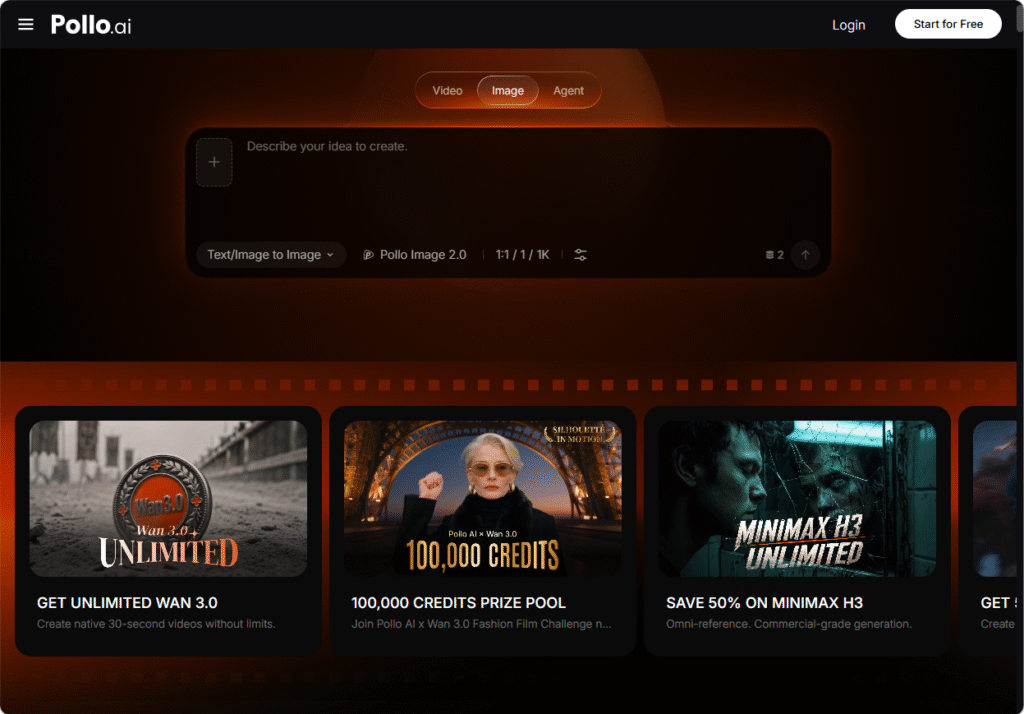
This is where a consolidated approach earns its place. Pollo AI’s Text to Image AI Online sits on several major engines side by side ; its own Pollo Image 2.0 alongside GPT-4o and Google Imagen, among others ; so the same written prompt can be run through different models without leaving the page or setting anything up. For a newcomer, the value isn’t technical sophistication; it’s that comparison becomes a single click rather than a research project.
There’s a second layer that beginners tend to discover later and appreciate more. The platform carries over two thousand custom LoRA models cleared for commercial use, which are essentially style presets trained on specific looks ; a particular illustration aesthetic, a photographic treatment, a period design language. Getting a consistent style out of a raw prompt is the single hardest skill in image generation. Style models remove most of that difficulty by handling it before you type anything.
Prompt subjects range widely too, from vehicles and portraits to animals and fantasy scenes, which matters when you don’t yet know what you’ll need next month.
Getting a Usable Image on Your First Attempt
Describe the Photograph, Not the Idea
Beginners write concepts: “a cosy coffee shop vibe.” Models respond far better to physical description: “a wooden café table by a rain-streaked window, morning light, shallow depth of field, half-finished flat white.” You are not briefing a designer who will interpret you. You are describing a photograph that already exists and asking the model to reproduce it.
Fix the Style Before You Refine the Subject
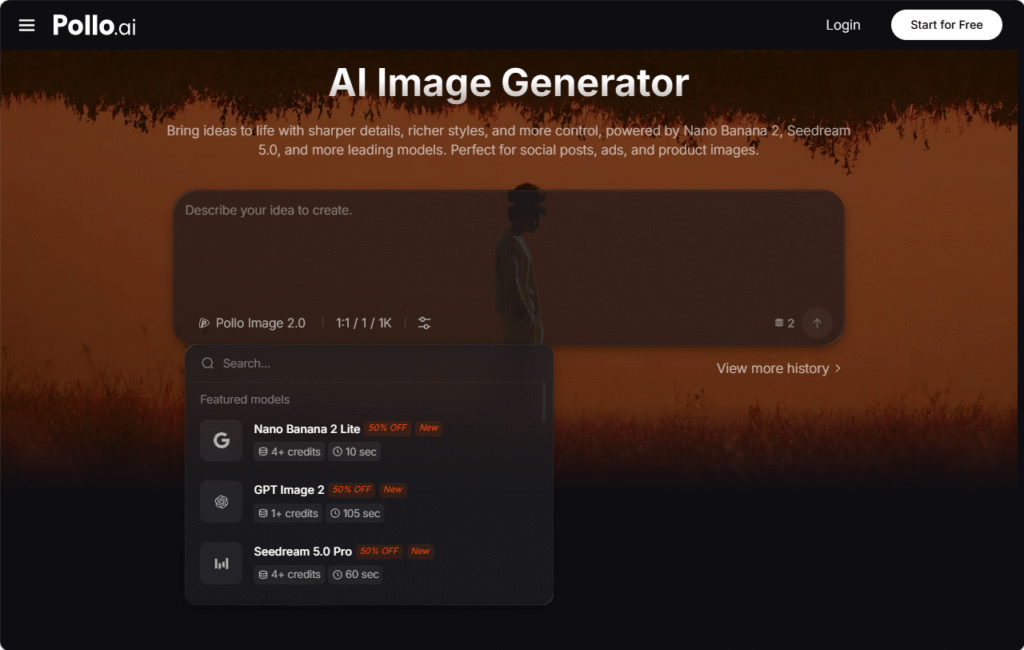
Run your first attempt through a style model rather than adjusting wording repeatedly. Most people spend twenty minutes rewriting a prompt when the actual mismatch was aesthetic, not descriptive. Selecting a preset first inside Pollo AI’s Text to Image AI Online narrows the visual territory immediately, and the prompt edits that follow become far more predictable in effect.
Generate Four, Not One
Treat the first output as information rather than a result. Producing four variations of the same prompt reveals what the model is consistently getting right and what it keeps misreading ; and the pattern across four images tells you more about how to adjust than staring at a single one ever will.
Save the Prompts That Worked
Keep a plain text file of prompts that produced something you used. Six months in, this file is worth more than any tutorial, because it’s calibrated to your taste and your projects. Almost nobody does this early, and almost everybody wishes they had.
When a Still Image Isn’t Enough
Once people get comfortable generating images, the next request is nearly always the same: can it move? A static graphic works for a blog header, but feeds increasingly favour motion, even minimal motion.
This is a genuinely separate category of tool, and it’s worth knowing the alternatives. Mango AI approaches the problem from the animation side rather than the generation side, pairing a drag-and-drop editing surface with AI-assisted visual effects so that a sequence of images can be arranged into a short animated narrative without timeline software or keyframing knowledge.
The distinction is straightforward. Image generation answers “what does this look like.” An animation tool like Mango AI answers “in what order does the viewer see it, and how does it move between beats.” For beginners, running one tool for asset creation and a separate lightweight one for assembly usually produces cleaner results than expecting either to do both.
How to Judge a Free Tool Before Committing Your Time
Three criteria separate free tools worth learning from free tools worth ignoring, and none of them are about image quality.
The first is licensing clarity. A surprising number of free generators are vague about commercial rights, which is fine for a hobby and a problem the moment you use an image on something that makes money. A commercial AI art generator should state its terms plainly, and any that don’t should be treated as personal-use only regardless of what forums claim.
The second is whether your work is portable. Can you export at a useful resolution, and can you retrieve your prompt history? Tools that lock both are cheap to start with and expensive to leave.
The third is breadth. Learning a tool costs real hours, and that investment only pays off if the tool still fits when your needs shift. Something like Pollo AI’s Text to Image AI Online covers a wide subject range and multiple engines under one interface, which means a hobbyist who later starts freelancing doesn’t have to begin the learning curve again from scratch.
Where This Leaves Casual Creators
The interesting shift isn’t that AI design tool for casual creators options became free. It’s that the skill gap between someone with three years of design training and someone with three weeks of prompting practice has narrowed considerably for a specific class of work ; social graphics, concept sketches, quick visual drafts.
That doesn’t threaten professional design, which was never really about producing individual images. It does mean the person running a small newsletter, a community page or a side project no longer has to choose between paying someone and publishing something that looks unfinished.
The tools have stopped being constraints. What remains scarce is knowing what image the situation actually calls for ; and no free tier has solved that yet.