

Canva’s own help pages say temporary and disposable email addresses are not allowed. This is true when you first sign up, and it is true if you try to change your email later. Some temp mail addresses might slip past Canva’s checks by chance, but this is not something you can count on. If you want privacy without the risk of losing your account, a separate email inbox or an email alias works better than a temp email for Canva.
A temp mail address, sometimes called a throwaway email, is a free inbox you use once and then let expire. Canva has grown into one of the biggest design tools online, with more than 265 million people using it every month. A lot of them use free features like Magic Studio to make a quick design and move on. So it makes sense that many people want to sign up without handing over their real email address.
Here is the part most guides skip. Canva’s own help center says clearly that it does not allow temporary or disposable email addresses. This article walks through what that rule actually means, why Canva has it, what happens if you try to get around it, and what you can use instead so your Canva account stays safe and working.
Does Canva Accept Temporary Email Addresses?
No. Canva’s help documentation states that it does not allow temporary or disposable email addresses. This shows up in two places: when you first create your account, and again if you try to update your email later. The rule applies no matter which type of account you have, free or paid.
This is the direct answer to the question, does Canva allow temp mail. Many sites online will tell you that a disposable email works fine with Canva. That is not what Canva’s own account rules say. If you type a canva temp mail address into the sign-up form and Canva recognizes the domain as disposable, the form will often reject it before you even get to the next step.
This is different from some other platforms. Sites like Discord will accept a temp email without much trouble. Canva takes a stricter stance, likely because so many people store real work, paid designs, and team projects inside their accounts.
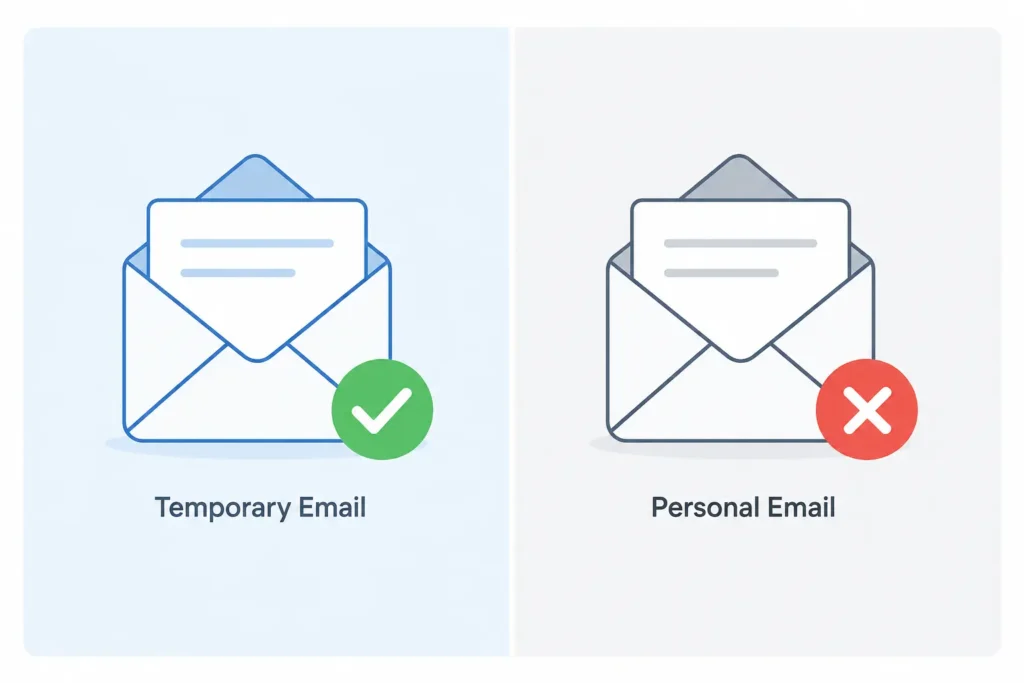
Why Does Canva Block Disposable Email Addresses?
Canva blocks disposable email addresses for the same reason most large platforms do: spam and fake accounts cost money and hurt real users.
Email checking company ZeroBounce found more than 5 million disposable email addresses in the data it checked in 2025 alone, out of more than 11 billion addresses processed. Only a small share of all emails submitted online turn out to be real, working addresses. When a platform lets in too many fake or short-lived accounts, it becomes harder to trust its user data, and its systems get flooded with junk sign-ups.
For a company like Canva, this matters even more. Free trials, Canva Pro accounts, and shared team projects all depend on real users with real, working inboxes. A flood of throwaway accounts can be used to abuse free trials over and over, which is a common problem across software platforms. Blocking known disposable domains is one of the simplest ways to cut that abuse down.
What Actually Happens If You Try to Sign Up With a Temp Email?
If you try to use a canva disposable email during sign-up, one of two things usually happens.
Most of the time, Canva’s sign-up form checks the domain right away. If it matches a known disposable email provider, you will see an error message asking for a different address. You cannot move forward until you enter something Canva accepts.
Sometimes, a newer or less common burner inbox domain has not been flagged yet. In that case, the form may let you continue. But even then, problems can show up later. This is often where people run into canva email verification not working, because the confirmation email either never arrives or gets blocked before it reaches the temp inbox.
Here is what you might see if a canva temporary email gets blocked:
- An error message right on the sign-up form
- A verification email that never shows up in your inbox
- A code that works once but stops your account from being fully recoverable later
Can a Temp Mail Address Still Slip Through Sometimes?
Sometimes, yes. But it is worth understanding why, and why that is not the same as being allowed.
Canva, like most platforms, checks the domain reputation of the email address you enter. This means it looks at whether the domain has a history tied to spam, fake sign-ups, or known temp mail services. Older, well-known disposable domains are on these lists already. Newer ones may not be flagged yet.
One study found that close to half of high-risk disposable domains only last a few days before they are replaced with new ones. That fast turnover is exactly why some temp mail addresses briefly slip through filters. The domain simply has not built up enough of a bad reputation yet.
This does not mean the door is open. It just means detection is not perfect. If you want to check whether a specific address looks disposable before you use it anywhere, a disposable email checker can give you a quick read on that.
It helps to know how these throwaway addresses work behind the scenes. Most temp mail tools run on a catch-all inbox, which is one mail server set up to accept messages sent to many made-up addresses at once. This setup relies on something called an MX record, a bit of domain information that tells the internet where to send mail for that domain. Messages travel using SMTP, the standard system that moves email from one server to another, and then land in whichever address the tool gave you. When a domain gets used for spam too often, it ends up on a domain blocklist, and platforms like Canva simply reject anything coming from it.
What Are the Risks If You Try Anyway?
Even when a temp mail address gets past Canva’s sign-up form, using one still carries real risk. Most of these risks show up later, not right away.
Account Recovery Risk
Temp mail inboxes are built to expire, often within minutes or hours. Once that inbox is gone, so is your only way back into your Canva account if something goes wrong.
- You cannot reset a lost password without access to that inbox.
- You cannot confirm your identity if Canva flags unusual activity.
- You cannot receive a new verification code if you get logged out.
Once the temp inbox disappears, there is no support path that gets it back for you.
Team and Subscription Risk
Design work rarely stays personal for long. Many Canva accounts end up tied to shared folders, brand kits, or paid features.
- Canva Teams depends on stable email addresses for invites and shared permissions.
- Losing your inbox can mean losing access to shared brand assets.
- Canva Pro billing, receipts, and renewal notices all rely on a working email.
If you are testing Canva for a few minutes, none of this matters much. If you plan to keep the account, it matters a lot.
Is It Against Canva’s Terms of Service to Use a Disposable Email?
In practical terms, yes. Canva’s own account rules say temporary and disposable addresses are not permitted. That places a temp mail sign-up outside of what Canva’s documentation allows, even though how strictly this gets enforced can depend on which domain you use. This is not the same as a hard, automatic ban trigger, but it does mean you are working against Canva’s stated account requirements from the start.
What Should You Use Instead of Temp Mail for Canva?
If your goal is privacy, not just a canva account without real email, there are a few options that work better than a fully disposable inbox.
A Gmail-style formatted address. Some temp mail tools generate addresses that look like a normal Gmail account instead of a random string of letters. These can pass basic form checks a little more often, though they are still not something Canva’s rules allow. This is really only worth trying for a single, no-commitment test, like checking out a template before you decide whether to make a real account.
An email alias with plus addressing. Most major email providers, including Gmail and Outlook, let you add a plus sign and a label to your normal address. For example, yourname+canva@gmail.com still lands in your regular inbox, but it lets you track and filter mail from Canva separately. This keeps full password reset and account recovery working, since it is really just your real inbox wearing a name tag.
A dedicated second inbox. Setting up one separate, permanent email account just for design tools and sign-ups like this is one of the most reliable ways to protect your main inbox. It still gives you a working password reset path and full account recovery, which a temp inbox cannot offer.
Out of these, an alias or a dedicated inbox is the best alternative to temp mail for canva if you plan to keep using the account for more than a quick test.
How to Protect Your Inbox When Signing Up for Canva the Right Way
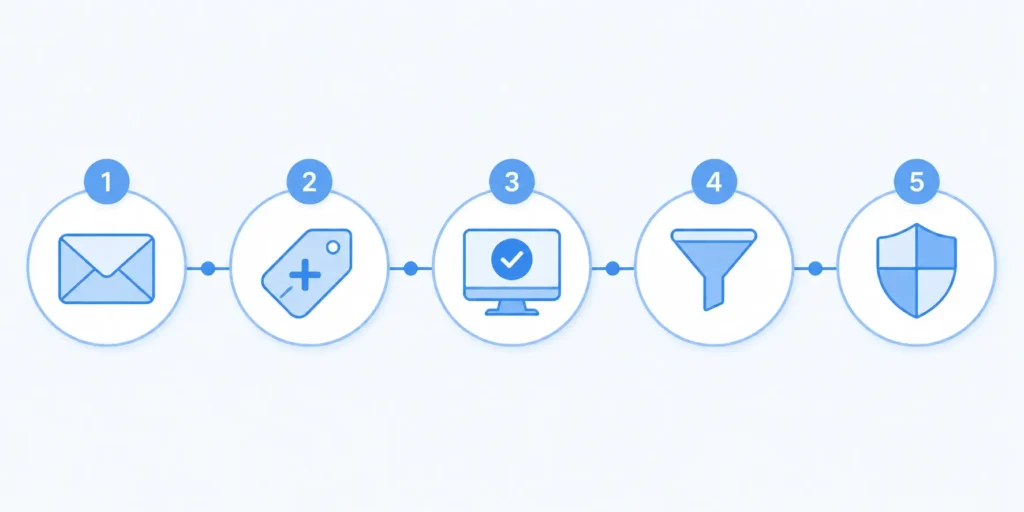
Here is a simple way to sign up for Canva that keeps your privacy in mind without risking your account later.
- Pick a real, working email address, either your main one or a separate account you plan to keep.
- Add a plus tag if you are using your main address, like yourname+canva@gmail.com, so Canva mail stays easy to spot and filter.
- Go to Canva’s sign-up page and enter that address, then finish the verification step using the code Canva sends.
- Set up an inbox filter in Gmail or Outlook so Canva’s marketing emails get sorted or archived automatically, keeping your main inbox clean.
- Keep that inbox active for as long as you plan to use the account, so password resets and login checks always work.
This gives you most of the spam protection people want from a burner inbox, without the risk of losing access the moment a temp mail address expires.
A Simpler Way to Protect Your Inbox
Temp mail works well on plenty of platforms, but Canva is a case where the platform’s own rules say otherwise. If you just want to peek at templates or try a feature once, a temp mail address might get you through the door, though it is not something Canva’s policy supports. For anything you plan to keep, a dedicated inbox or an email alias gives you the same privacy without the risk of getting locked out later.
If you want to check whether a specific email domain looks disposable before you use it anywhere online, FreeMail AI’s disposable email checker gives you a quick answer. And if you are setting up a more lasting privacy habit across your accounts, our guide on using plus addressing and temp mail together walks through exactly how to combine both for the best result.
Frequently Asked Questions
Does Canva block all temp mail domains?
Not every single one, but Canva’s stated policy rules out temporary and disposable addresses broadly. Whether a specific domain gets caught depends on whether Canva’s system already recognizes it as disposable.
Can I switch my Canva account from a temp email to a real one later?
Usually yes, as long as you can still log in and confirm the change through your current inbox. If your temp mail inbox has already expired and Canva needs to verify the switch, you may not be able to complete it.
Will Canva ban my account for using a disposable email?
Using one is not described as an automatic ban trigger. The bigger risk is losing access, since account recovery and verification steps depend on an inbox that a temp email cannot guarantee.
Is temp mail safe for Canva Pro or Canva Teams?
No. Temp mail canva pro use is risky because paid plans depend on billing emails, renewal notices, and account recovery messages. Canva Teams also depends on stable addresses for shared permissions and brand assets. A temp inbox cannot reliably support either one.
Why isn’t my Canva verification email arriving?
This is usually one of three things: the domain got blocked before the message was even sent, the message is delayed, or your temp mail inbox expired before Canva’s email showed up.
What’s a better alternative to temp mail for Canva?
A dedicated second inbox or a plus-addressed version of your real email works better, since both keep password resets and verification working long after the initial sign-up.
Does Canva require anything besides email verification?
For most free accounts, no. Canva has not rolled out phone or ID verification the way some other platforms have started to. Email is still the main check most users go through, including students and teachers signing up for Canva for Education.