


Choosing the right email provider sets the foundation for professional, secure, and scalable business communication. The best options in 2026 include Google Workspace, Microsoft 365, Zoho Mail, Proton Mail, Neo Mail, and Fastmail. Each one suits different budgets, team sizes, and security needs. Startups should look for custom domain support, affordable per-user pricing, and room to grow.
Most startups begin using a personal Gmail account. It feels easy and free. But as your business grows, customers notice. An email from [email protected] looks far more trustworthy than [email protected]. That first impression matters more than most people realize.
The good news is that switching to a proper business email does not have to be expensive or complicated. With over 4.59 billion global email users sending 376.4 billion messages every day, email remains the backbone of business communication in 2026. The right email provider for your business can improve your credibility, protect your data, and help your team stay organized from day one.
This guide compares the best email providers for businesses and startups in 2026. We cover pricing, security, startup fit, and key features so you can make a confident decision.
What Should You Look for in a Business Email Provider?
Before picking a provider, it helps to know which features matter most. Not every business needs the same things. A bootstrapped two-person startup has very different needs from a 30-person growth-stage team.
Here are the core factors to evaluate:
- Custom domain email: A professional address like [email protected] builds credibility and brand identity. Most providers make this easy to set up.
- Security features: Look for encryption, spam and phishing protection, two-factor authentication, and support for SPF, DKIM, and DMARC records. The Cybersecurity and Infrastructure Security Agency (CISA) recommends encryption, access control, and phishing protection as the minimum standard for any business email system.
- Scalability: Your team will grow. Choose a platform that lets you add users easily, manage multiple domains, and control access from a central admin dashboard.
- Pricing transparency: Watch out for hidden fees. Compare per-user monthly costs and check what is included at each tier before committing.
- Productivity tools: Modern business email accounts now come with scheduling tools, email tracking, reminders, calendar integrations, and even AI writing assistants.
- Deliverability: This one is often overlooked. If your emails land in spam folders, your sales and customer communication will suffer. Choose a provider with a strong sender reputation.
Now that you know what to look for, here are the providers worth considering.
Top 5 Popular Email Providers for Businesses
Before we go further into details, let’s look at some of the best email services that businesses can rely on:
- Tuta Mail – Privacy-focused, encrypted, and ideal for security-conscious teams
- Neo Mail – Simple, modern, and built specifically for startups
- Proton Mail – Privacy-first with strong encryption
- Fastmail – Fast, clean, and reliable for focused workflows
- Bluehost Professional Email – Convenient for businesses already using hosting services
Every email service provider has its strengths depending on the needs of the organization. It is vital to determine which one suits your business at the present moment and in the future.
1. Tuta Mail
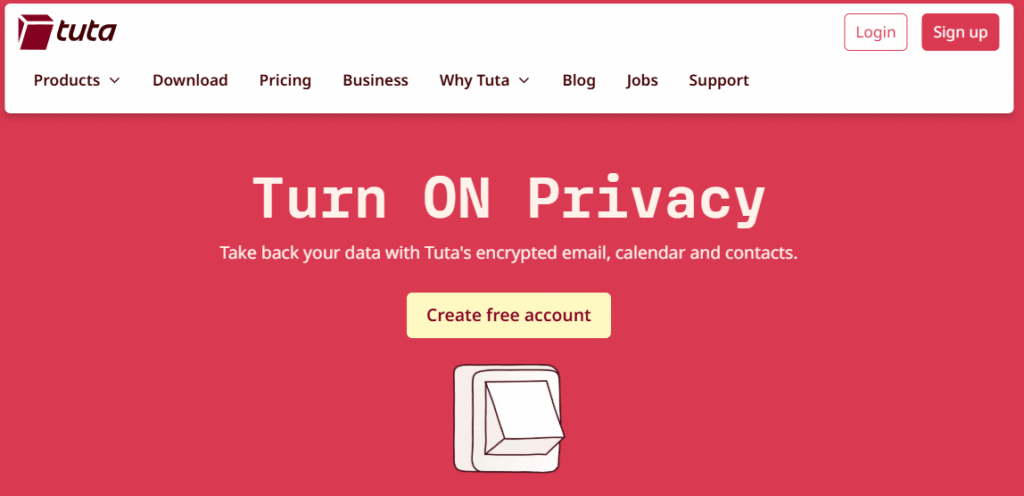
Tuta Mail offers a streamlined email option focused primarily on privacy that caters to the needs of sophisticated users and businesses.
What stands out:
Their platform protection extends to emails, contacts, and calendars through their end-to-end encryption system. Cleaning and removing elements that distract from the privacy-first method of design. They will likely be the first provider to support a privacy-first method.
Key features:
- Criteria for email and calendar that are end-to-end encrypted
- Minimal data tracking along with a privacy-first method
- Support of a custom domain for professionals
- Transparent open-source structure
- Password protection and two-factor authentication
Best suited for:
Preferably, those who start a business and wish to provide email options that are privacy-focused.
2. Neo Mail
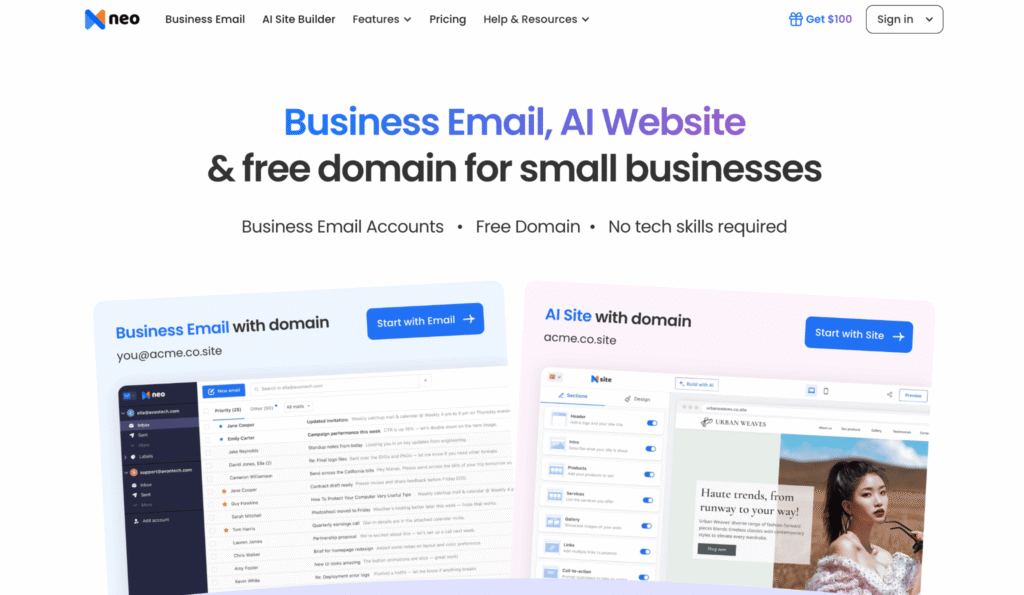
Neo Mail focuses on simplicity and speed, making it particularly appealing for founders who want to get started quickly without dealing with technical complexity.
What stands out:
The platform offers an opportunity to focus on work without being distracted by excessive setup processes and configurations. Things such as email templates, scheduling emails, and a clean website layout make the process simpler. Also, the possibility of creating a custom domain email account can help a business present itself properly.
Key features:
- Custom domain email setup
- Email tracking and read receipts
- Built-in email templates for outreach
- Email scheduling and follow-ups
- Simple, intuitive interface
- Quick onboarding with minimal configuration
- Free AI website builder
Best suited for:
Early-stage startups, solo founders, and small businesses that want a polished, easy-to-use email solution without needing deep technical knowledge or complex configurations.
3. Proton Mail
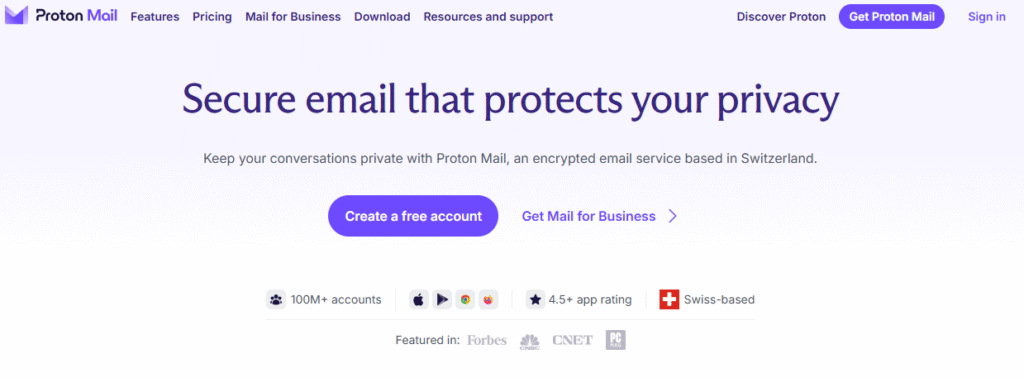
This is an email manager focused on ensuring data safety and providing maximum privacy for email exchanges.
What stands out:
Here, privacy becomes the primary concern. The platform offers end-to-end encryption of each message and ensures the confidentiality of all transactions, meaning that not even Proton Mail itself can see what is inside. It becomes a powerful asset for businesses operating with sensitive data.
Key features:
- End-to-end encryption
- Zero-access architecture
- Safe calendar and file management
- Spam and phishing protection
- Two-factor authentication
Best suited for:
Businesses handling sensitive information, such as legal, healthcare, or financial services, or any startup that wants to build trust through a privacy-first approach..
4. Fastmail
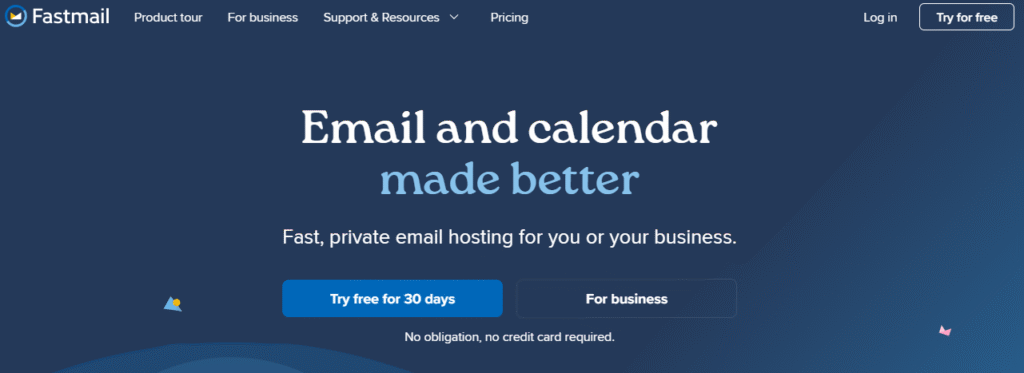
Fastmail is known for its speed, reliability, and straightforward approach to email. It’s particularly appealing to users who want a focused, distraction-free experience without ads or unnecessary complexity slowing them down.
What stands out:
Fastmail delivers a fast, distraction-free experience with no ads and an efficient interface. Its strong spam filtering and reliable performance streamline daily email management.
Key features:
- Fast and responsive web interface
- Custom domain support
- Powerful spam filtering
- Calendar and contact management
- IMAP/POP access for flexibility
Best suited for:
Legal firms, financial organizations, companies handling their customers’ personal data (e.g., in the healthcare sector), or other enterprises requiring privacy and confidentiality.
5. Bluehost Professional Email

This service is often bundled with web hosting, providing convenience for businesses that manage their domain through Bluehost.
What stands out:
It simplifies setup by combining website hosting and email, Bluehost simplifies setup and reduces the need to manage multiple vendors. This is especially beneficial for non-technical users.
Key features:
- Easy integration with domain and hosting
- Webmail and mobile access
- Basic spam protection
- Calendar and contact tools
- Simple admin controls
Best suited for:
Startups that want a straightforward, all-in-one solution tied closely to their website infrastructure, without needing advanced email features.
Comparison Table
| Provider | Best For | Key Strength | Limitation |
| Tuta MailMail | Privacy-focused startups | End-to-end encryption, no tracking | Limited integrations |
| Neo Mail | Small businesses | Easy setup, built-in tools | Smaller ecosystem |
| Proton Mail | Privacy-focused teams | Strong encryption | Fewer integrations |
| Fastmail | Performance-focused users | Speed and reliability | Limited collaboration tools |
| Bluehost Professional Email | Hosting-based businesses | Easy bundled setup | Basic feature set |
Which Email Provider Fits Your Startup Stage?
Your startup stage determines which provider delivers the most value. Picking the right one early saves you the headache of migrating your entire team later.
Stage 1: Pre-Revenue and Bootstrapped (1 to 3 People)
At this stage, keeping costs low is the priority. You still need a professional address with a custom domain to build trust with clients and partners.
Best choices: Zoho Mail (free plan) or Neo Mail (from $1.99/mailbox). Both support custom domains, require minimal setup, and do not require any technical knowledge. Neo Mail adds the bonus of a free AI website builder, which is useful if you do not yet have a website.
Stage 2: Growth Stage (4 to 25 People)
Your team is growing and collaboration is becoming more important. You need shared calendars, easy file sharing, and tools that multiple people can use at the same time.
Best choices: Google Workspace for Google-native teams or Microsoft 365 for document-heavy workflows. Both start at $6/user/month and offer the collaboration tools that growing teams need.
Stage 3: Scaling or Regulated Industry (25-Plus People)
At this stage, compliance, advanced admin controls, and security are non-negotiable. The National Institute of Standards and Technology (NIST) provides encryption guidance that both Microsoft 365 and Proton Mail align with for regulated industries.
Best choices: Microsoft 365 for corporate environments or Proton Mail for businesses that require end-to-end encrypted email and strict GDPR compliance.
What Is the Difference Between Email Hosting and Email Marketing Tools?
This is one of the most common points of confusion for new business owners.
Email hosting providers like Google Workspace, Zoho Mail, Proton Mail, and Neo Mail manage your day-to-day business communication. They handle sending and receiving emails from your custom domain address. This is the inbox you check every morning.
Email marketing tools like Mailchimp, Brevo, and GetResponse are separate platforms used for bulk campaigns, newsletters, and automated email sequences sent to subscriber lists. They are not inboxes.
Most businesses eventually need both, but they serve completely different purposes. Mixing them up often leads to choosing the wrong tool for the wrong job. If you want to understand the difference in more depth, this guide to email marketing platforms and this roundup of the top email marketing tools covers what each type of platform does in detail.
How Do You Set Up a Professional Business Email Address?
Setting up a professional business email account is simpler than most people expect. Here are the five steps most providers walk you through:
- Register a domain name (or use a free domain from providers like Neo Mail)
- Choose an email hosting plan that fits your team size and budget
- Create your mailboxes using your domain (for example, [email protected])
- Configure security settings: set up MX records, SPF, DKIM, and DMARC to protect your sender reputation and improve deliverability
- Connect to your device: link your inbox to desktop apps like Outlook or Apple Mail, or use the provider’s web client
Most modern platforms automate much of this process. For most startups, the full setup takes less than one hour. If you want more detail on evaluating the right service first, this guide on how to choose email marketing services covers the evaluation process in depth.
Free vs. Paid Business Email: Is Free Worth It?
Free business email plans can work for very early-stage startups, but it is important to understand their limits before relying on them.
What free plans typically offer:
- Basic inbox access via web browser
- Custom domain support in some cases (Zoho Mail)
- Limited storage, usually 5 GB or less
- Basic spam filtering
What free plans usually lack:
- Mobile sync and desktop app access
- Advanced security controls and admin tools
- Customer support with guaranteed response times
- Consistent email deliverability for higher-volume sending
For most startups, the investment of $1 to $6 per user per month is worth it from day one. The improved credibility, deliverability, and admin control justify the cost. If you want to test your sign-up flows and email behavior before committing to a paid plan, the free email generator lets you create a temporary inbox instantly with no registration required. It is a practical way to test contact forms, verify integrations, and protect your real inbox during the setup process.