

EmailOnDeck is a free disposable email service that generates a temporary inbox in two steps, completes a CAPTCHA, and receives a 10-minute email address. It requires no account, claims to wipe server logs, and works well for basic one-time signups. However, major websites now detect and block EmailOnDeck domains in real time, limiting its reliability in 2026. For users who need a temporary email that consistently works across stricter platforms, several stronger alternatives are worth considering.
EmailOnDeck pulls in over 800,000 monthly visitors, which tells you one thing clearly: a lot of people want a quick, no-questions-asked disposable inbox. But popularity and reliability are two different things. If you’ve tried using EmailOnDeck recently and found it blocked, flagged, or rejected at signup, you’re not alone.
This article gives you an honest evaluation of what EmailOnDeck does well, where it falls short, and which alternatives hold up better in 2026, so you can make the right call for your situation.
What Is EmailOnDeck?
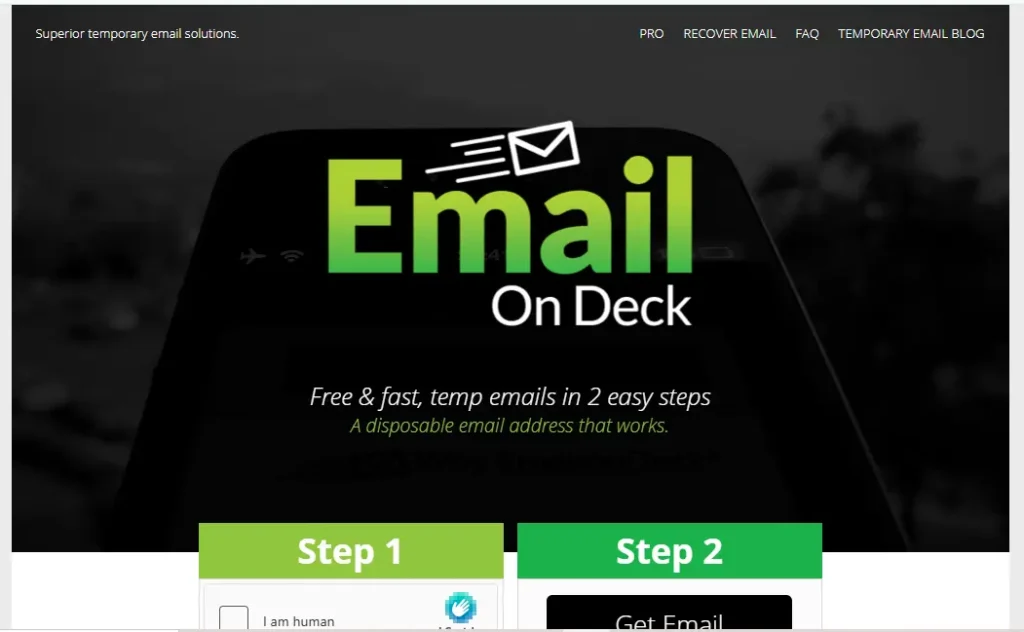
EmailOnDeck is a free, temporary email service that lets you generate a disposable email address without creating an account or sharing any personal information. It’s designed for one purpose: protect your real inbox from spam by giving websites a throwaway address instead of your primary email.
The service has been around long enough to build a strong user base, particularly among crypto users, developers, and privacy-conscious individuals who regularly sign up for online services.
Quick facts:
- Cost: Free (ad-supported); Pro plan available, priced in Bitcoin or Ethereum
- Registration required: No
- Email lifespan: ~10 minutes (refreshable)
- Monthly visitors: ~800,000+
- Platform: Web-based + Chrome Extension
How Does EmailOnDeck Work?
Getting a temporary email address on EmailOnDeck takes under a minute. Here’s the full process:
- Visit emailondeck.com
- Complete a CAPTCHA verification (to confirm you’re human)
- Receive your randomly generated temporary email address
- Use that address for signups, downloads, or email verifications
- Check your inbox on the EmailOnDeck page for incoming messages
- The address expires after approximately 10 minutes, you can refresh to extend the session
The CAPTCHA step is intentional. Unlike some disposable email services where anyone can guess another user’s inbox by URL, EmailOnDeck’s verification step adds a layer of abuse prevention. Once the session ends, all emails are permanently deleted from their servers.
What Are EmailOnDeck’s Key Features?
EmailOnDeck’s Key Features are built to deliver fast, disposable email access with a strong focus on privacy and simplicity. Whether you’re a casual user trying to avoid spam or a developer needing scalable temporary inboxes, the platform offers a mix of essential tools and advanced capabilities.
Features for Everyday Users
- No registration needed: generate an address in under 60 seconds with no personal data required
- Automatic inbox deletion: emails and session data are wiped after use, reducing your data footprint
- CAPTCHA protection: reduces the chance someone else can guess or access your temporary inbox
- Chrome browser extension: generates a temp address directly from your browser without visiting the site
- Multi-device compatible: works on desktop, mobile browser, and via extension
Features for Developers and Power Users
- EmailOnDeck Pro plan: unlocks 100+ simultaneous email addresses, custom email addresses, exclusive domains, API access, ad-free experience, and private logs: paid exclusively in Bitcoin or Ethereum
- Email sending (Pro only): unlike most temp email services, Pro users can send anonymous emails, not just receive them
- API access (Pro only): allows developers to integrate disposable email generation directly into their applications
- Save email addresses (Pro only): retain specific disposable addresses rather than losing them after session expiry
Is EmailOnDeck Safe to Use?
EmailOnDeck is generally safe for low-stakes use: protecting your inbox from signup spam, downloading gated resources, or one-time service access. However, it offers minimal encryption on the free tier, and the random inbox addresses, while CAPTCHA-gated, do not guarantee full anonymity.
Safe use cases:
- Signing up for newsletters or free trials you may not continue
- Downloading whitepapers or gated content
- Testing a web service before committing your real address
- Accessing one-time promotional offers
When EmailOnDeck is NOT safe enough:
- Any account requiring a password reset (address expires in 10 minutes, you may lose access permanently)
- Services where you need long-term inbox access
- Situations where true anonymity is required, “temporary” does not equal “untraceable”
- Sensitive communications, avoid sharing personal data via a temporary inbox
One important data point: the average cost of a stolen email record in a data breach is $169, according to IBM research. A disposable email helps reduce this exposure when signing up for services you don’t fully trust, but only if the email is genuinely not connected to your identity. Using dark web monitoring can also help users detect when their email addresses or associated credentials appear in exposed datasets.
Can Websites Detect and Block EmailOnDeck?
Yes, and this is the most important limitation to understand before using it. EmailOnDeck addresses are detectable in real time.
Email validation services like Verifalia classify EmailOnDeck domains as “WellKnownDea”, a designation for Well-Known Disposable Email Addresses that are flagged automatically whenever a website checks an email during signup. This detection happens before you even click “Submit.” Many major platforms now integrate these validation APIs directly into their signup flows, meaning EmailOnDeck gets rejected silently, often with a generic “invalid email” error that gives you no indication the address was blocked.
Types of platforms most likely to block EmailOnDeck:
- E-commerce platforms: especially those with loyalty programs or purchase verification
- Social media networks: Facebook, Instagram, LinkedIn, and similar platforms actively reject known disposable domains
- Financial services and crypto exchanges: KYC compliance often requires permanent, verifiable email addresses
- SaaS platforms with free trial abuse policies: EmailOnDeck is well-known enough that many automatically filter it out
The detection problem is not unique to EmailOnDeck, but because it is one of the most popular and widely recognized disposable email services, its domains are among the first to be added to blocklists. If you’re finding EmailOnDeck “not working” on specific sites, this is almost certainly why.
EmailOnDeck Pros and Cons
EmailOnDeck lets you quickly create a temporary email address while keeping your privacy. Like other disposable email services, it has both benefits and drawbacks depending on how you use it.
| ✅ Pros | ❌ Cons |
| Completely free to use | Email addresses expire in ~10 minutes |
| No account or registration required | Easily detected and blocked by email validators |
| Fast — inbox ready in under 60 seconds | CAPTCHA step adds friction vs. instant alternatives |
| CAPTCHA reduces inbox guessing | Free version is ad-supported |
| Chrome extension for browser-level access | Can’t send emails on the free plan |
| Pro plan adds powerful features | Pro plan priced in Bitcoin/Ethereum only — not accessible for everyone |
| Log-wiping privacy claim | No password recovery option for linked accounts |
| Works for basic one-time signups | Limited inbox storage; no attachment handling on free tier |
Who Is EmailOnDeck Best For?
Not every temporary email service fits every use case. Here’s an honest breakdown:
EmailOnDeck works well if you:
- Need a throwaway address for a one-time download or newsletter signup
- Are a crypto user or Web3 participant, it’s specifically popular in these communities
- Want browser-level temp email without visiting a site (Chrome Extension)
- Are a developer testing a signup flow and need quick disposable addresses
- Don’t need the address to last more than 10–20 minutes
EmailOnDeck is NOT ideal if you:
- Need an address that works on major social platforms, e-commerce sites, or SaaS tools (high blocking risk)
- Need to reset a password or maintain long-term account access
- Want to send emails from a disposable address (requires paid Pro plan)
- Need multiple simultaneous addresses without a crypto payment (Pro plan only)
- Are looking for an ad-free, clean experience without upgrading
6 Best EmailOnDeck Alternatives in 2026
If EmailOnDeck is getting blocked, expiring too quickly, or simply doesn’t fit your needs, these alternatives are worth using in 2026.
Quick Comparison Table
| Service | Free? | Email Lifespan | Detection Risk | Can Send Email | Best For |
| freemail.ai | ✅ Yes | Persistent | Low | ✅ Yes | AI-powered free email with full inbox |
| Temp-mail.org | ✅ Yes | ~1 hour | Medium-High | ❌ No | Simple one-time receive |
| Guerrilla Mail | ✅ Yes | ~60 minutes | Medium | ✅ Yes | Sending + receiving disposable email |
| Mailinator | ✅ Yes | ~Few hours | High | ❌ No | Developer testing; public inboxes |
| Maildrop.cc | ✅ Yes | ~24 hours | Medium | ❌ No | Quick signups; no CAPTCHA |
| 10 Minute Mail | ✅ Yes | 10 minutes | Medium | ❌ No | Ultra-fast single-use |
| Temp-mail.io | ✅ Freemium | Configurable | Low-Medium | Limited | Dev-friendly with API |
1. freemail.ai
Freemail.ai goes beyond the disposable email concept by offering a fully functional AI-powered free email service. Unlike EmailOnDeck’s 10-minute inbox, freemail.ai provides persistent email access with AI-assisted mail generation, useful if you want a free, real-working email address rather than a burner that expires mid-session. It’s particularly strong for users who want to avoid spam without the fragility of a throwaway address. No CAPTCHA friction. No crypto payments. Try freemail.ai free →
2. Temp-mail.org
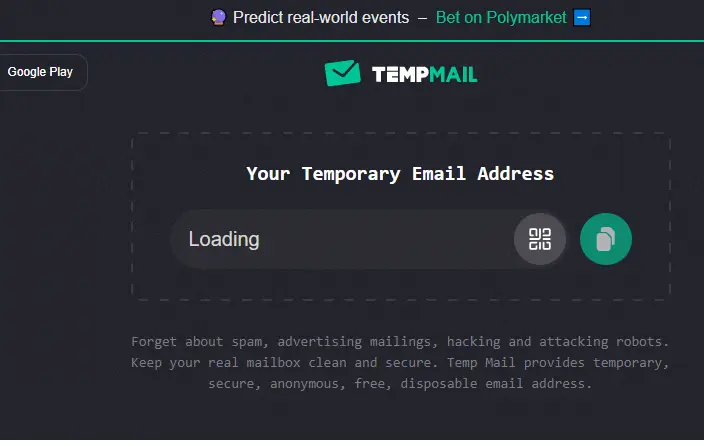
One of the most visited disposable email services globally, Temp-mail.org generates addresses instantly with no friction, no CAPTCHA, no signup. Addresses last approximately one hour, giving you more breathing room than EmailOnDeck’s 10-minute window. The downside: its popularity means it’s also widely blocked on major platforms, similar to EmailOnDeck.
3. Guerrilla Mail
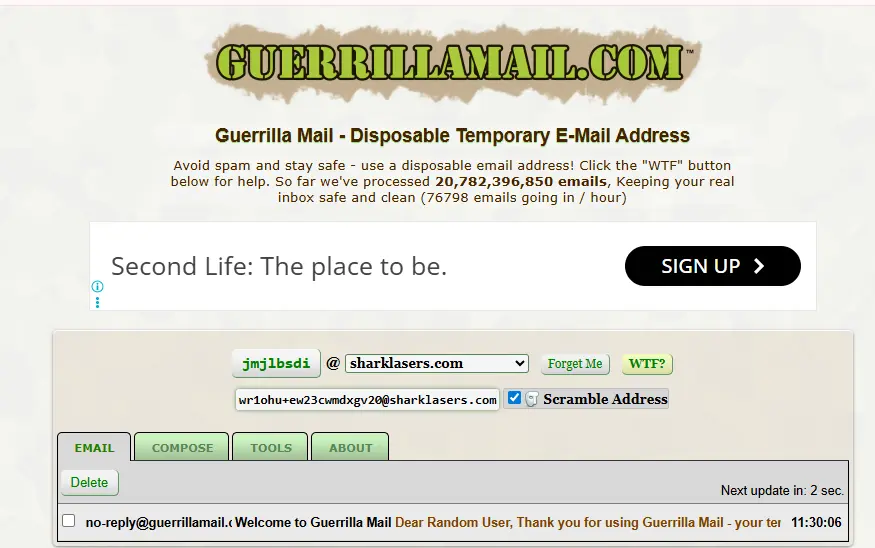
Guerrilla Mail receives approximately 5 million monthly visitors and has one major advantage over EmailOnDeck’s free tier: you can both send and receive disposable emails at no cost. With a 60-minute lifespan and a simple interface, it’s the best free option if you need two-way anonymous communication. Slightly higher detection risk due to its widespread use.
4. Mailinator
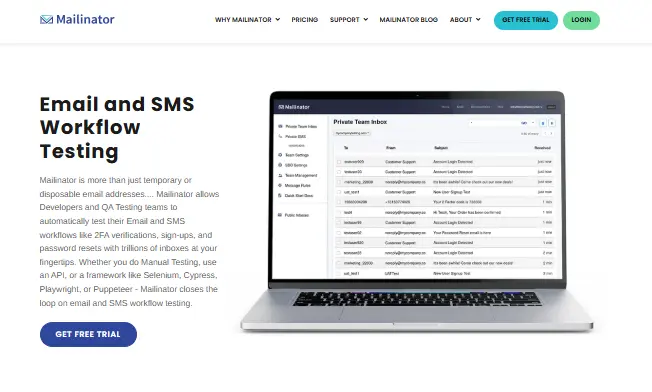
Mailinator is the developer’s choice, it creates public inboxes that are accessible by anyone who knows the address name. This makes it unsuitable for private use but excellent for testing automated email flows, signup verifications, or form submissions in development environments. Its domains are widely recognized and blocked on consumer platforms, so don’t use it for general signups.
5. Maildrop.cc

Maildrop is a clean, no-frills disposable email service with no CAPTCHA and no registration. It’s quieter than EmailOnDeck in terms of public recognition, which means a slightly lower blocking rate on some platforms. Inboxes last approximately 24 hours. No sending capability. A good everyday alternative for quick signups where EmailOnDeck gets rejected.
6. 10 Minute Mail
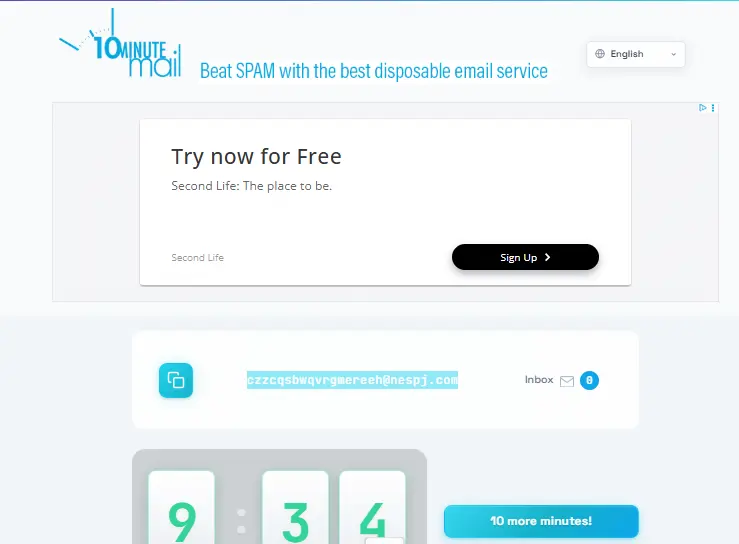
If you only need an email for 10 minutes and want the simplest possible experience, 10 Minute Mail delivers exactly that, without EmailOnDeck’s CAPTCHA step. You can extend the session with a button click. No account, no configuration. Medium detection risk. Best for ultra-fast single-use verifications.
The Bottom Line
EmailOnDeck is a solid, fast, no-friction temp email service for users who understand its limitations. For quick one-time signups where platform restrictions aren’t an issue, it still does the job. But if you’re regularly finding it blocked, or if you need an inbox that lasts longer, sends emails, or works reliably across major platforms, the alternatives above are better fits for 2026.
If you want a free email service with real AI-powered tools, a persistent inbox, and none of the CAPTCHA friction or 10-minute pressure, freemail.ai is worth trying, free to use, no signup barriers, and built for users who want more than a throwaway address.
Frequently Asked Questions
Is EmailOnDeck completely free?
Yes, EmailOnDeck’s core service is entirely free. No subscription or account is needed to generate a temporary address. The free version is ad-supported. A Pro plan with advanced features is available but is paid exclusively in Bitcoin or Ethereum, making it less accessible for general users.
How long does an EmailOnDeck email address last?
EmailOnDeck addresses last approximately 10 minutes by default. You can refresh or extend the session to keep it active longer. Once the session ends, the email address and all inbox messages are permanently deleted from EmailOnDeck’s servers.
Why is EmailOnDeck not working on some websites?
Most “not working” cases come down to real-time email detection. Services like Verifalia flag EmailOnDeck domains as Well-Known Disposable Email Addresses and reject them automatically during signup. Major social media platforms, e-commerce sites, and SaaS tools commonly use these validation APIs.
Does EmailOnDeck have a Chrome extension?
Yes. EmailOnDeck offers an official Chrome browser extension that lets you generate a temporary email address directly from your browser toolbar without navigating to the EmailOnDeck website. It’s free to install from the Chrome Web Store.
Can I send emails with EmailOnDeck?
On the free plan, no, you can only receive emails. Sending anonymous emails is a Pro-only feature. If you need a free disposable address with both send and receive capability, Guerrilla Mail is the best alternative.
What is the safest alternative to EmailOnDeck in 2026?
For general inbox protection, freemail.ai provides persistent access with AI tools and lower detection risk than most pure-disposable services. For completely anonymous one-time use with strong privacy policies, TempEmail.cc and Maildrop are solid choices that are less aggressively blocked than EmailOnDeck.
Is there a paid version of EmailOnDeck?
Yes, EmailOnDeck Pro unlocks custom email addresses, 100+ simultaneous inboxes, email sending, API access, exclusive domains, ad-free experience, and saved addresses. It’s priced in BTC or ETH with no recurring charges and no fixed fiat price.