

Using emojis in email can increase open rates by up to 56%, but results depend on your audience, placement, and volume. This guide covers exactly how to use emojis in email, in subject lines, preview text, and the email body, with dos, don’ts, and audience-specific guidance.
One study shows emojis in subject lines can lift open rates by 56%. A separate Nielsen Norman Group study found they raised negative sentiment by 26%. Both are true.
The difference comes down to who you’re emailing, where you place the emoji, and how many you use. This guide covers all three, so you can make the right call for your audience, not just follow a blanket rule.
Do Emojis Actually Help Email Performance?
Emojis can meaningfully improve email engagement, but the performance data is more mixed than most marketing guides admit.
Experian research found that 56% of brands using emojis in subject lines saw higher open rates. Return Path data showed a 29% lift in unique opens. Mailjet A/B testing found emails with an emoji in the subject line were 43% more likely to be opened.
On the other side, Nielsen Norman Group user research found that emojis raised negative sentiment by 26% among certain audiences.
The gap between those results isn’t a contradiction. It’s a signal. A well-chosen 🎁 in a retail promotion is a different context entirely from 🔥 in a financial advisory email.
One more useful number: only about 6.9% of email subject lines currently contain an emoji. Inbox differentiation is still available — but it’s shrinking.
Where Can You Use Emojis in an Email?
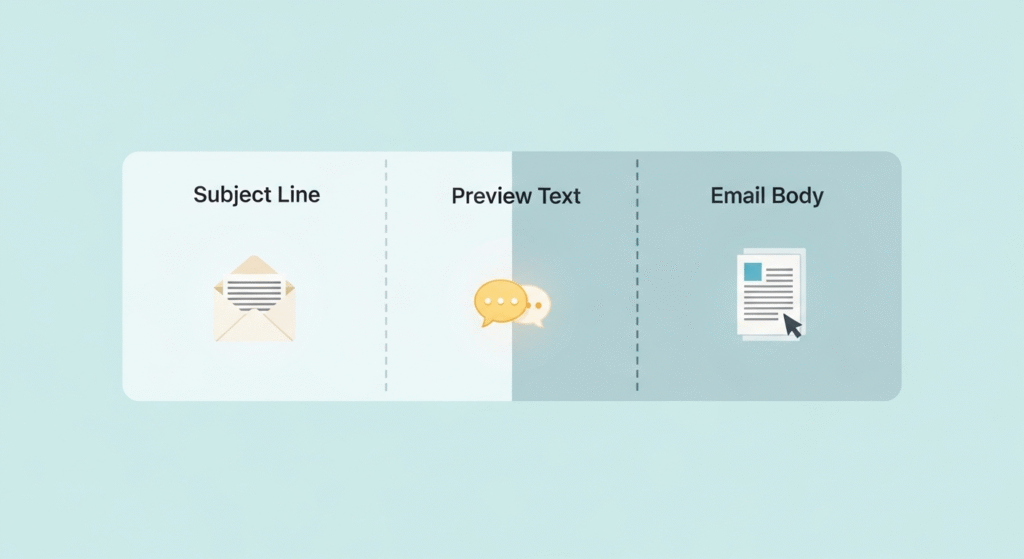
Most emoji guides treat this as a subject-line-only question. Emojis can actually appear in three separate places in any email, and each zone has a different purpose and a different risk profile.
Emojis in Email Subject Lines
Subject lines are where emojis have the clearest, most-studied impact on open rates.
The placement rule is straightforward: put the emoji at the very start or the very end of the subject line. Placing it mid-sentence breaks reading flow and looks awkward on mobile previews.
Research covered by Ideal Marketing Company found 63% of consumers were more likely to open a brand email with an emoji in the subject line. Specific emojis stood out: 😂 tears of joy drove 41% more opens; the crying face drove 39% more.
Practical rules for subject lines:
- Use 1–2 emojis maximum
- Choose emojis that are universally recognized
- Match the emoji to what the email is actually about
- Check mobile preview length — most phones show only 30–40 characters before cutting off
Emojis in Preview/Preheader Text
Preview text is the short grey snippet that appears next to or below the subject line in most inbox views.
If the subject line already has an emoji, use a different one in the preview text or skip it entirely. Repeating the same emoji twice reduces visual variety and looks like a copy-paste job.
One practical note: some email clients don’t render preview text at all. Always test a send before going to your full list.
Emojis in the Email Body
Body emojis serve a completely different purpose. They don’t help get the email opened — they add tone and personality once the reader is already inside.
Place body emojis at the end of sentences or bullet points. Avoid putting them mid-clause, where they interrupt the sentence structure.
There’s also an accessibility factor worth knowing about. Screen readers read emoji descriptions aloud. A reader using assistive technology will hear “fire emoji fire emoji fire emoji” if emojis are stacked or scattered through the text. Use emojis to accent meaning, never to carry it.
Brevo’s email marketing guide recommends treating body emojis as tone accents, one or two per email is typically enough to add personality without distracting from the message.
Which Emojis Work Best in Marketing Emails?
Familiar emojis with clear emotional meaning consistently outperform obscure or ambiguous ones.
Here are the top performers based on engagement data:
| Emoji | Why It Works |
|---|---|
| ❤️ Red Heart | Universally understood warmth |
| 😂 Tears of Joy | Highly relatable, top recognition |
| 🎁 Gift | Strong value signal — ideal for offers |
| 🔥 Fire | Urgency, trending content |
| 😱 Shocked Face | Curiosity gap, surprising reveals |
| 🎄 🎃 Seasonal | Spike engagement during relevant campaigns |
Mailjet’s campaign data found that a champagne emoji in New Year’s subject lines moved open rates from 18% to 22% baseline. Timing and relevance matter as much as the emoji itself.
Emojis to avoid:
- Obscure or recently released emojis that some devices won’t render correctly
- Emojis with double meanings that could misread in a professional context
- Long runs of face emojis in sequence, which can read as immature in most brand contexts
How Many Emojis Should You Use in an Email?
One or two well-chosen emojis outperform five scattered ones, nearly every time.
A simple guide by placement zone:
- Subject line: 1–2 maximum
- Preview text: 0–1 (skip it if the subject line already has one)
- Email body: 1–3 total across the entire email
Pod Digital’s analysis confirms that past 3 emojis in a single subject line, readability drops and spam associations rise.
Volume restraint isn’t just a style choice. It’s what separates a polished send from one that looks like a bulk promotional blast.
Should You Use Emojis in Professional or B2B Emails?
Emojis can work in some B2B contexts, but they carry more risk than in B2C campaigns.
A useful rule of thumb: if you’d text this person, an emoji in your email is probably fine. If the relationship is strictly formal, leave it out.
Here’s a practical industry breakdown:
| Industry | Emoji Suitability |
|---|---|
| Ecommerce / Retail | ✅ High |
| SaaS / Tech Startups | ✅ Moderate |
| Marketing / Creative Agencies | ✅ Moderate to high |
| Healthcare | ⚠️ Caution — professional tone expected |
| Legal / Finance | ⚠️ Caution — formal communication norms apply |
| Government / Enterprise | ❌ Avoid in most cases |
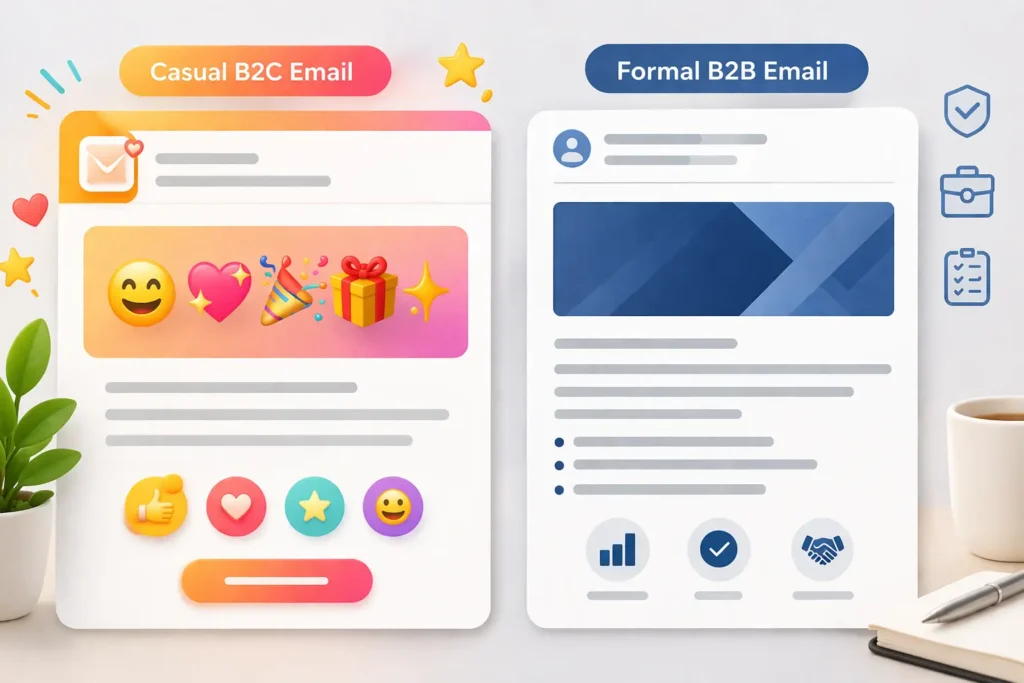
Adobe’s Emoji Trend Report found that 73% of people view emoji-using communicators as friendlier and more approachable. That’s an asset in relationship-driven B2B outreach. In high-stakes formal contexts, it tends to work the other way.
Demographics also matter. 80% of millennials prefer emoji-inclusive communications, so the age profile of your list is often as important as the industry.
If you’re sending to different audience segments, keeping those groups clearly organized makes these decisions much easier. The guide on building a mailing list in Gmail covers how to structure your contacts by audience type before sending.
Can Emojis in Emails Trigger Spam Filters?
Emojis alone rarely cause filtering in modern email platforms, but they can contribute to a spam-like profile when combined with other red flags.
Modern spam filters look at a combination of signals: sender reputation, authentication, subject line content, and formatting patterns. A single emoji paired with clean content from a verified sender is almost never a problem.
The real risk comes from stacking emojis alongside other problematic elements — ALL CAPS subject lines, excessive punctuation, or a domain without proper SPF and DKIM records. That combination raises spam scores.
There’s also a rendering issue. Some older email clients show unsupported emojis as blank boxes or question marks. That looks broken, not intentional.
Before sending to a large list, run this three-step check:
- Send a test email to Gmail, Outlook, and Apple Mail
- Open the test on both desktop and a phone
- Run the draft through a deliverability checker to review your full spam score
If you’re still getting familiar with Gmail’s send process, our guide to sending email using Gmail walks through the basics.
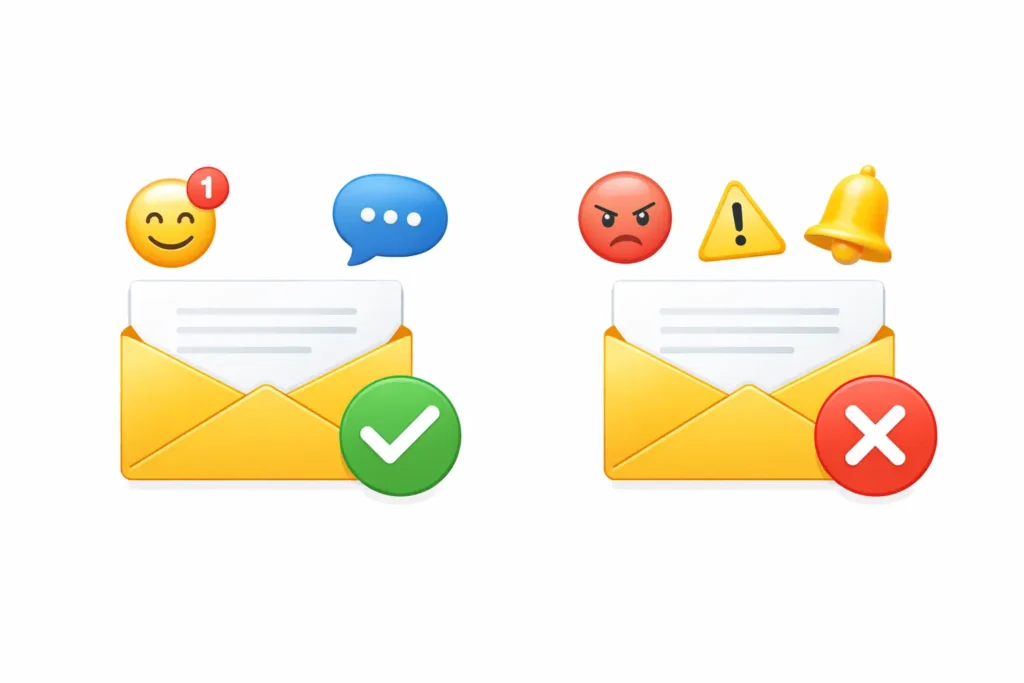
Emoji Dos and Don’ts — Quick Reference
| ✅ DO | ❌ DON’T |
|---|---|
| Place emojis at the start or end of subject lines | Bury emojis mid-sentence |
| Use 1–2 emojis per subject line | Stack 4 or more emojis in one subject line |
| Match the emoji to the email’s actual content | Use random or irrelevant emojis |
| Test rendering across Gmail, Outlook, Apple Mail | Assume all email clients display emojis the same way |
| Place body emojis at the end of sentences | Replace words with emojis in body text |
| Factor in your audience’s industry and age | Apply one approach to all audience types |
| Use familiar, broadly recognized emojis | Use obscure or dual-meaning emojis |
| Make sure the message reads clearly without emojis | Rely on emojis to carry meaning alone |
How to Add Emojis to Your Emails
Adding emojis is quick on any device or platform.
Windows: Press the Windows key + period (.) to open the built-in emoji picker.
Mac: Press Control + Command + Space to open the Character Viewer.
iOS / Android: Tap the emoji icon on your keyboard directly from the compose screen.
For the most reliable cross-client rendering, copy emojis directly from Emojipedia and paste them into your email editor. This ensures you’re using a stable Unicode character rather than a platform-specific glyph that may not display correctly in Outlook or older clients.
If you’re drafting with an AI email generator, include the emoji instruction in your prompt — for example, “Add one relevant emoji to the subject line.” The tool builds it into the draft naturally alongside the subject line, preview text, and body copy.
For a broader look at email writing from start to finish, the complete email guide covers structure, tone, and sending best practices in one place.
Expert Tip: Skip the industry benchmarks and run your own A/B test. Send half your list a subject line with an emoji and the other half without. Track results over 3–4 sends. Your audience is specific, and your own send data will tell you far more than a general study ever can. That 15 minutes of setup is worth more than reading a dozen reports.
Frequently Asked Questions
Do emojis in email subject lines increase open rates?
Yes, for most B2C audiences. Experian found that 56% of brands saw higher open rates with emojis in their subject lines, and Return Path data shows a 29% lift in unique opens. Results vary by industry — B2B and formal sectors see smaller gains or, in some cases, a negative response.
How many emojis should I use in an email subject line?
Use 1–2 emojis maximum. Placing one at the start or end of the subject line performs better than inserting it mid-sentence. More than 3 emojis in a single subject line typically hurts readability and raises spam associations.
Can emojis cause emails to go to spam?
Emojis alone rarely trigger spam filters in modern email platforms. They can contribute to a spam-like profile when combined with ALL CAPS, excessive punctuation, or a poor sender reputation. Test across multiple clients before sending to a large list.
Are emojis appropriate in professional business emails?
It depends on your industry and your relationship with the recipient. Emojis can add warmth in startup culture, relationship-led outreach, and internal team communication. For formal proposals, legal correspondence, and enterprise sales, it’s better to leave them out.
Which emojis perform best in email marketing?
Top performers include ❤️ red heart, 😂 tears of joy, 🎁 gift, 🔥 fire, and seasonal emojis like 🎄 or 🎃 during relevant campaigns. Familiar, emotionally clear emojis consistently outperform obscure or niche ones.
Do emojis work in the email body, or just the subject line?
Emojis work in the email body when used sparingly — to add tone, accent bullet points, or bring personality to a call-to-action. Place them at the end of sentences rather than mid-clause, and make sure the message reads clearly without them for screen reader users.
How do I insert emojis into my email?
On Windows, press the Windows key + period (.) for the emoji picker. On Mac, use Control + Command + Space. For guaranteed cross-client rendering, copy emojis directly from Emojipedia.org and paste them into your email editor.
Writing emails that are both professional and engaging takes more than adding the right emoji. Freemail.ai’s AI email generator drafts the subject line, preview text, and full message body for you — matched to your tone, context, and audience. Try it free and spend less time writing, more time sending.