

TL;DR: You can find someone on Facebook via email by typing the full address into the search bar. It only works if the person’s privacy settings allow “Everyone” to look them up that way. If that fails, the Forgot Password page is a reliable backup. This guide covers four working methods, explains why searches fail, and shows how to protect your own email from the same lookup.
You have someone’s email address but no idea what their Facebook name is or what their profile looks like. That situation is more common than most people expect.
Facebook does allow email-based profile searches. The search only works under specific privacy conditions, which is exactly why so many people try it and see nothing. This guide walks through every method that works in 2026, covers what to do when searches return no results, and includes a privacy angle that almost every other guide completely skips.

Can You Really Find Someone on Facebook Using Their Email?
Yes, but it depends entirely on the other person’s privacy settings, not your search technique.
Facebook only surfaces a profile in email searches when two conditions are both true: the account holder’s email is set to public, and their “Who can look you up using the email address you provided?” setting is set to “Everyone.” If either condition is turned off, the search returns nothing, even when the account is active. That said, there are reliable workarounds, and the methods below cover what to try at each stage.
Method 1: Search Facebook Directly Using the Email Address
This is the fastest place to start. Type the complete email address into Facebook’s search bar and press Enter.
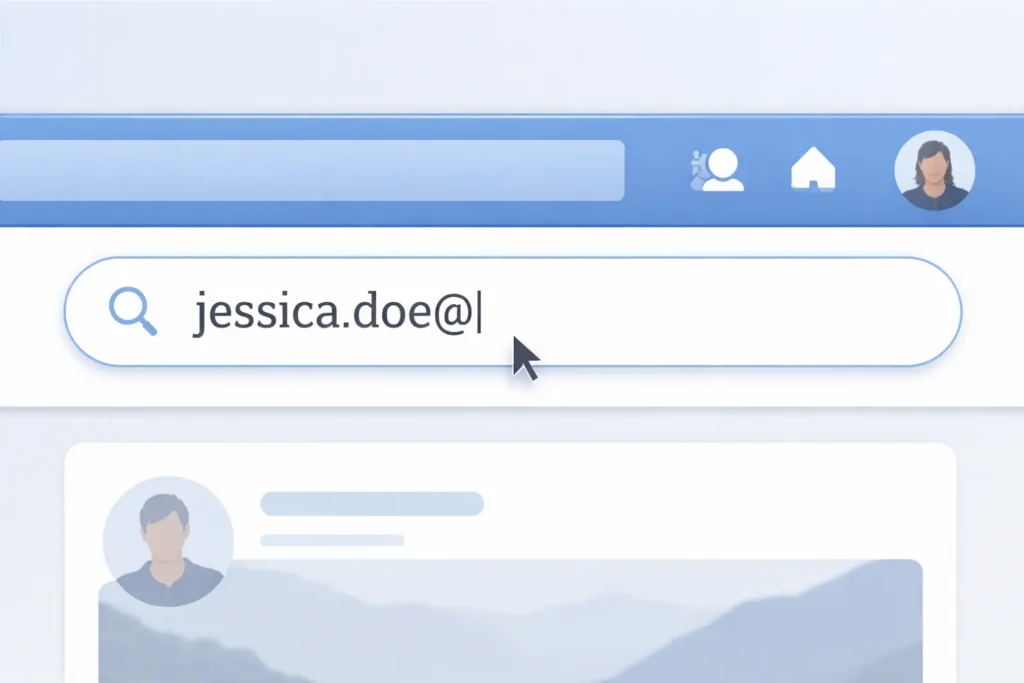
A few things to know before trying:
- Use the full email address — partial entries return no results
- After searching, click the “People” filter to see profile results
- A successful match shows the person’s name and profile picture
On Desktop
- Go to facebook.com and log into your account
- Click the search bar at the top of the page
- Type the full email address exactly as written
- Press Enter
- Click People in the left-hand filter panel
- Check the results for a matching profile
On the Mobile App
- Open the Facebook app and tap the search icon at the top
- Type the complete email address into the search field
- Tap Search on your keyboard
- Tap People at the top of the results screen
- Review any profiles that appear
If nothing comes up, move to Method 2 before drawing any conclusions. No result does not mean no account.
What If the Email Search Returns No Results?
A blank result usually points to a privacy setting, not a missing account.
The Forgot Password method described next gets around privacy restrictions in a way the standard search cannot. Try that before assuming the person is not on Facebook. It is the most reliable option available without third-party tools.
Method 2: Use the Facebook “Forgot Password” Page
This method works consistently even when the standard search fails. It does not give access to anyone’s account. It simply confirms whether a Facebook account is connected to the email you are searching.
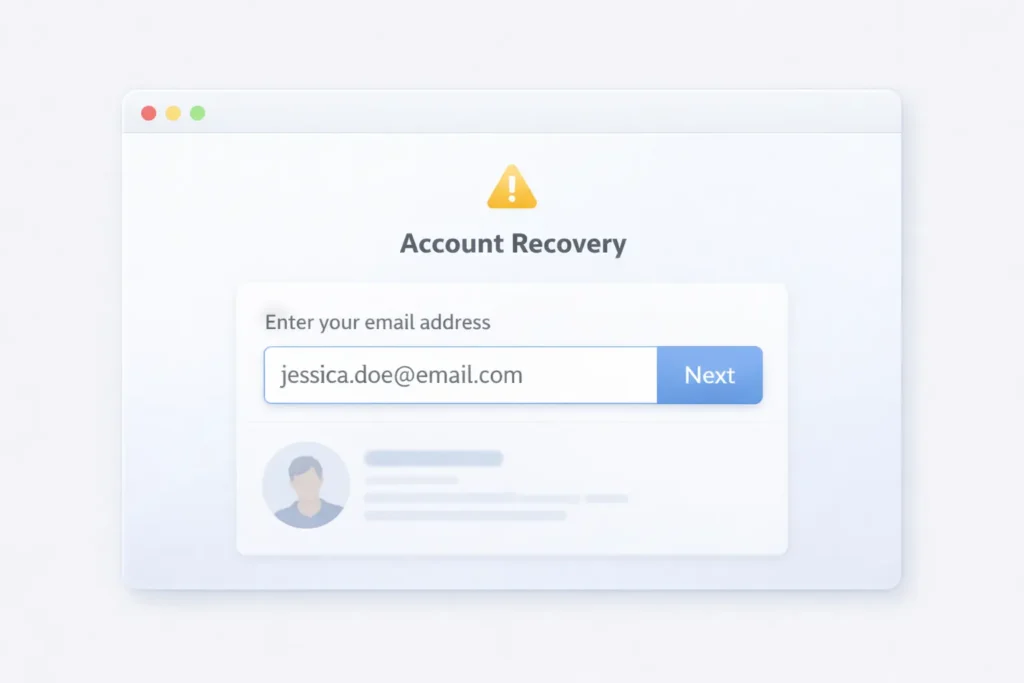
Here is how to do it:
- Go to facebook.com and click “Forgot password?” beneath the login fields
- Enter the email address into the search box
- Click Search
- If an account is linked to that email, Facebook shows the profile picture and a partial name
- If nothing is connected, the page states that no account was found
This works because Facebook’s account recovery flow is built to confirm identity. It surfaces just enough information to verify whether an account exists, and nothing beyond that.
One clear boundary: this method only shows publicly visible account information. It does not reveal private data, and it grants no access to the account whatsoever.
Method 3: Search Google for the Facebook Profile
Some Facebook profiles are indexed by Google, especially business pages, public figures, and open group members.
Try this exact search operator:
textsite:facebook.com "email@example.com"Replace the placeholder with the actual email address. If that address appears anywhere on a public Facebook page — such as a bio, an “About” section, or a group post — Google may have captured it.
Pasting the email directly into Google without the operator is also worth trying. Birdeye notes that cross-platform searches like this occasionally surface profiles when Facebook’s own search returns nothing.
Be realistic here. Most personal Facebook profiles are not publicly indexed with an email address visible. This method works best for business accounts and public figures, not private individuals.
Method 4: Use Third-Party Email Lookup Tools
Tools like Snov.io and Swordfish can match email addresses to social profiles, but they are built for B2B sales teams, not personal searches.
Before trying one, consider a few honest points:
- Accuracy varies. Personal accounts are harder to match than business contacts, and results can be outdated or incorrect
- Cost is high. Swordfish starts at $99 per month, which makes it impractical for a single personal lookup
- Legal questions apply. Using these tools to look up individuals without their knowledge can raise data privacy concerns, particularly under GDPR in European jurisdictions
For reconnecting with a personal contact, third-party tools rarely deliver reliable results and carry real costs. OutreachPlus covers several of these platforms in more detail if you need them for professional prospecting.
Why Does Facebook Email Search Often Fail?
Most people assume the search itself is the problem. Almost every time, the real cause is a privacy setting.

Here are the four most common reasons:
- Privacy set to “Friends” or “Only Me.” Facebook limits email-based lookups by default. Only profiles set to “Everyone” appear in this type of search
- Different email on file. Many people maintain separate email addresses for different platforms, so the address you have may not be the one linked to their Facebook account
- Account deactivated or deleted. Facebook removes deactivated profiles from all search results
- Spelling error. Facebook requires an exact match — one wrong character and nothing returns
A detailed breakdown of Facebook’s privacy system confirms that the first reason, a restricted privacy setting, accounts for the large majority of failed email searches. It is also the one most people never think to check.
The Other Side of This Search: What Your Email Reveals About You on Facebook
Most guides stop at finding other people. There is a side to this search that almost no one talks about.
If someone can find a Facebook profile via email, your own email can be used to find you the same way. By default, Facebook links your real email to your account and sets email-based discoverability to a relatively open level. That means anyone who has your email address may be able to pull up your Facebook profile without you knowing.
To check and update your own settings:
- Open Facebook and go to Settings and Privacy
- Click Settings, then select Privacy
- Find “Who can look you up using the email address you provided?”
- Change it from “Everyone” to “Friends” or “Only Me”
That fix takes about two minutes and closes the most obvious gap.
For new signups going forward, there is a more complete solution. Using a temporary email address for social platform registrations means your real email is never linked to the account in the first place. There is nothing to find because the connection never exists.
Spam bots and data scrapers actively target email addresses exposed through social media profiles. Keeping your primary inbox off these platforms is one of the simplest ways to reduce that exposure. Not sure which protection approach fits your situation? The comparison between a Gmail alias and a temporary email is a practical starting point.
Expert Tip: Two minutes in your Facebook privacy settings can close the email lookup gap on your existing account. Set “Who can look you up using the email address you provided?” to “Friends” as a baseline. For stronger protection on future platform signups, use a separate email address that carries no link to your real identity — your primary inbox stays private by default.
Frequently Asked Questions
Can you find someone on Facebook if you only have their email?
Yes. Type the full address into Facebook’s search bar and filter by People. This works only when the account holder has their privacy set to allow “Everyone” to look them up by email. If nothing appears, try the Forgot Password method to confirm whether an account is connected.
Why doesn’t Facebook show results when I search someone’s email?
Privacy settings are the most common cause. Facebook restricts email-based lookups to “Friends of Friends” or “Friends” by default. If neither setting allows public lookup, no profile appears, even when the account is active.
Does the Facebook Forgot Password trick actually work to find someone?
Yes. Entering an email on the Forgot Password page confirms whether an account is linked by showing a partial name and profile picture. No login credentials or account access are involved.
Can someone find me on Facebook using my email address?
Only if your privacy settings allow it. Open Settings, go to Privacy, and look for “Who can look you up using the email address you provided?” Setting it to “Friends” or “Only Me” stops email-based lookups on your profile.
Are there apps that find Facebook profiles from email addresses?
Yes, but they are designed for business use. Tools like Snov.io and Swordfish match emails to social profiles, but accuracy for personal accounts is inconsistent, costs are high, and using them on individuals without consent can raise legal concerns in many jurisdictions.
Can you search Facebook by phone number the same way?
Yes. Facebook’s search bar accepts phone numbers under the same privacy conditions as email. The Forgot Password method also works with a phone number, which makes it useful if you have one but not the email the person used to register.
What if the email isn’t linked to any Facebook account?
No method will return results if the email is not connected to an account, or if the account has been deactivated. Try searching by the person’s name combined with a city or workplace, or check whether they use a different email address for their social media profiles.
Now that you understand how email-based Facebook searches work on both sides, it is worth taking a minute to check your own privacy settings. If you want to go a step further and keep your real email off social platforms entirely, a temporary email address from FreeMail AI does exactly that, with no technical setup required.